Automatic Filtering Fryers
4-8
Diagnostics with the Controllers
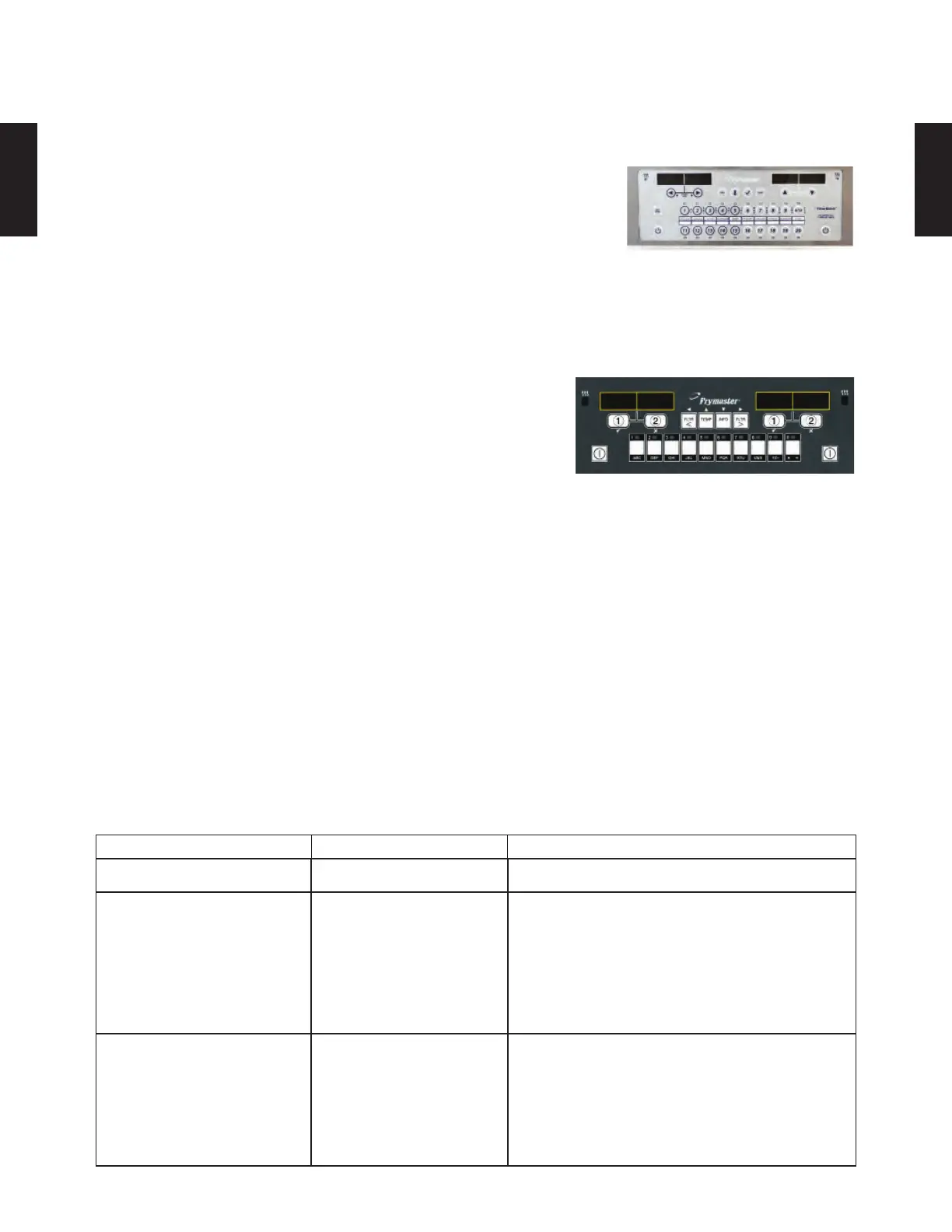
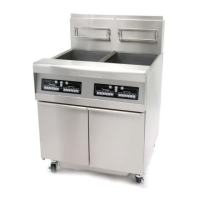
The FilterQuick 3000 controller has a quick way to compare the
resistance value of the ATO RTD to the vat temperature. This is a
handy diagnostic tool. With the controller OFF, press and hold the
TEMP button. The controller will display AIF and current tempera-
ture followed by ATO and current temperature. Compare the resis-
tance of the probe against the controller’s temperature reading, using the chart on page 6-8 and 6-9 If
the values differ greatly, a harness issue may exist. This diagnostic feature is available on FilterQuick
and OCF fryers. It’s not on LOV fryers.
Problem Probable Causes Corrective Action
Frypot tops off cold. Incorrect setpoint. Ensure setpoint is correct.
No power to ATO board.
A. J5 connection
unplugged.
B. Fuse blown.
C. Transformer
malfunction.
A. Check to ensure J5 on front of ATO board is
fully locked into connector.
B. Ensure fuse below right control box (McD);
right side of ATO box (FQF) is not blown.
C. Check that proper voltage is present at
transformer. See charts on pages 6-53.
The yellow JIB low light
(McD platform only) won’t
illuminate.
A. Loose wire connection.
B. Power in the component
box is not present.
C. Failed transformer.
A. Ensure the yellow LED is securely attached
to plug J6 on the ATO board.
B. Ensure power is present in the component
box.
C. If power is present in component box, check
the transformer for correct voltage.
Troubleshooting the Top Off System
With either controller, verify the presence of system boards
with this test, which should be the fi rst step in diagnosing sys-
tem related failures: failure to fi lter, failure to top off, etc.
With the controller displaying OFF, press the temperature
button. The Controller/MIB/AIF/ATO versions scroll. Ab-
sence of a component in the display can point to a harness or connection issue. Also ensure each
board’s version numbers match and are the current version.








 To Next Page