© 2014 Flanders Scientic, Inc.
39
Return to Table of Contents
Color Management Menu
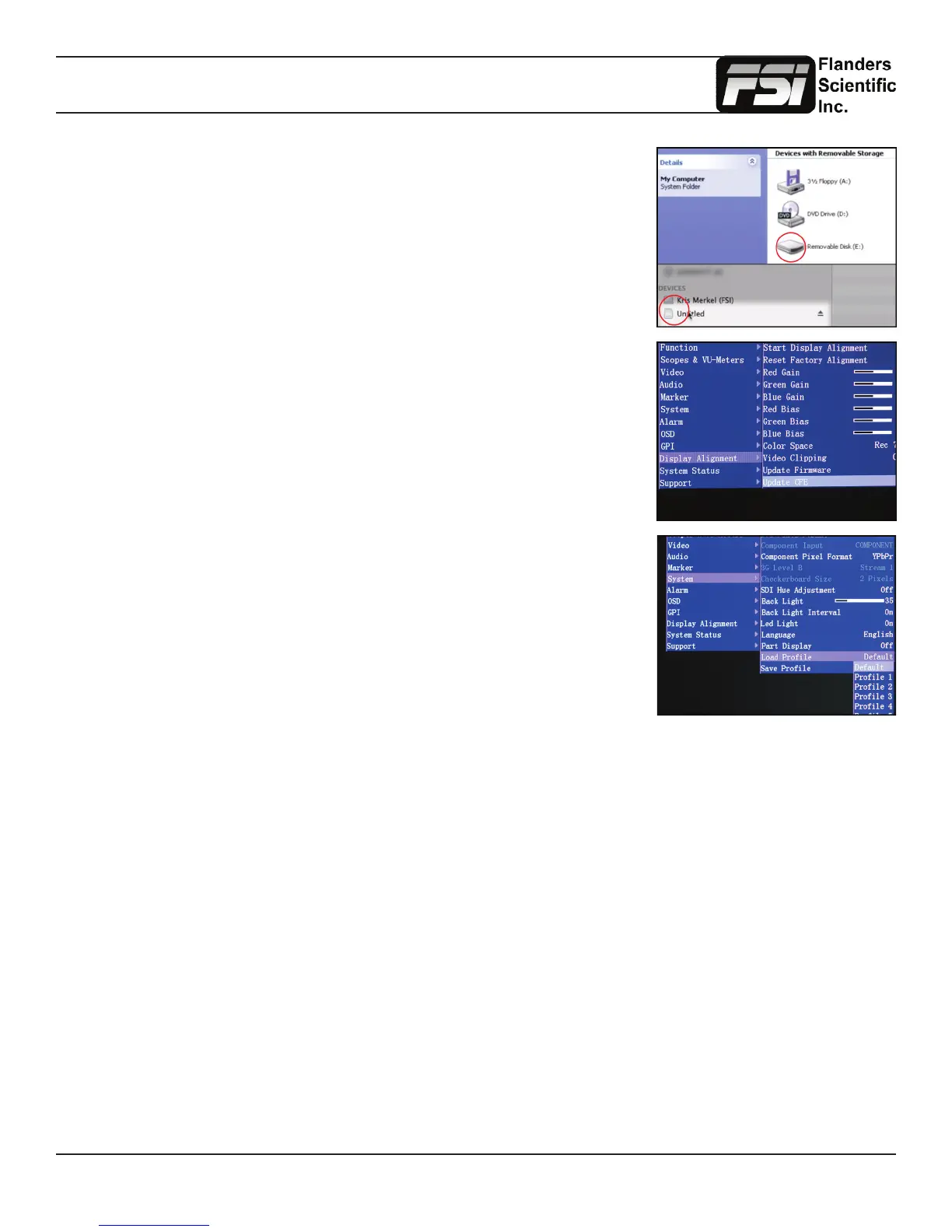
Drag and drop the custom LUT les to the monitor. It will take a few moments to
transfer.
You may load up to three custom LUTs at a time. (“user1”, “user2”, and “user3”)
Once the le has nished transferring, on the monitor go to:
Menu \ Color Management \ Update LUT
Press ENTER to begin the process, and conrm with Yes when the monitor prompts
you.
The update process will take approximately 6 minutes per LUT on monitors with rst
generation CFE boards and about 15 seconds per LUT on units with CFE2 boards.
Upon completion of the LUT transfer, power cycle the monitor.
Custom LUTs can be accessed from the Color Management menu by selecting Color
Space: USER1, USER2, USER3. Press ENTER to conrm your selection.
Monitors with a rst generation CFE board (LM-2461W, LM-2460W, CM-170W) utilize the .dat LUT format for calibration
LUTs.
Monitors with a second generation CFE board (CFE2) running rmware version 9.53-1935 or later utilize a .cfe LUT format
for calibration LUTs and a .dat LUT format for DIT LUTs. Units with CFE2 boards include:
-CM171
-CM172
-CM240
-CM250
-CM320TD
-CM420TD
-CM500TD
-BM090
-BM210
-BM230



 To Next Page