11 | P a g e
If the Server IP Address is to be entered as a domain name with letters, do the
following:
Press one of the keys repetitively to select the correct alphabetical
character.
Use the UP and DOWN keys to move between the fields.
Press the (E) key to end the entry (i.e. last character).
Press the ENTER key when done.
Remember to end the Text using the (E) key
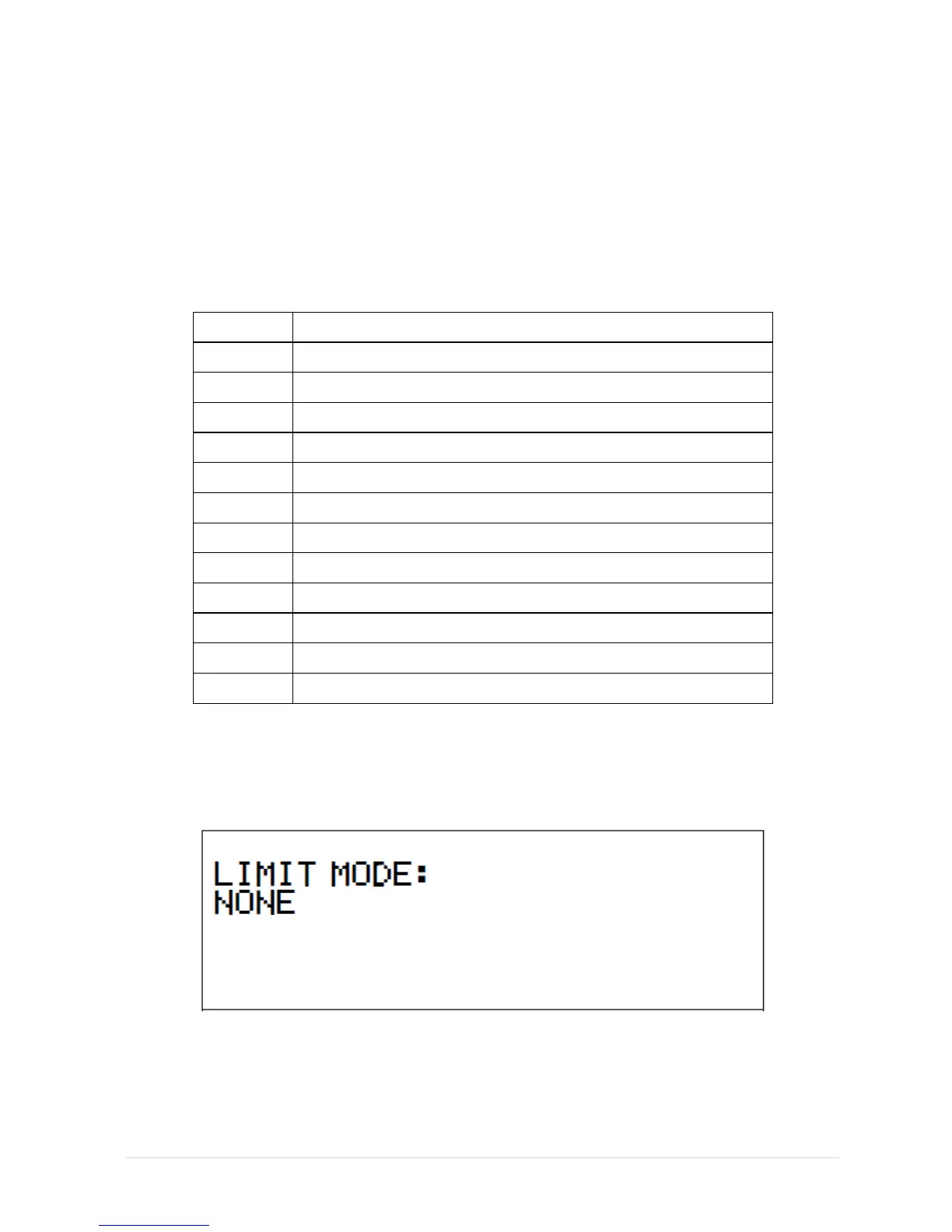
LIMIT MODE
The Limit Mode function will restrict the types of alarms which will be sent from the
Router to the Monitoring Computer.
The following limits are used:


 To Next Page
 Loading...