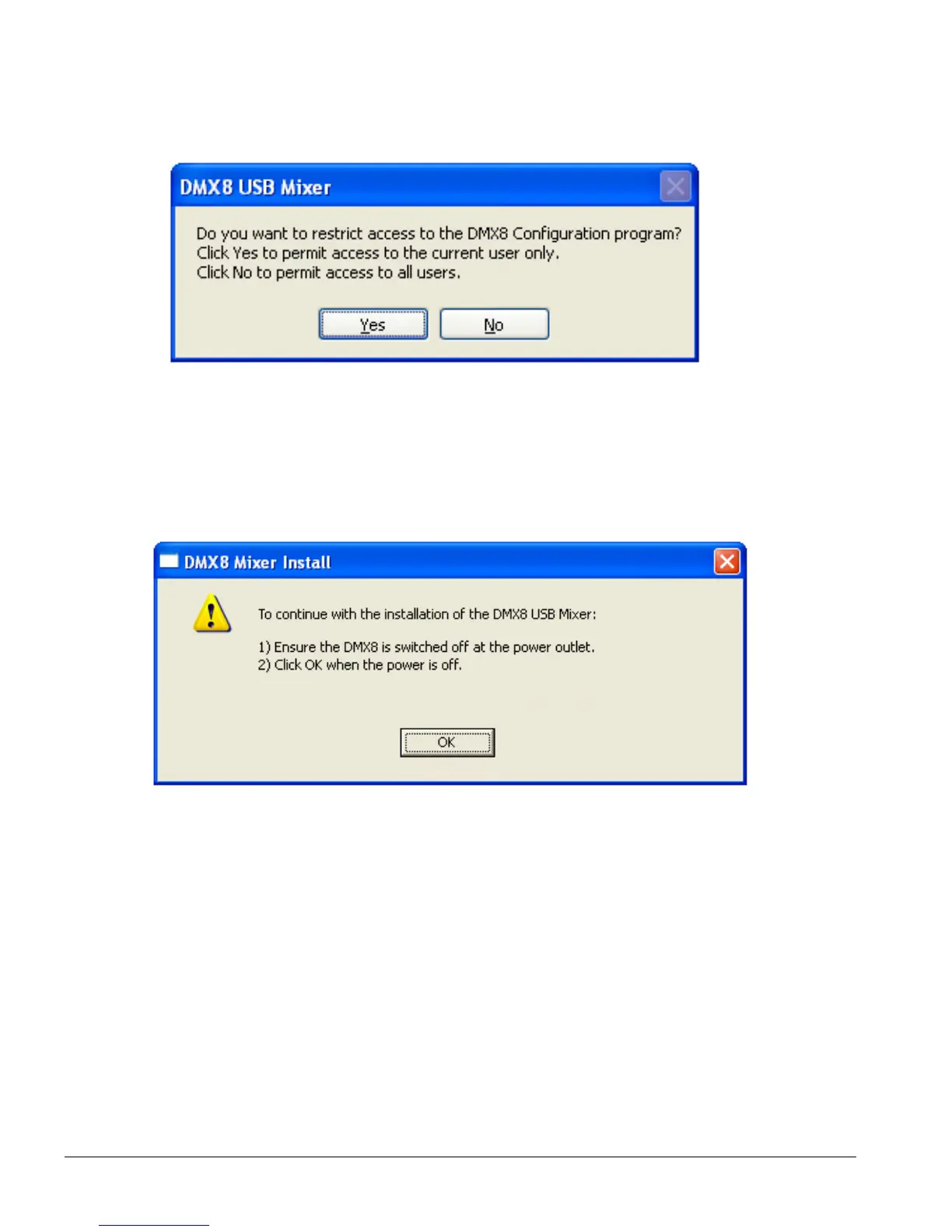
5. From the DMX8 Configuration Access dialog box select Yes to permit access to
the current user only or No to permit access to all users.
6. To continue with the installation of the DMX8 USB Mixer:
a. Ensure the DMX8 is switched off at the power outlet.
b. Click OK when the power is off.
7. To complete the installation of the DMX8 USB Mixer:
a. Ensure the DMX8 is connected to the computer via a USB cable.
b. Power up the DMX8 by switching it on at the power outlet.
c. Click OK when the power is on.
Page 8



 To Next Page