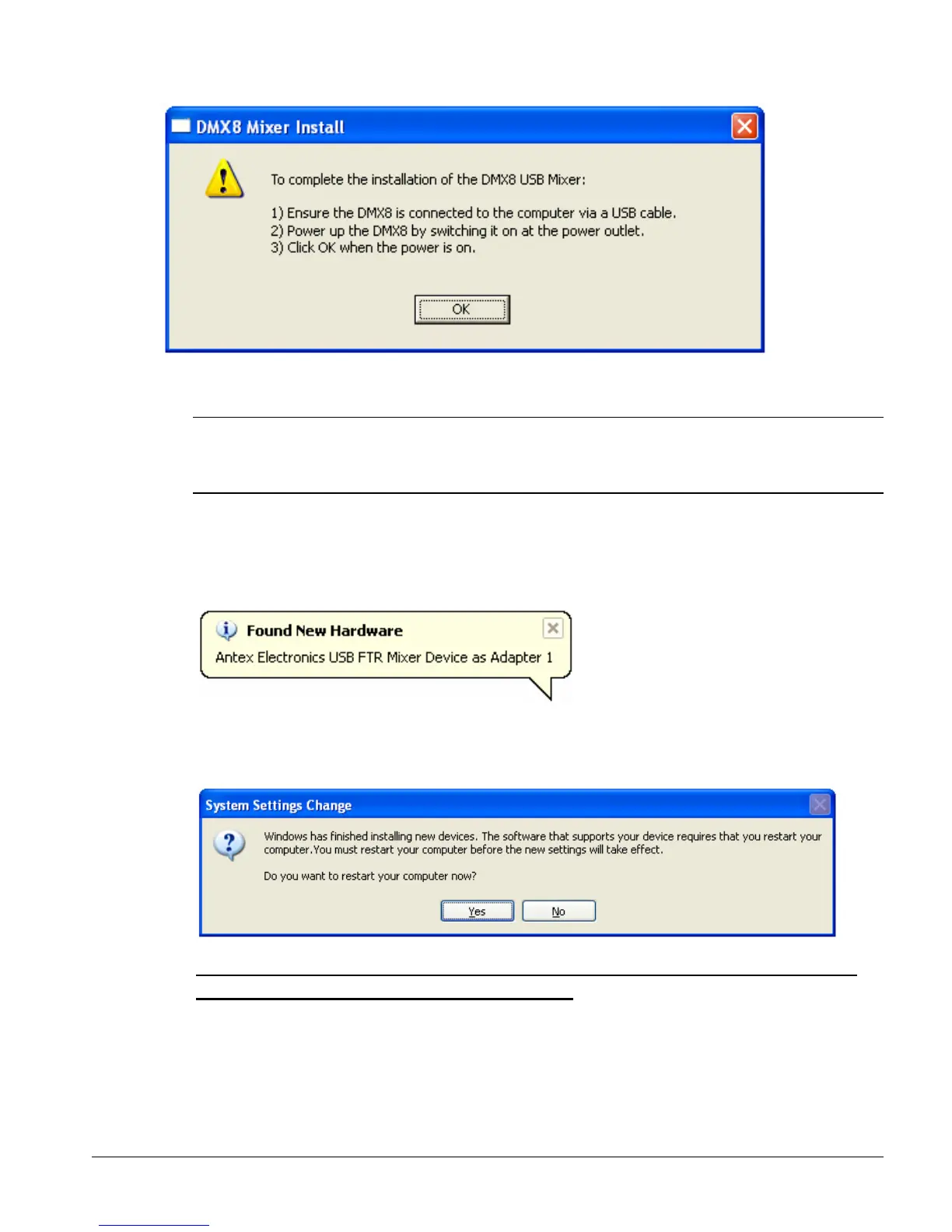
Note: The installation is not complete. Wait for the Found New Hardware
Wizard dialog box for the Antex Electronics USB FTR Mixer Device and
other hardware to be displayed.
8. Windows XP detects the Antex Electronics USB FTR Mixer Device and other
hardware.
9. From the System Settings Change dialog box click Yes to restart your computer.
IT IS IMPORTANT TO RESTART YOUR COMPUTER NOW, EVEN IF
YOU ARE NOT PROMPTED TO DO SO.
Page 9



 To Next Page