Installing the GLONASS option (on Fugro 920x GNSS receivers) B31002700PMBRA2
2
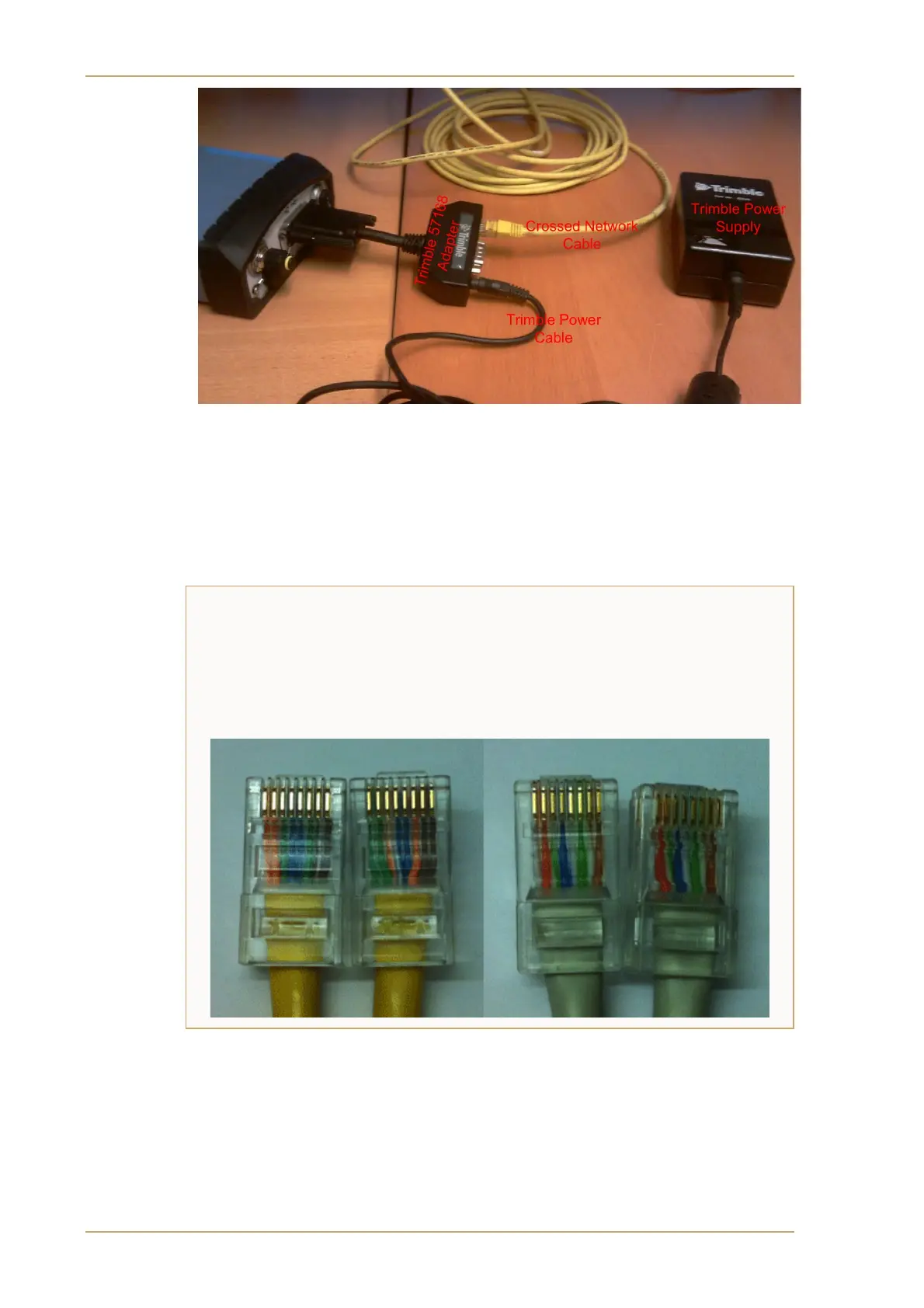
Figure 1: Trimble power supply and crossover network cable connected via a multiport adapter,
to the 9205-GNSS receiver’s 26 way high density D connector
Identifying ethernet flyleads
It is not always easy to know whether an ethernet flylead is a crossover or a regular
one since they are not usually labelled, but it is straightforward to identify which type
you have by comparing the wiring at each connector. The figure shows that in a
normal straight through flylead (shown on the right), the wiring pattern at each
connector matches exactly, whereas on the crossover flylead shown on the left, it is
obvious that the patterns do not match


 To Next Page