Passcode Setting for Extended Functions
697
Appendix
16
6
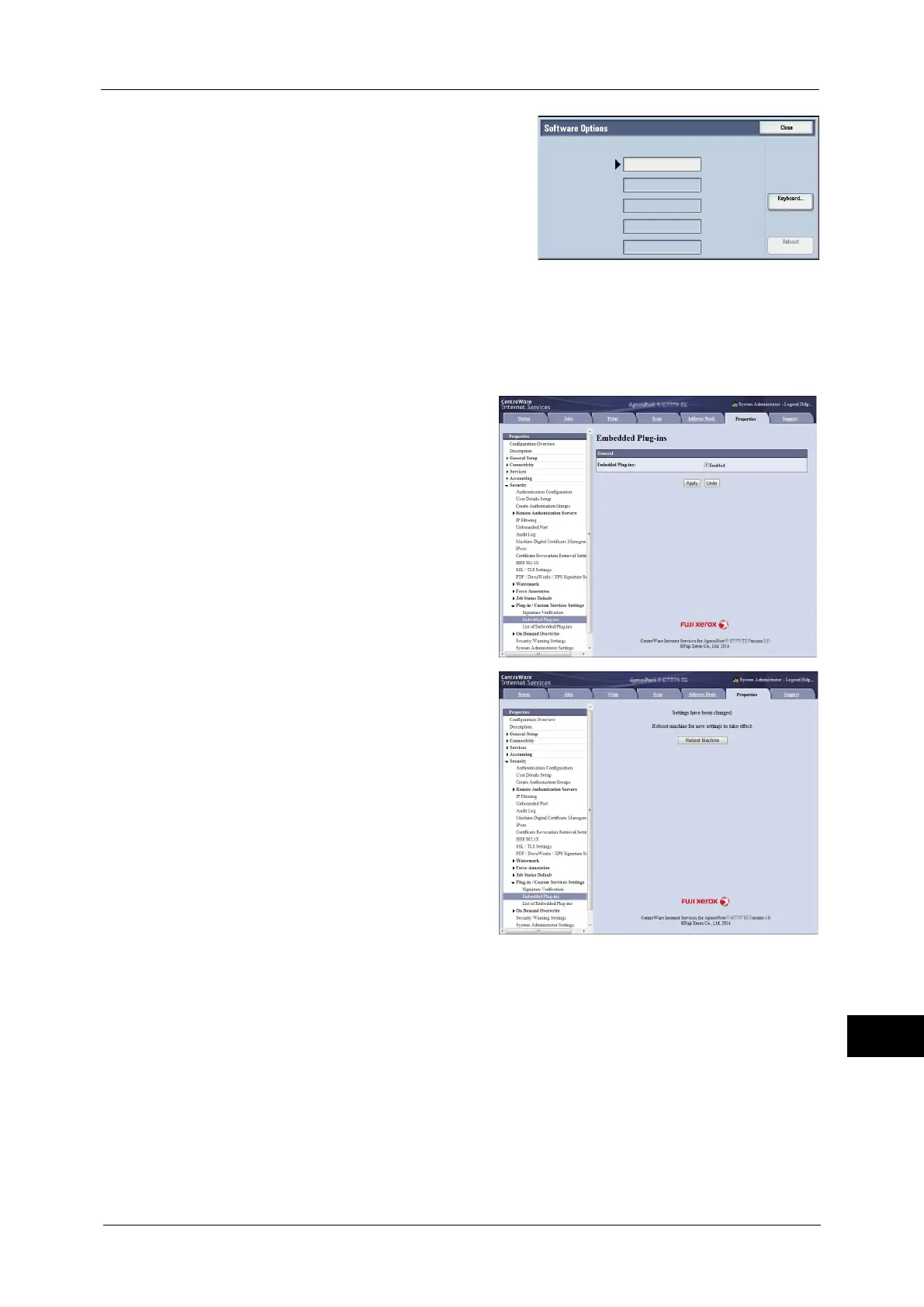
Enter the passcode for the extended function
with the keyboard.
7
Select [Reboot].
8
After rebooting the machine, start CentreWare Internet Services.
9
Select [Embedded Plug-ins] in [Plug-in / Custom Services Settings] under [Security] from
[Properties] tab.
10
Check the [Enabled] checkbox and click
[Apply].
11
Click [Reboot Machine].
After rebooting the machine, the setting
will be enabled.



 To Next Page
 Loading...

