263 Maintenance
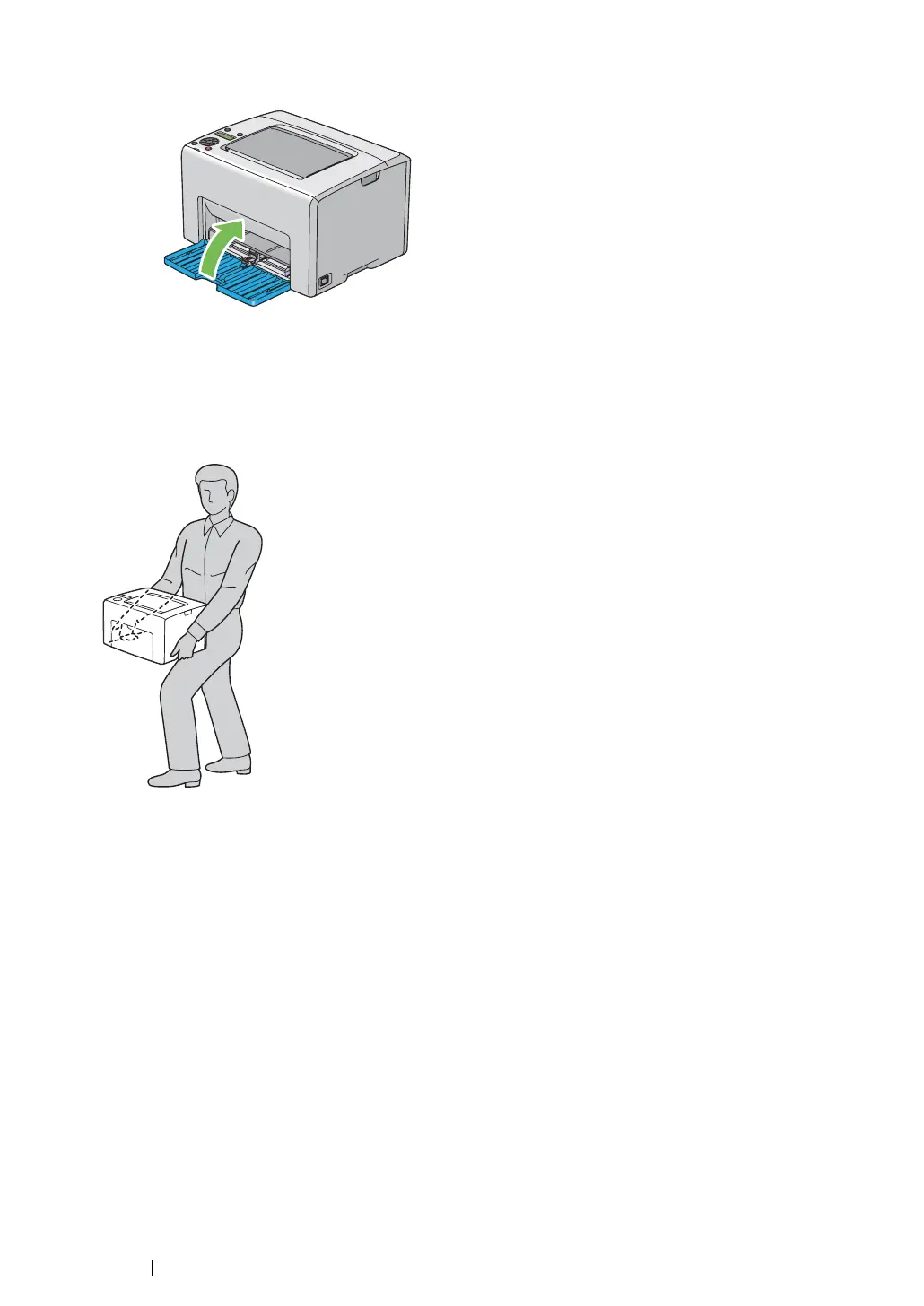
8 Lift the printer and move it gently.
NOTE:
• If the printer is to be moved over a long distance, the toner cartridges should be removed to prevent toner
from spilling and the printer should be packed inside a box.
9 Adjust the color registration before using your printer.
See also:
• "Adjusting Color Registration" on page 216



 To Next Page
 Loading...