Network Basics 88
2 Check the IP address assigned by AutoIP on the printer.
a On the operator panel, press the (Menu) button.
b Select Admin Menu, and then press the button.
c Select Network Setup, and then press the button.
d Select TCP/IP, and then press the button.
e Select IPv4, and then press the button.
f Select IP Address, and then press the button.
(Default IP address range: 169.254.xxx.yyy)
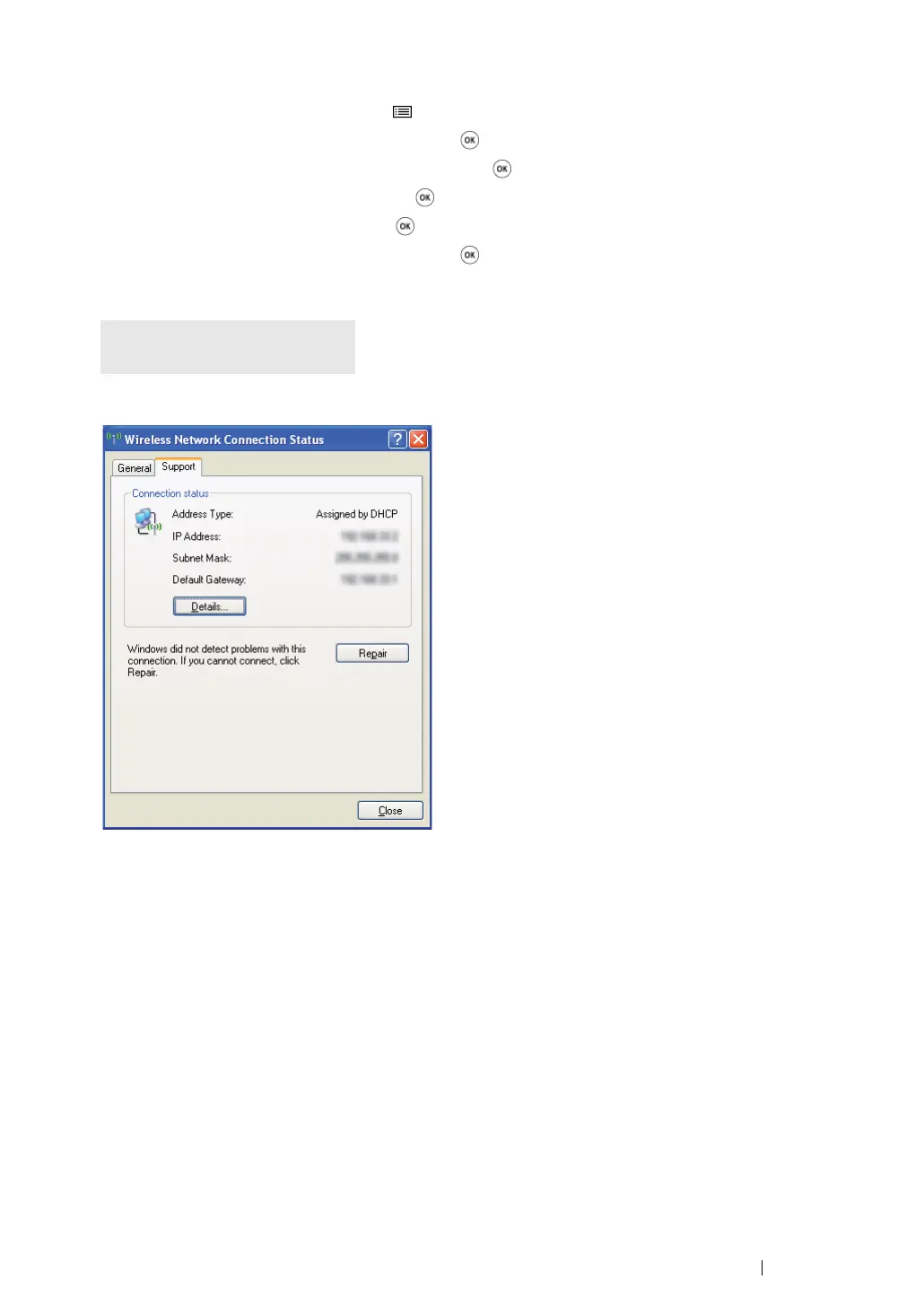
3 Ensure that the IP Address on your computer is assigned by DHCP.
4 Launch your web browser.
5 Enter the IP address of the printer in the address bar, and then press the Enter key.
CentreWare Internet Services page appears.
IP Address
169.254.000.041*


 To Next Page
 Loading...