Network Basics 92
a Display Control Panel.
b Select Network and Internet.
c Select Network and Sharing Center.
d Select Connect to a network.
e Select xxxxxxxx (xxxxxxxx indicates a wireless device’s SSID which you use) from the
network items listed in the available network list, and click Connect.
f Click Close in the dialog box after confirming the connection is a success.
For Windows Server 2008:
a Display Control Panel.
b Select Network and Internet.
c Select Network and Sharing Center.
d Select Connect to a network.
e Select xxxxxxxx (xxxxxxxx indicates a wireless device’s SSID which you use) from the
network items listed in the available network list, and click Connect.
f Click Close in the dialog box after confirming the connection is a success.
For Windows Server 2008 R2 and Windows 7:
a Display Control Panel.
b Select Network and Internet.
c Select Network and Sharing Center.
d Select Connect to a network.
e Select xxxxxxxx (xxxxxxxx indicates a wireless device’s SSID which you use) from the
network items listed in the available network list, and click Connect.
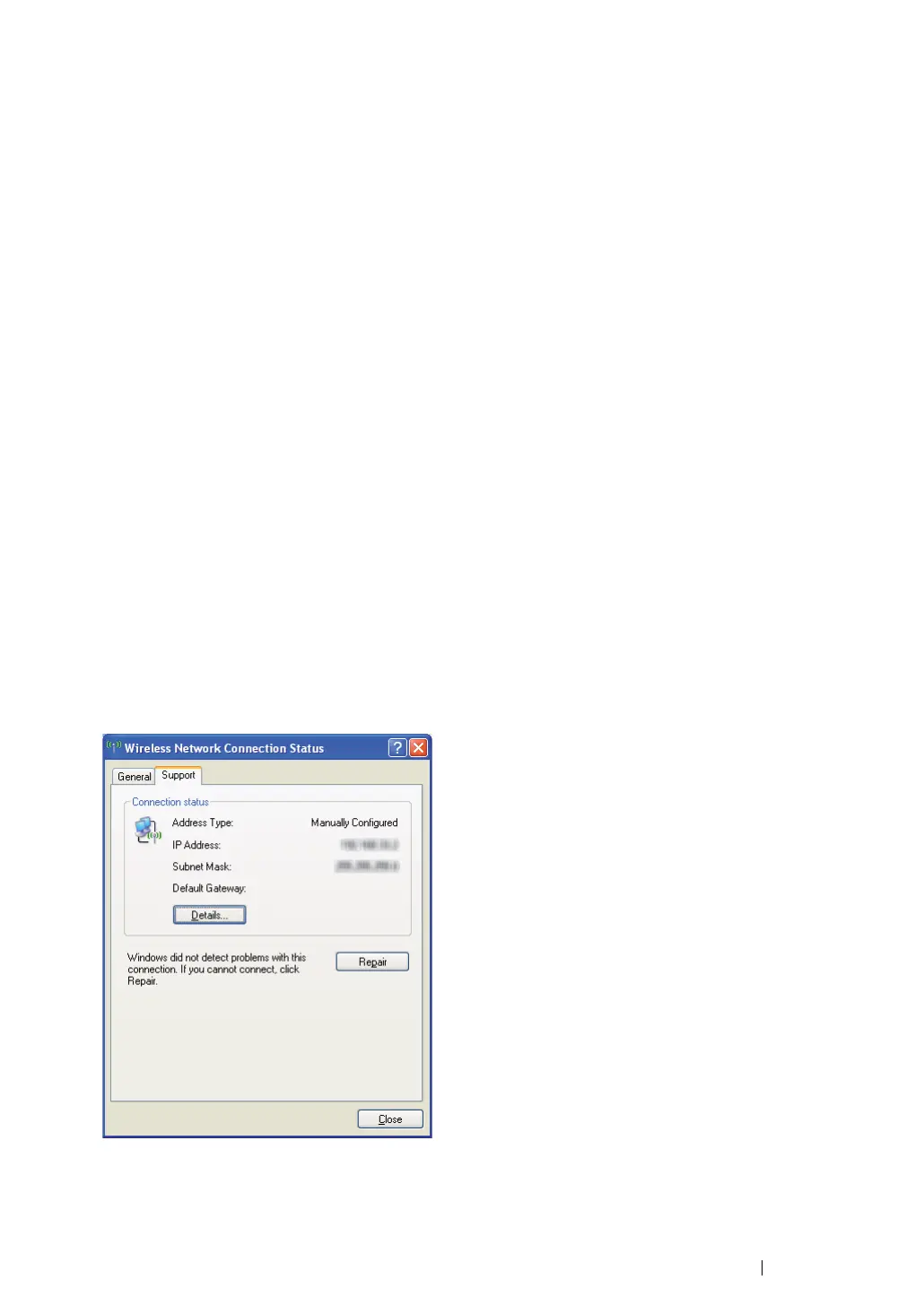
2 Check the IP address on your computer.
3 Set the IP address on the printer.
See "Assigning an IP Address (for IPv4 Mode)" on page 59.
4 Launch your web browser.



 To Next Page
 Loading...