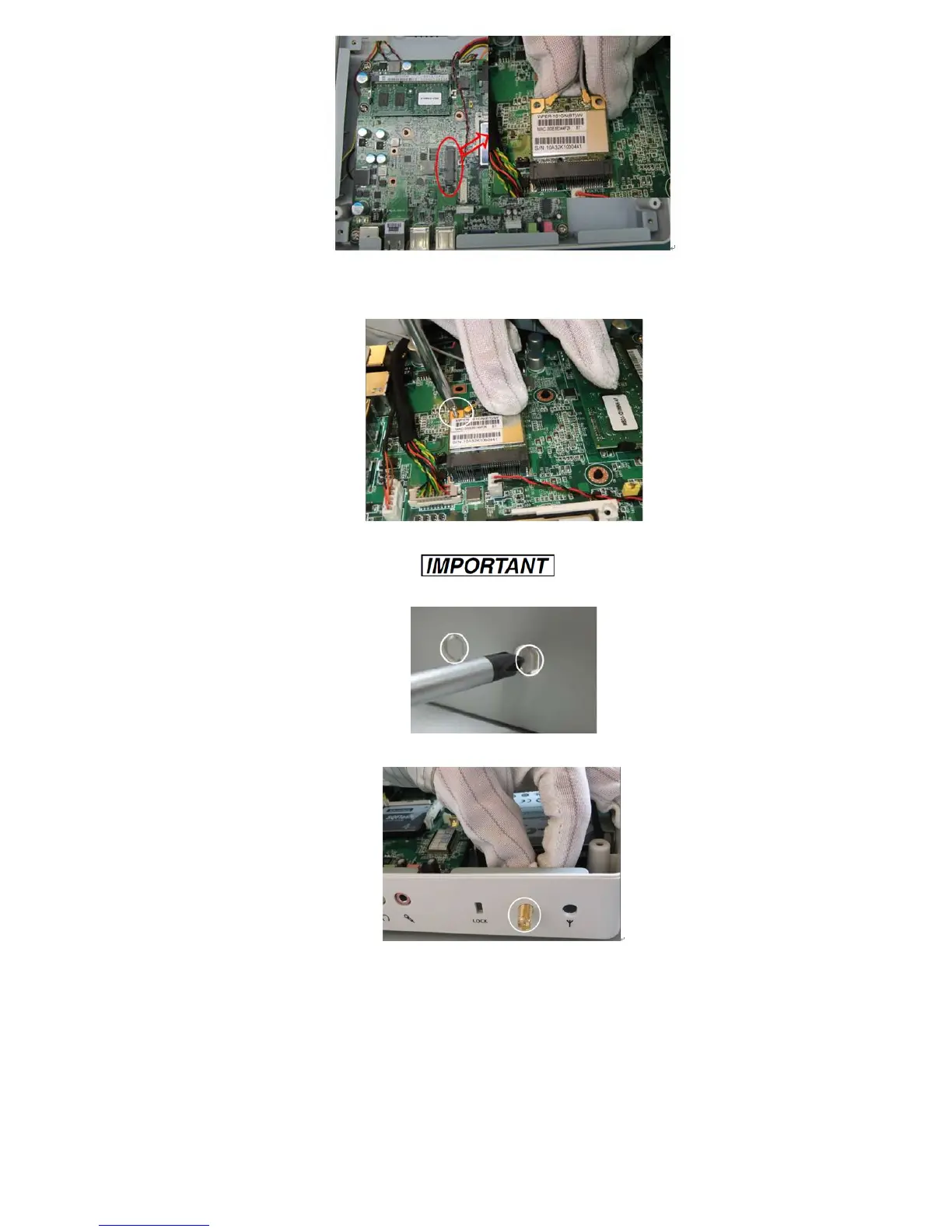
- 6 -
3-3-6. Tighten the screws as shown below.
3-3-7. Using a screwdriver to poke out the two holes for Wireless module terminals.
Do not hit the HDD inside with the screwdriver.
3-3-8. Insert the cables into the two antenna holes in the rear panel.
3-3-9. Use a screwdriver to tighten the washers and screws on the antenna cables. Place the
washers in first, and then tighten the screws.



 To Next Page