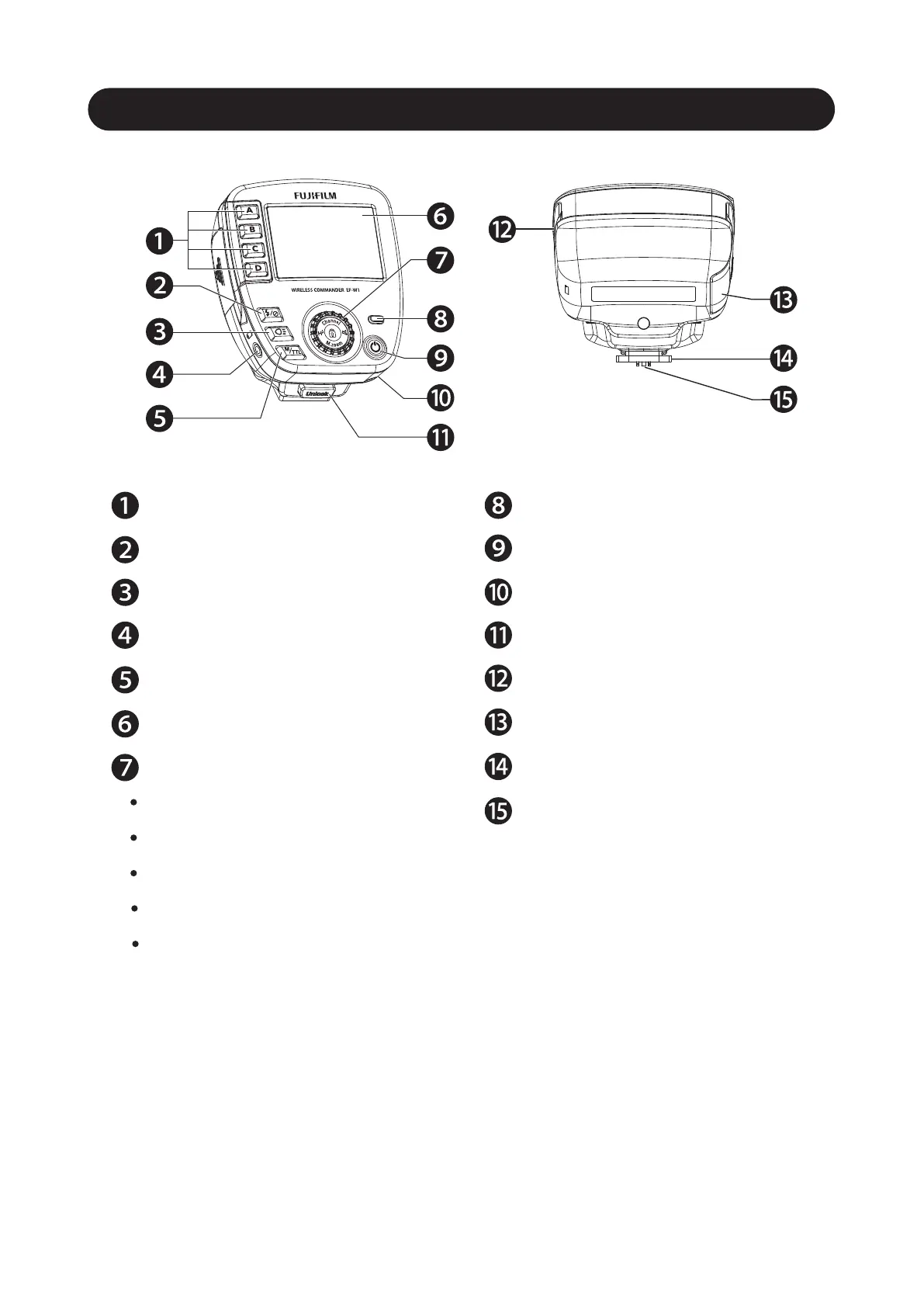
Name of the Components and Accessories
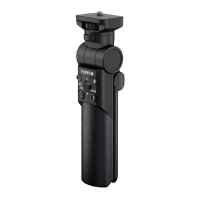
Accessory
4
* Special case, cable for remote shutter
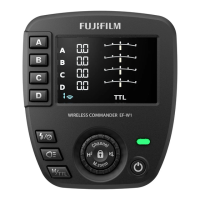
Group selection button
Group on/off button
Modeling light button
Shutter cable socket (2.5mm)
M/TTL Mode button
LCD Panel
Control Wheel and buttons
Channel Button
HSS Button
M. Zoom button
Buzzer button
Panel Lock/Unlock button
Pilot button (Test flash button)
Power On/Off button
Strap hole
Unlock button
Micro SD card slot
Battery compartment door
Mounting foot
Hotshoe contacts
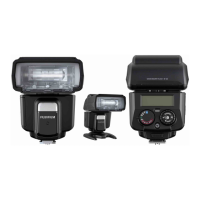
* By using a flash compatible with wireless remote shutter such as Nissin
Digital MG10 / MG8, you can use the shutter button on the flash to
release the camera shutter. For details, see the flash instruction manual.
(Nissin Digital: https://www.nissindigital.com)



 To Next Page