Installing the NAS
10 Fujitsu
System status checks
The NAS is fitted with LED indicators to show the system status and further information. When the
NAS is switched on it is important to check the following items to make sure that the system is
working normally. Please note that the information provided by the LEDs described below is only
valid if the hard disks have been correctly installed and the NAS is connected to the network and the
power supply.
i
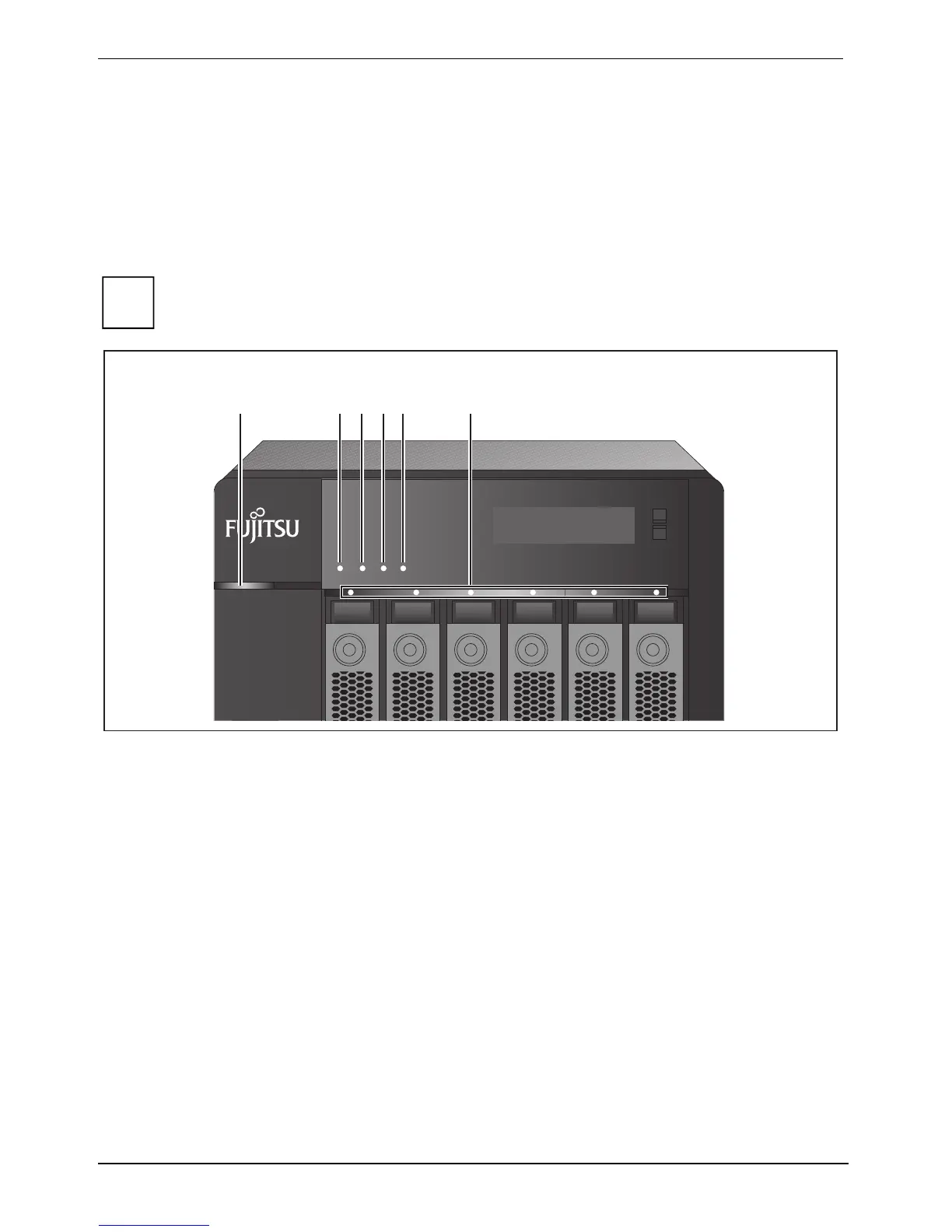
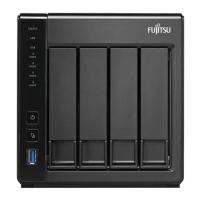
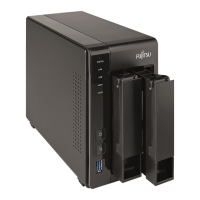
The following illustration shows the CELVIN
®
NAS Server Q902. The status indicators,
other than the power supply status indicator, are identical for both device variants.
ENTER
SELECT
STATUS LAN USB
eSATA
123456
1 = Power supply (Q902) 4 = USB
2 = System status 5 = eSATA
3 = LAN
6 = HDD 1 - 4 (Q802)
HDD 1 - 6 (Q902)






 To Next Page