Installing the NAS
12 Fujitsu
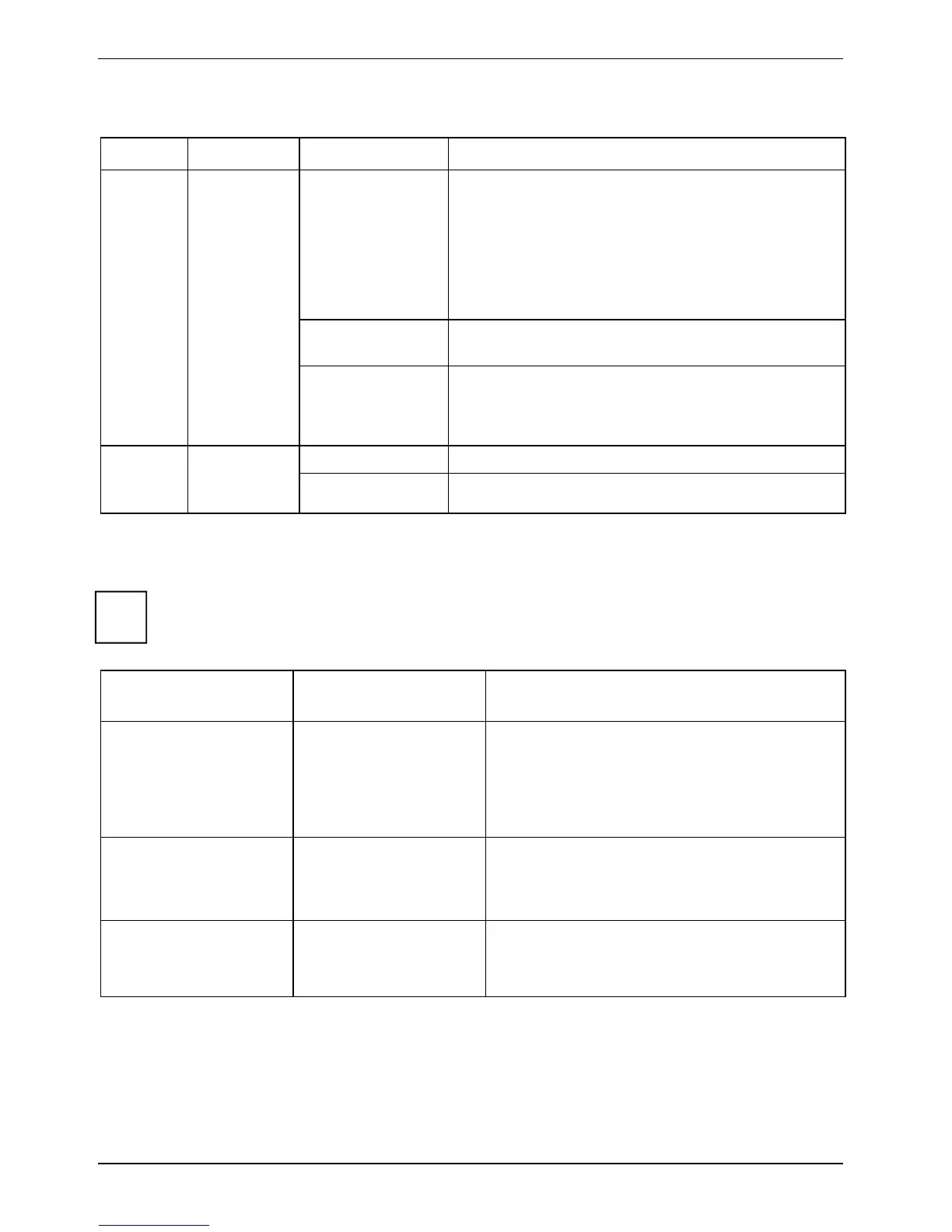
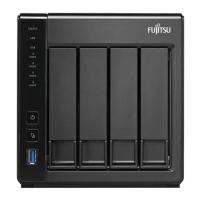
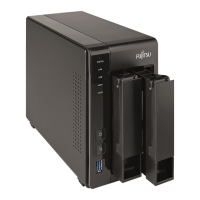
LED Display & System Status Overview
LED Colour LED-Status Description
Flashes blue
every 0.5 sec
● A USB device (connected to front USB port)
is being detected.
● A USB device (connected to front USB port)
is being removed from the NAS.
● The USB device (connected to the front USB
port) is being accessed.
● The data is being copied to or from the
external USB or eSATA device.
Blue
A front USB device is detected (after the device is
mounted).
USB Blue
Off
● No USB device is detected.
● The NAS has finished copying the data to or
from. the USB device connected to the front
USB port of the NAS.
Flashes The eSATA device is being accessed.
eSATA Orange
Off
No eSATA device can be detected.
Alarm Buzzer
The alarm buzzer can be disabled in Control Panel - Hardware.
i
The beep, which sounds when booting the device, cannot be deactivated.
Beep sound No. of Times Description
Short beep (0.5 sec) 1
● The NAS is starting up.
● The NAS is being shut down (software
shutdown).
● The user presses the reset button to
reset the NAS.
● The system firmware has been updated.
Short beep (0.5 sec) 3 An attempt is being made to copy NAS data
to an external storage device connected to
the front USB port, but the data cannot be
copied.
Short beep (0.5 sec)
Long beep (1.5 sec)
3, every 5 min. The system fan is out of function.






 To Next Page