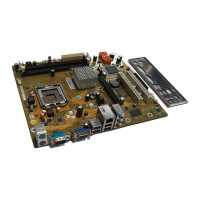
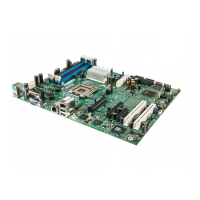
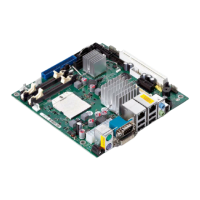
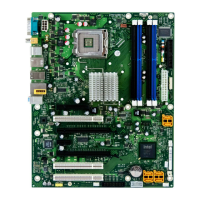
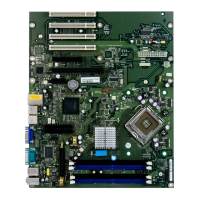
Brief descript ion of mainboard
Graphics controller
Typical resolutio n (colour depth up to 32 bits/pixel) Frequency
1024 x 768 (recommended)
120 Hz
1280 x 1024 (re commended)
100 Hz
1600 x 1200 (re commended)
85 Hz
1440x900WidescreenTFT(VGA/DVI) x/x
1680 x 1050 Widescreen TFT (VGA/DVI) x/x
1920 x 1200 Widescreen TFT (VGA/DVI) x/x
Other resolutions are possible.
Installing/removing the proc
essor
Disconnect the system from the mains voltage before performing a ny of the tasks
described below. D etails are conta ined in the operating ma nual of your system.
Technical data
• Base LGA775, max. 95W
• A current list of the processors supported by this mainboard is available on the
Internet at: "
http://ts.fujitsu.com/mainb oards".
Never touch the underside of the processor. Even minor soiling such as grease
from the skin can impair the processor’s operation or destroy the processor.
Place th e processor in the socket with extreme care, as the spring contacts
of t he socket a re very delicate and must not be be nt.
If one or more spring contacts are bent , on no account insert the processor as it
may b e damaged by doing so. Please contact the responsible vendor.
2 - English A26361-D2811-Z 210-1-8N 19, edition 1



 To Next Page