Setup Mode
USING SETUP MODE
User's Manual 5-19
Quick
Reference
Introduc-
tion
Setting Up
Paper
Handling
Printing
Setup Mode
MENU1 and
MENU2 Items
<PAGE LG> Specifies the length of the page in
inches.
## IN For DPL24C PLUS and IBM XL24E
emulations:
3.0, 3.5, 4.0, 5.0, 5.5, 6.0, 7.0, 8.0, 8.5,
11.0 (letter size), 11.6 (A4 size), 12.0,
14.0, or 18.0 inches
For Epson ESC/P2 emulation:
4.0, 4.5, 5.0, ...,
11.0, 11.5, ...,
22.0 inches
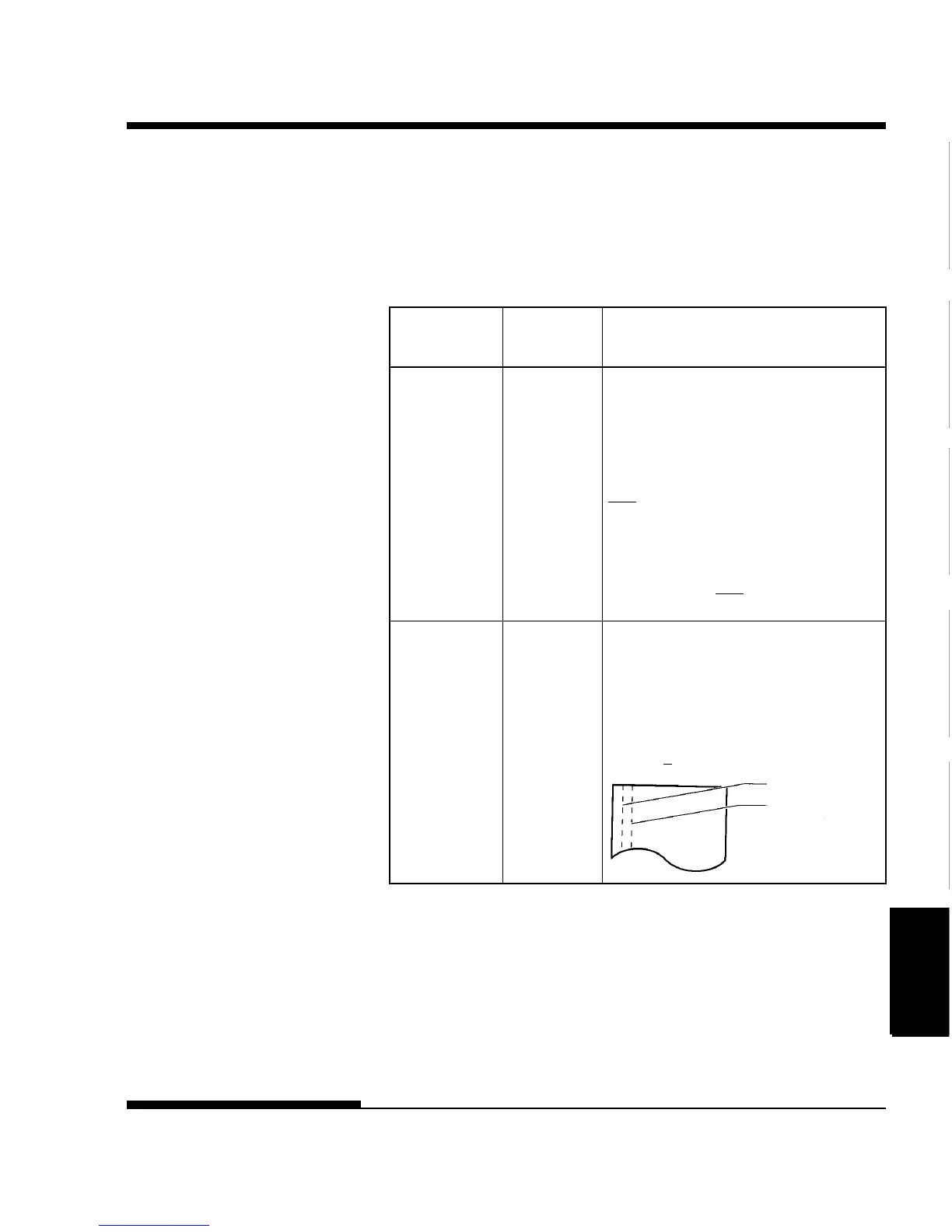
<LFT-END> Specifies the print start column for
changing the left margin. Printing
starts at the position given by this
column plus your software-specified left
margin.
## COLM Column
1, 2, 3, ..., 41
Table 5.3 MENU1 and MENU2 Items and Options (Cont.)
NOTES:
• Underlined options are the factory defaults.
• Asterisks identify items and options that differ for the IBM XL24E and Epson
ESC/P2 emulations. The notes are defined at the end of the table.
Options Description
LET-END
Software-
specified
margin



 To Next Page