USING SETUP MODE
User's Manual5-20
MENU1 and
MENU2 Items
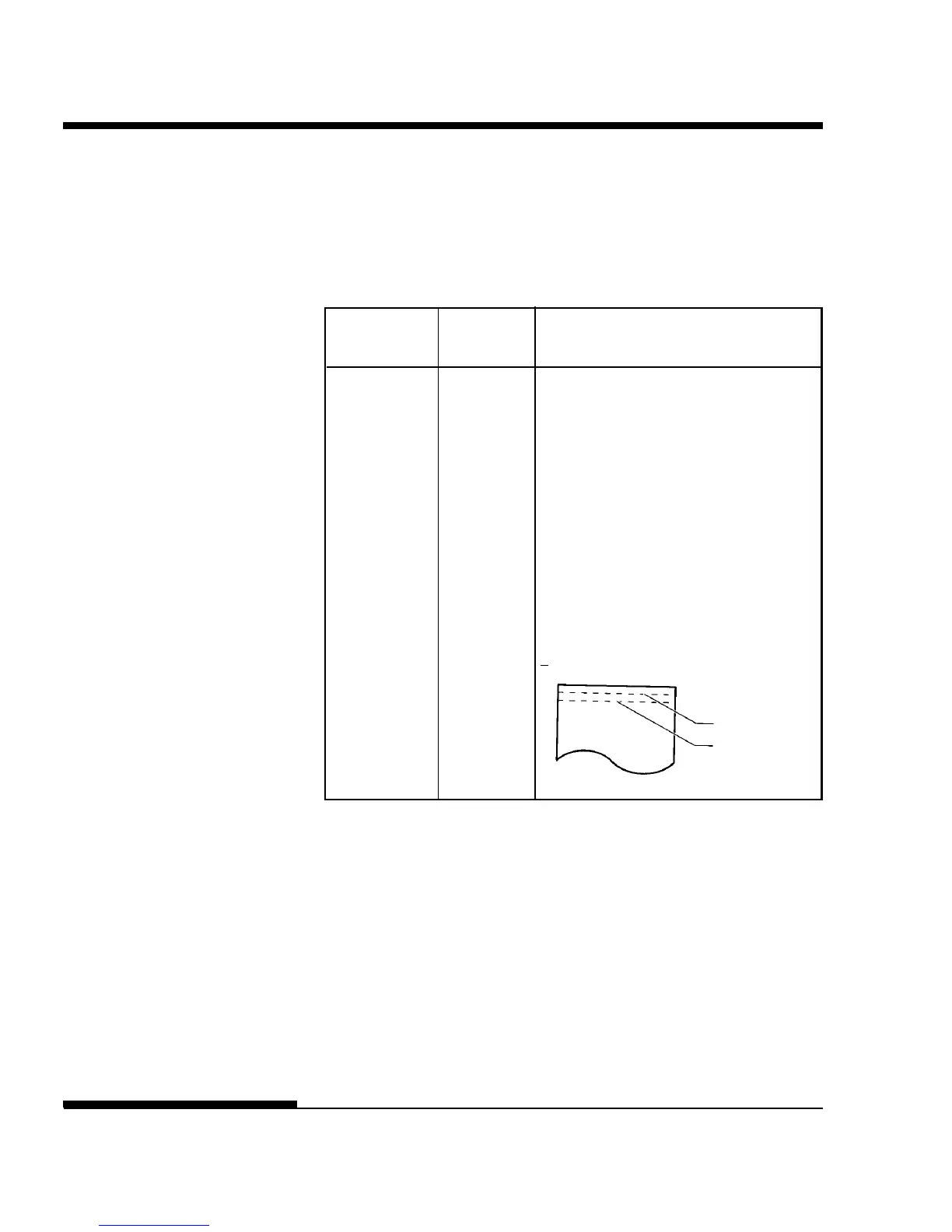
<TOP-MRG> Specifies the number of space lines for
the top margin. The resultant blank
space is the <TOP-MRG> setting minus
1 line.
The total size of your top margin is the
above resultant value plus the following
two settings: top-of-form (default = 1
inch) and the software-specified top
margin. If you are using software to
specify the top margin, use the default
(1 line) for <TOP-MRG>.
## LINE
1, 2, 3,4, 5, 6, 7, 8, 9, or 10 lines
Table 5.3 MENU1 and MENU2 Items and Options (Cont.)
NOTES:
• Underlined options are the factory defaults.
• Asterisks identify items and options that differ for the IBM XL24E and Epson
ESC/P2 emulations. The notes are defined at the end of the table.
Options Description
Top-of-form
Top margin
setting



 To Next Page