Your ESPRIMO
Your ESPRIMO
Overview
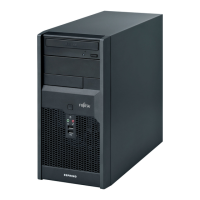
... is available with various configuration levels which differ in terms of hardware and software
equipment. You can install additional drives (for exam ple a D VD drive) and other boards.
This manual tells yo u how to start using your device and how to operate it in daily u se.
This manual applies for all c onfiguration levels. Depending on the chosen configuration
level, some of the hardware components described may not be ava ilable on y our PC.
Please also read the notes about your operating system.
Depending on the configuration selected, the operating system is preinsta lled
on your hard disk (e.g. W indows).
Further information on t his device is provided:
• in the "Q uick Start Guide" poster
• in the "Safety/regul
ations" manual
• in the "Warranty" manual
• in the BIOS manual f
or your device
• in the "System expansions and repairs" manual
• in the operating m
anual for the monitor
• in the manual for the mainboard
• in your operatin
g system documentation
Using the progr
amme Ac robat Reader, you can display speci fic information on the screen
quickly. It is
of course also possible to print out a copy of the manual if required.
ValidityoftheReferenceManual
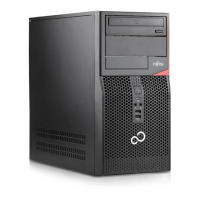
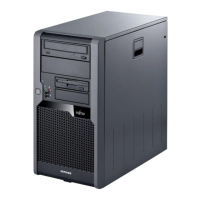
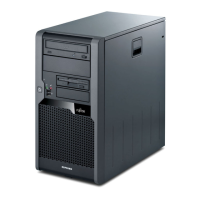
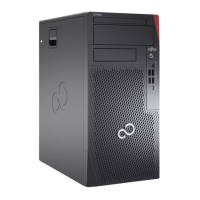
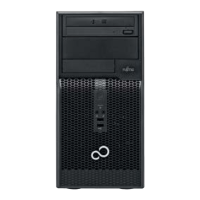
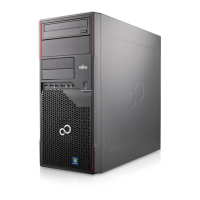
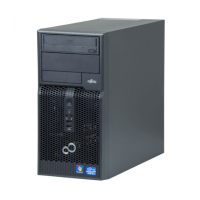
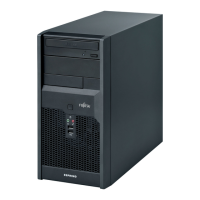
This reference manual applies to the following systems:
• FUJITSU Desktop ESPRIMO P501x
• FUJITSU Desktop ESPRIMO P701x
• FUJITSU Desktop ESPRIMO P901x
• FUJITSU Desktop ESPRIMO P991x
Fujitsu 5




 To Next Page