● 38
•
For Windows
®
95 / Windows NT
®
4.0
1) When turning on the power, check that the scanner is connected to your PC.
2) Right click the "FUJITSU Scanner Control Center" icon displayed in the task
tray, then select "Option".
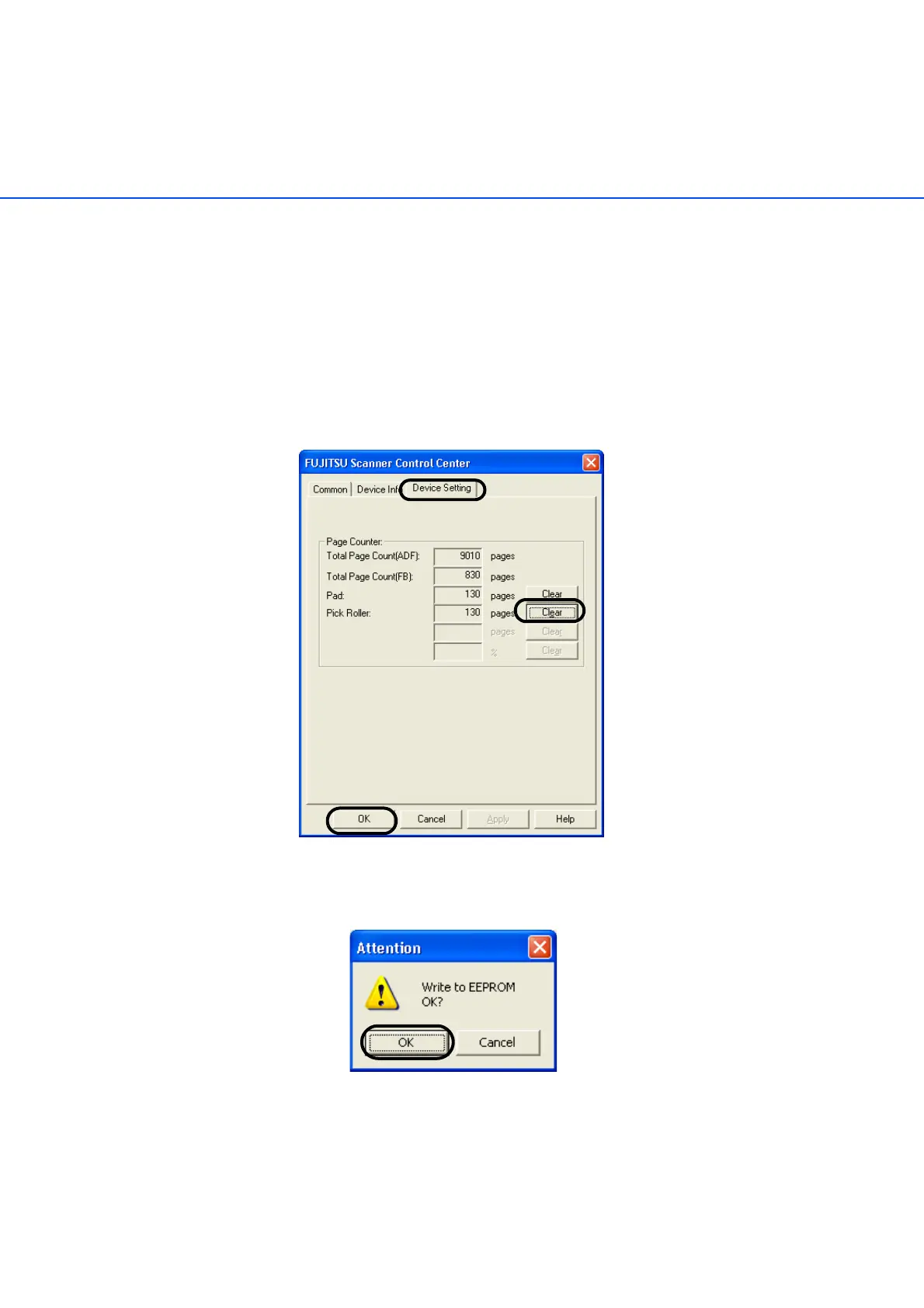
3) Click the "Device Setting" tab.
The following screen is displayed.
4) After clicking the [Clear] button beside "Pick Roller" in "Page Counter", click
the [OK]button.
The following screen is displayed.
5) Click the [OK] button.
The Pick counter returns to "0".



 To Next Page
 Loading...











