5
Deciding the connection environment
of ScanSnap
The connection method between ScanSnap and a computer or mobile device differs depending on the
connection environment. Refer to the connection method after deciding the connection environment.
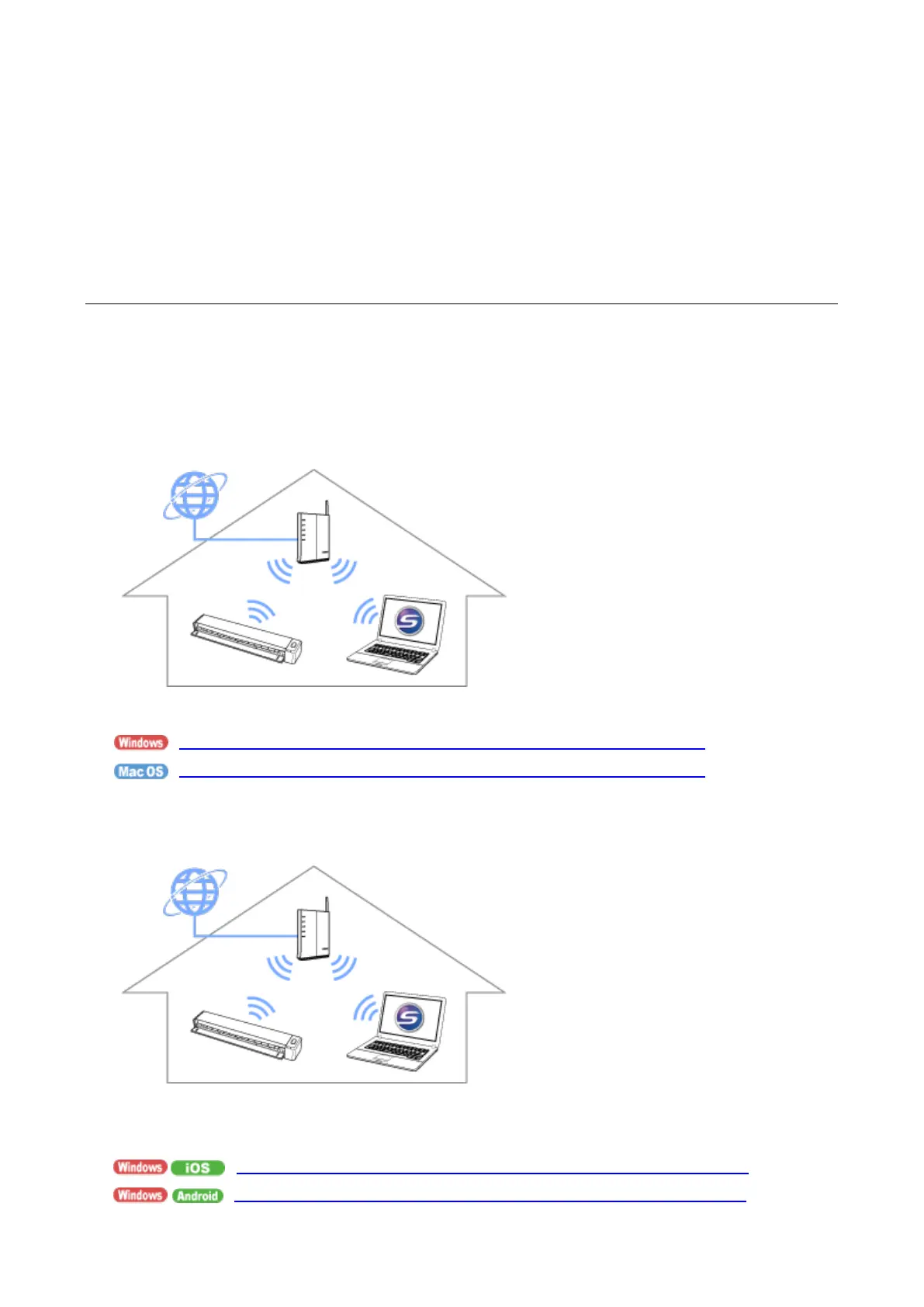
Using ScanSnap at home
This is the connection method for when using ScanSnap in Access Point Connect mode at home or in an
environment where a wireless LAN network is available.
Connecting to a computer
Please see below for details.
How to connect ScanSnap to one computer via the wireless access point
How to connect ScanSnap to one computer via the wireless access point
Connecting to a mobile device
You need a computer to connect ScanSnap to the wireless access point. Please see below for
details.
How to connect ScanSnap to a mobile device via wireless access point
How to connect ScanSnap to a mobile device via wireless access point












 To Next Page