5.1 Installing the Sensor Driver for Extended Function (Windows Version) in Windows XP / Vista / 7 / 8 / 8.1 Environments
Step5 Click the [Next] button.
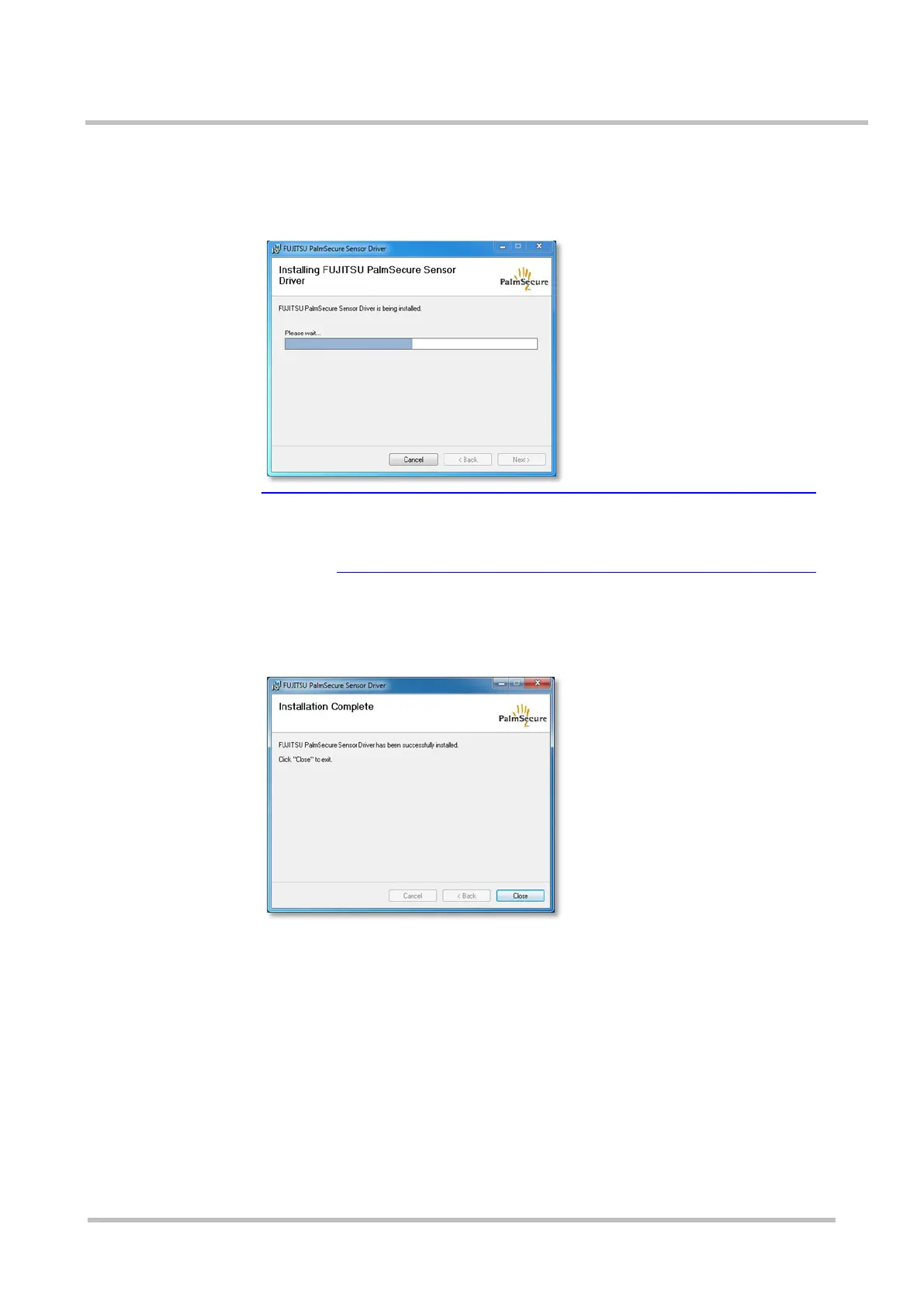
Installation of the Sensor driver starts and the screen shows that the
installation is in progress.
★Tip A [User Account Control] dialog box is displayed
A [User Account Control] dialog box may be displayed in
Windows Vista / 7 / 8 / 8.1 environments.
Continue the process by clicking the [allow] or [yes] button.
When the installation is complete, the Installation Complete screen is
displayed.



 To Next Page