HINT
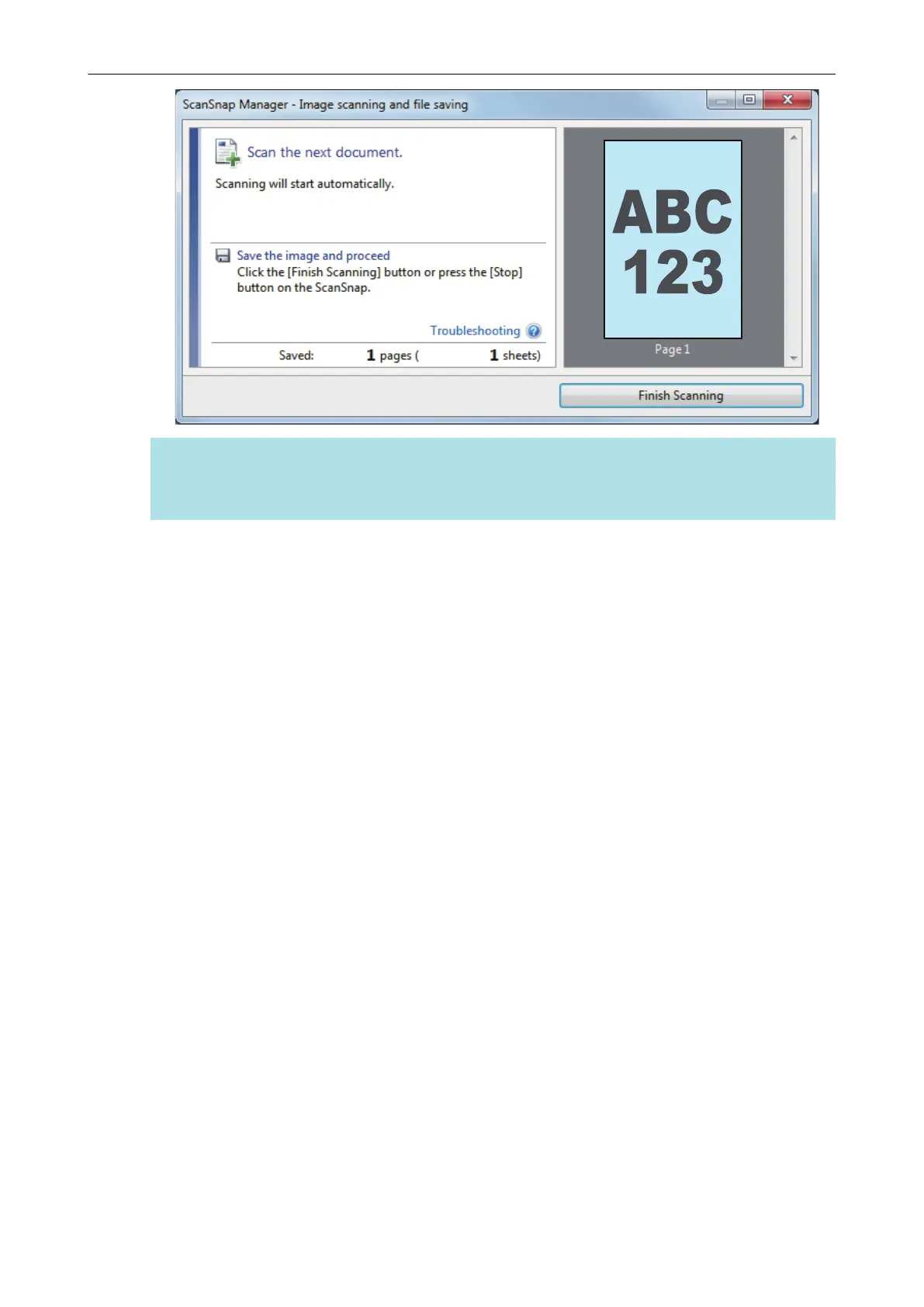
To continue scanning, insert the next document to be scanned. When the document is inserted,
scanning starts automatically.
4. Press the [Scan/Stop] button on the ScanSnap to finish scanning.
a The Quick Menu appears.
5. In the Quick Menu, click the icon of the application to link with ScanSnap
Manager.
For details about linking the following applications with ScanSnap Manager, refer to "Useful
Usages" (page 88).
l ScanSnap Organizer
l Scan to CardMinder
Scanning a Document
22



 To Next Page
 Loading...











