Item Function
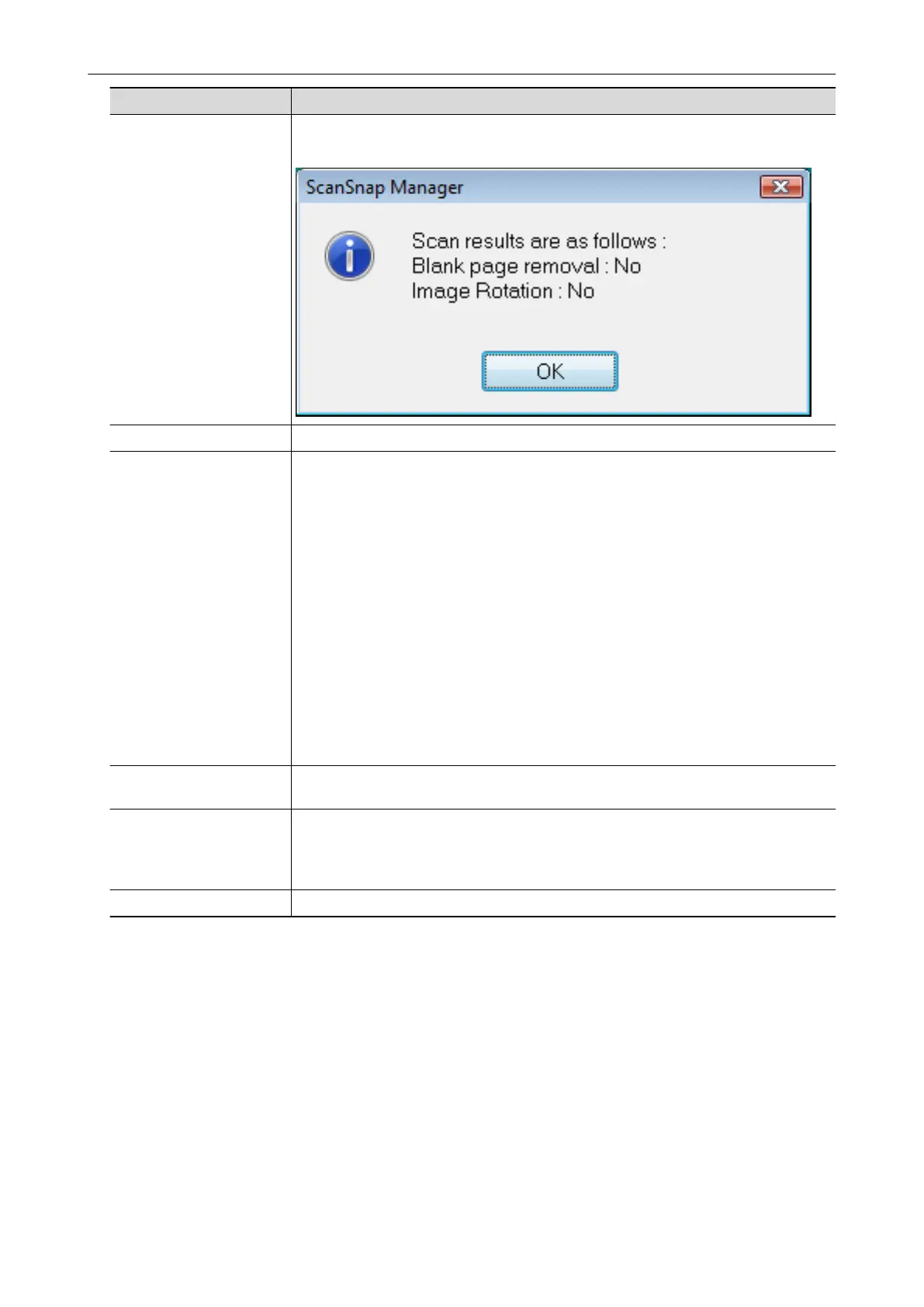
Show scanning results After scanning is completed, a message appears to inform you whether the image is
rotated.
Preferences Displays the [ScanSnap Manager - Preferences] window.
Help Displays the following menu:
l Help
Opens the ScanSnap Manager Help.
l Troubleshooting
Displays [Troubleshooting] in the ScanSnap Manager Help.
l ScanSnap Portal Site
Opens the ScanSnap global homepage (http://scansnap.fujitsu.com).
l About ScanSnap Manager
Displays the [ScanSnap Manager - Version Information] window.
l ScanSnap information
Displays the [ScanSnap Manager - Scanner and driver information] window.
Displayed when the ScanSnap and computer are connected.
l Online Update
Starts the ScanSnap Online Update.
For details, refer to "Updating the Software" (page 133).
To establish connection Displayed when ScanSnap Manager is not communicating with the ScanSnap
correctly.
Battery You can check the remaining battery power and battery charging status. This is
displayed when the ScanSnap is connected to the computer.
When you click this, the [ScanSnap Manager - Scanner and driver information]
window appears.
Exit Exits ScanSnap Manager.
Right-Click Menu
46



 To Next Page
 Loading...











