SP1120\1125\1130 Consumable Replacement and Cleaning
Instructions
16
CG00002-291501
Feed roller (x 2)/Eject roller (x 2)
The power must be turned on to rotate the feed/eject rollers for cleaning
.
Turn on the scanner.
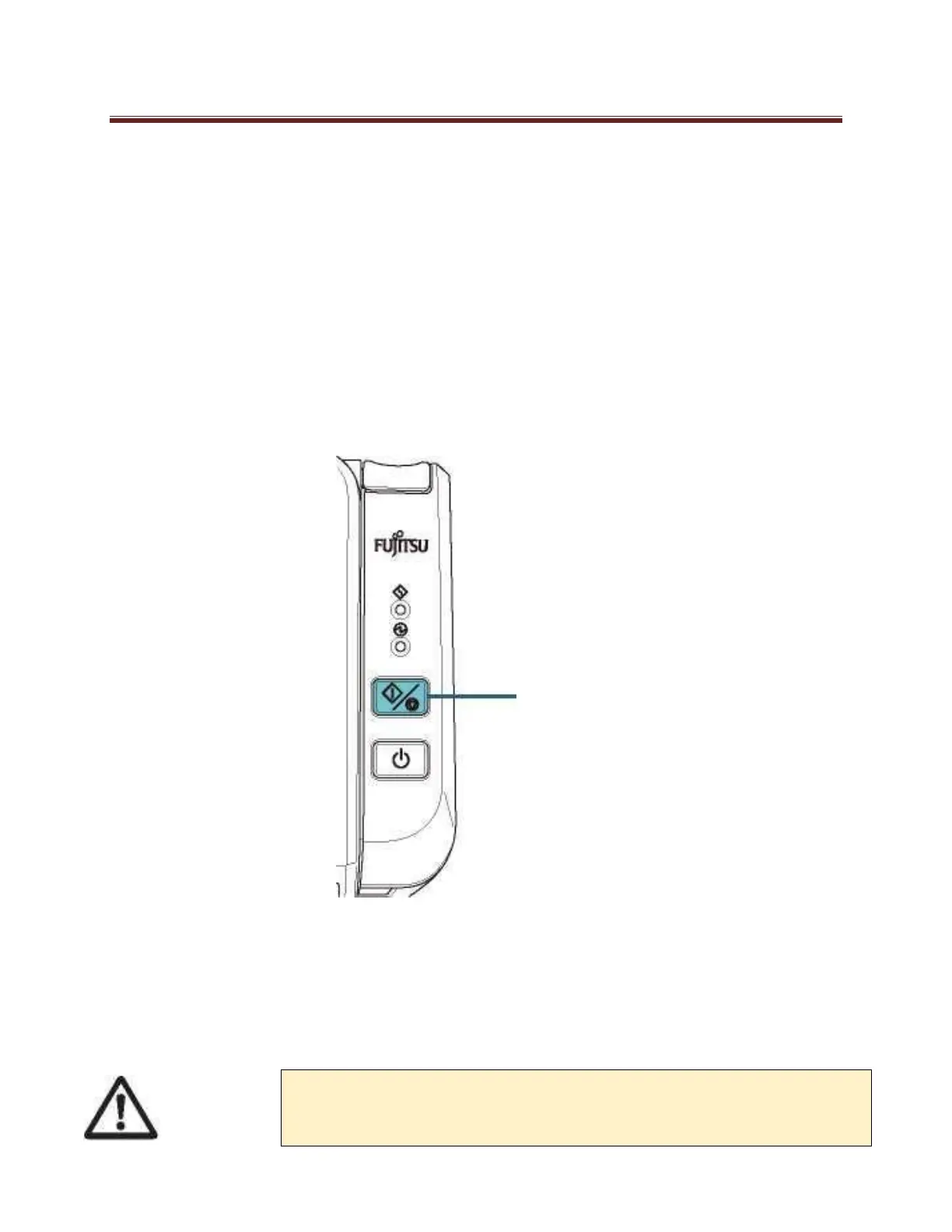
When the operator panel is in ready status, open the ADF.
When you press the scan/stop button on the operator panel for more than 2 seconds, the feed/eject rollers
rotate
Put a piece of cloth moistened with Cleaner F1 or a sheet of Cleaning Wipe against the roller surface,
and wipe horizontally. Wipe the whole surface by pressing the scan/stop button to rotate the rollers.
Make sure that it is cleaned properly because residue on the roller will affect the feeding performance.
When you press the Scan/Stop button, the feed/eject rollers rotate at the same
time. Be careful not to touch the rollers with your hand while they are rotating.












 To Next Page