16
EN
[DTV Manual Tuning]
For Digital TV operation
You can search DTV channel manually in your area.
2 Use Ÿ / ź to select [DTV Manual Tuning], then
press OK.
3 Use Ż / Ź to select the channel you want, then
press OK to start scanning.
< For DVB-C scanning >
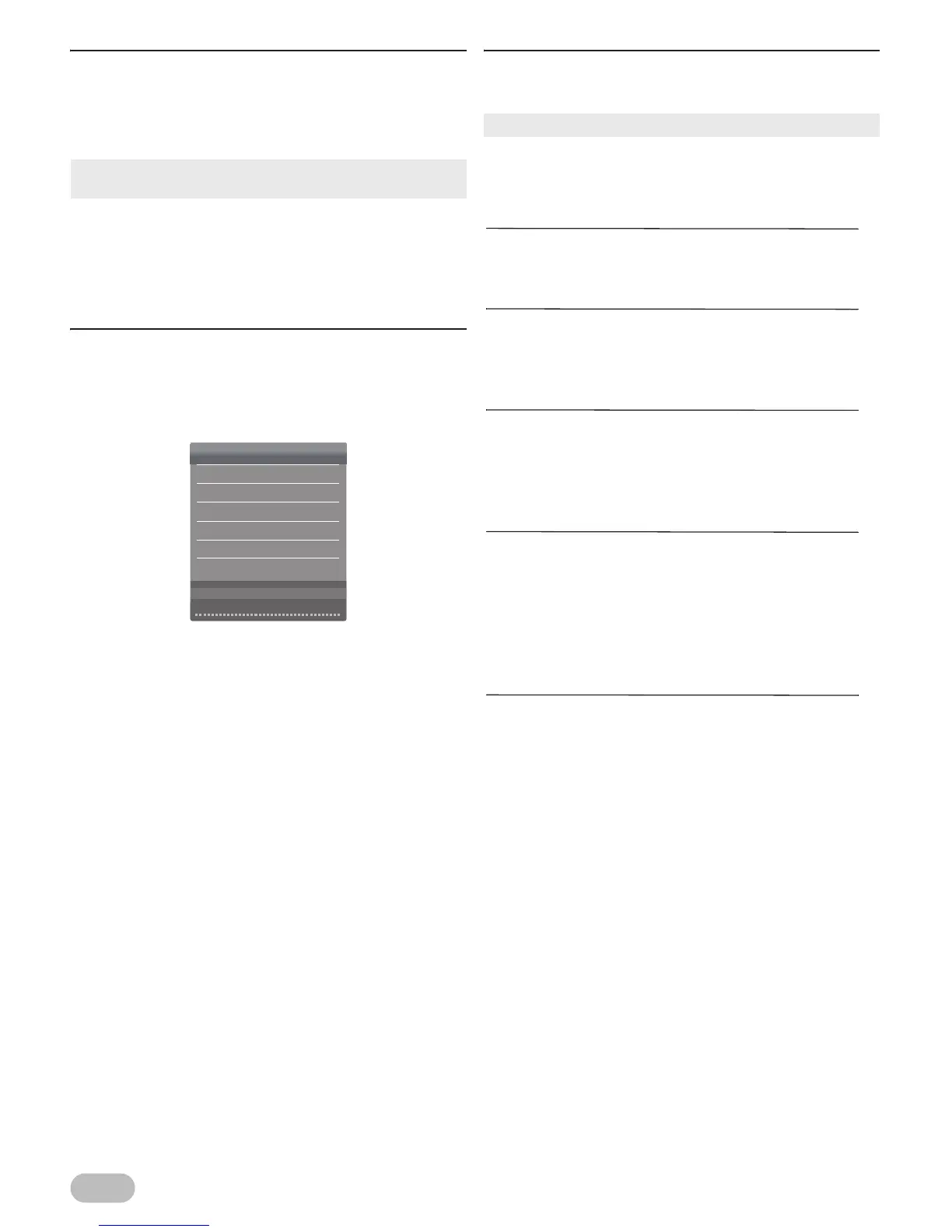
[CADTV Manual Tuning]
For Digital TV operation
You can search CADTV channel manually in your area.
2 Use Ÿ / ź to select [CADTV Manual Tuning],
then press OK.
3 Use Ÿ / ź to select [Frequency] and press OK,
then use Ÿ / ź to adjust.
4 Use Ÿ / ź to select [Symbol(ks/s)] and press
OK, then use Ÿ / ź to adjust.
5 Use Ÿ / ź to select [QAM Type] and press OK,
then use Ÿ / ź to select the type.
6 After the settings, press OK to start scanning.
[Programme Edit]
For Digital TV operation
You can edit the programme settings.
2 Use Ÿ / ź to select [Programme Edit], then
press OK to show programme edit list.
Delete channels : [Delete]
3 Use Ÿ / ź to select the channel you want,
then press RED to delete the current channel.
Setting unshown channels : [Skip]
3 Use Ÿ / ź to select the channel you want,
then press BLUE to set the current channel as
unshown channel.
Setting favourite channels : [Fav]
Using Favourite function. Refer to “Favourite” (p. 7).
3 Use Ÿ / ź to select the channel you want,
then press FAV to set the current channel as
favourite.
Switching channel number : [Move]
You can switch the current programme with the other
channel number.
3 Use Ÿ / ź to select the channel you want,
then press YELLOW, and use the Number
buttons to enter the other channel number you
want to set, then press OK.
New channel number : [Move]
You can place the current programme to new
channel number.
3 Use Ÿ / ź to select the channel you want,
then press YELLOW, and use the Number
buttons to enter the unused channel number
you want to set, then press OK.
• If you set [Lock System] to [On], you have to enter the 6-
digit PIN code you set using the Number buttons.
CADTV Manual Tuning
474.000 MHz
6900
QAM 16
Frequency
Symbol(ks/s)
QAM Type
NO SIGNAL
Bad GoodNormal
• You can check favourite channel list at “Favourite” (p. 7).



 To Next Page