EasyManua.ls Logo

FUNAI LC5-D32BB - Service Manual

FUNAI LC5-D32BB
74 pages
Print Icon
To Next Page IconTo Next Page
Loading...
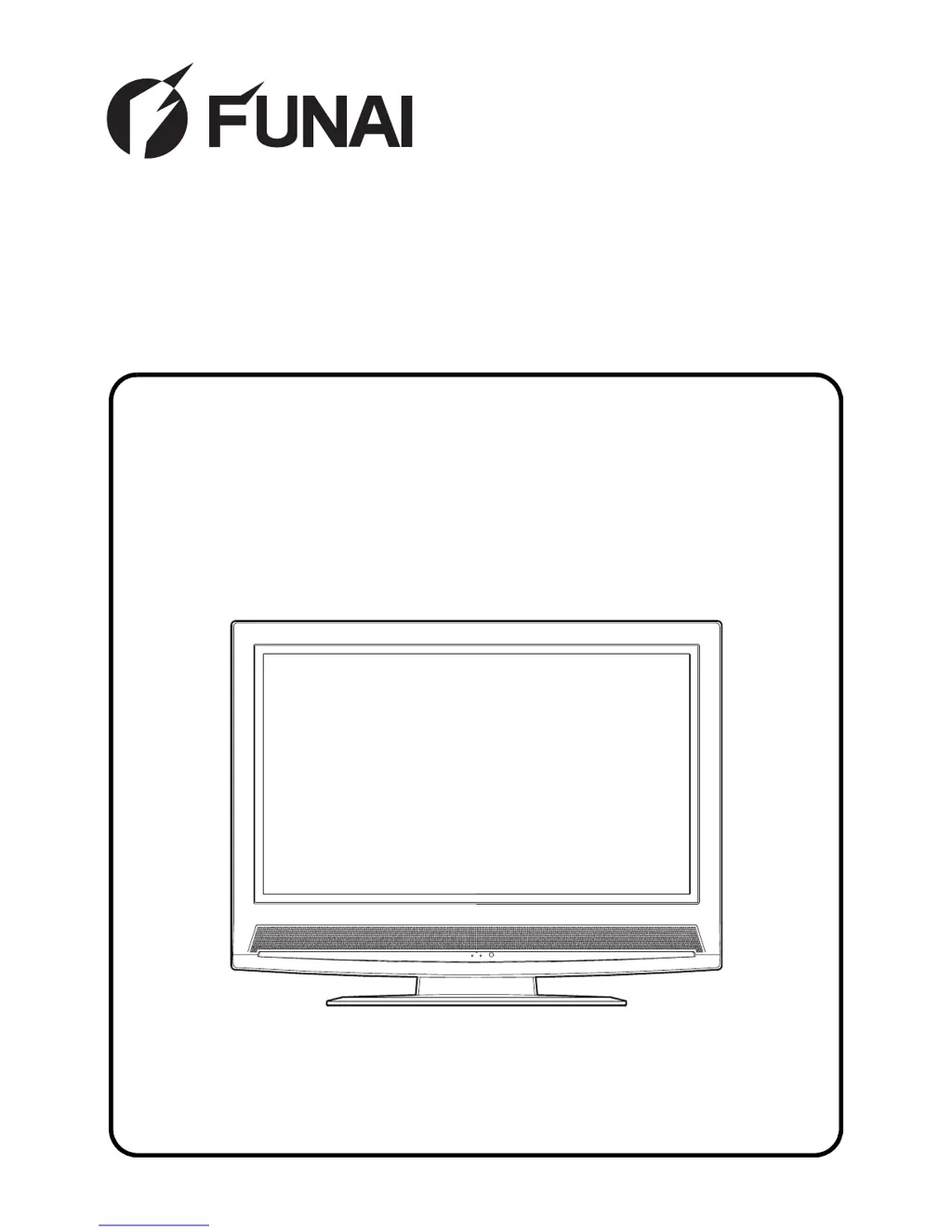
SERVICE MANUAL
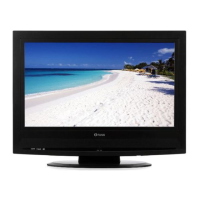
32 COLOR LCD TELEVISION
LC5-D32BB

Table of Contents

Other manuals for FUNAI LC5-D32BB

Questions and Answers

  • C
    Charles DickersonAug 1, 2025
    Why is the picture on my FUNAI LCD TV so weak?
    • D
      david56Aug 1, 2025
      If the picture on your FUNAI LCD TV appears weak, try moving the TV away from other appliances that emit strong magnetic fields. If this doesn't work, turn the TV off using the STANDBY-ON button, and then turn it back on after about 30 minutes.
  • L
    Lisa ThompsonAug 7, 2025
    What to do if the picture rolls vertically on my FUNAI LCD TV?
    • M
      Mackenzie AvilaAug 7, 2025
      If the picture on your FUNAI LCD TV rolls vertically, turn the TV off with the STANDBY-ON button, and then turn it on again after about a minute.
  • B
    Barbara AndersonAug 13, 2025
    How to remove lines or streaks in the picture on my FUNAI LCD TV?
    • A
      Allen ClayAug 13, 2025
      If you see lines or streaks in the picture on your FUNAI LCD TV, turn the TV off with the STANDBY-ON button, and then turn it on again after about a minute.
  • R
    Richard AllenAug 19, 2025
    What causes different color marks on the screen of my FUNAI LCD TV?
    • A
      Alexandra RossAug 19, 2025
      The different color marks on the screen of your FUNAI LCD TV are a quality of the LCD Panel.
  • M
    Matthew BartonAug 25, 2025
    What does a black or luminous point on the screen of my FUNAI LCD TV mean?
    • D
      Diana ThompsonAug 26, 2025
      The black or luminous point on the screen of your FUNAI LCD TV indicates that the life of the Back Light is approximately 50,000 hours. Ask the Service Centre to replace it.

Summary

TV Specifications

Important Safety Precautions

LCD TV Circuit Safety Checks

Critical safety checks before returning the TV to the customer.

Hot Chassis and Design Warnings

Warnings about hot chassis, lead dress, and design alterations.

Servicing Precautions

Safety-Critical Parts and Wiring

Use of specified parts, wiring, and insulation for safety during servicing.

Handling and Assembly Procedures

Guidelines for handling components and assembling cabinet parts.

Post-Servicing Safety Checks

Clearance Distance and Leakage Current Tests

Verifying clearance distance and measuring leakage current after repair.

Standard Servicing Guidelines

Flat Pack-IC Handling

Procedures for removing and installing flat pack ICs.

Semiconductor Handling and ESD Prevention

ESD Prevention Measures

Grounding procedures for human body and workbench.

LCD Television Initialization

Initialization Procedure

Steps to enter service mode and reset the LCD television.

Electrical Adjustment Instructions

Initial Setting Data

Setting initial data values for various TV modes.

LCD Panel Adjustments

Purity Check and Flicker Adjustment

Procedures for checking panel purity and adjusting flicker.

White Balance Adjustment

White Balance Procedure

Mixing red, green, and blue beams for pure white output.

Inverter Circuit

LCD Backlight Inverter Block Diagram

Shows the circuit responsible for the LCD backlight.

Power Supply Circuit

Electrical Parts List

Electrical Component Identification

List of all electrical components with their part numbers.

FUNAI LC5-D32BB Specifications

General IconGeneral
Display TechnologyLCD
Resolution1366 x 768
Aspect Ratio16:9
Component Video Input1
Composite Video Input1
VGA Input1
RF Antenna Input1
Refresh Rate60 Hz
Screen Size32 inches
InputsHDMI, Component, Composite, VGA, RF
Weight15.4 lbs
Sound Output10W (5W x 2)

Related product manuals