17
EN
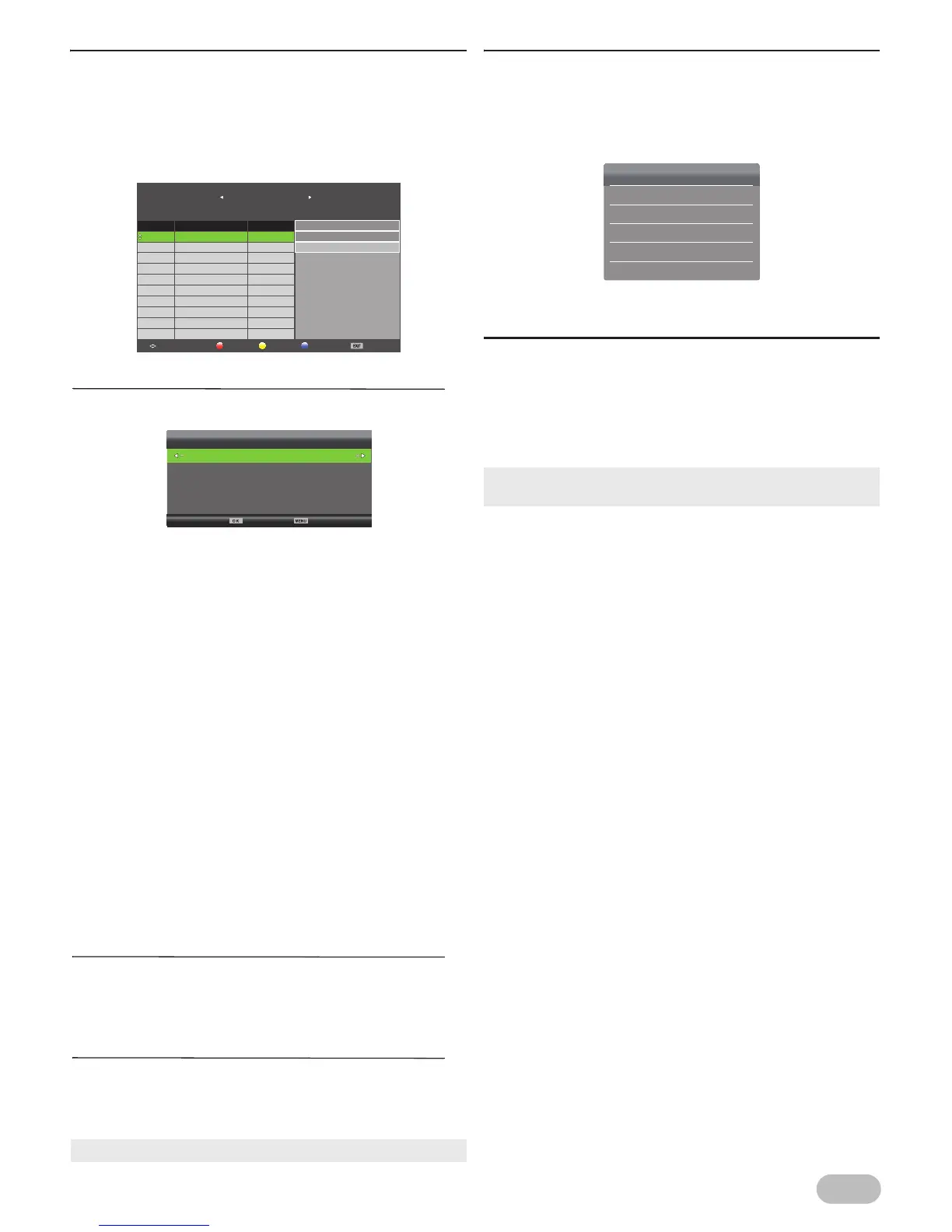
[Schedule List]
For Digital TV operation
You can see the detailed channel information and
reserve TV programme.
2 Use Ÿ / ź to select [Schedule List], then press
OK to display the list.
Add new reservasion
3 Press YELLOW to display reservation menu.
4 Use Ÿ / ź to select service selection, use Ż / Ź
to select the service you want.
5 Use Ÿ / ź to select [Type], use Ż / Ź to select
[Reminder] or [Recorder].
6 Use Ÿ / ź to select [Mode], use Ż / Ź to select
[Once], [Everyday] or [Weekly].
7 Use Ÿ / ź to select [Start Time], use Ż / Ź to
select the date/time and use Ÿ / ź to adjust.
8 Use Ÿ / ź to select [End Time], use Ż / Ź to
select the date/time and use Ÿ / ź to adjust.
9 After the adjustment, press OK to save it.
Delete a reservation
3 Use Ÿ / ź to select the item you want in
[Schedule List], and then press RED to delete
the reservation.
Edit a reservation
3 Use Ÿ / ź to select the item you want in
[Schedule List], and then press BLUE to edit
the reservation.
[Signal Information]
For Digital TV operation
You can see the detail information about the signal.
2 Use Ÿ / ź to select [Signal Information], then
press OK to display the detail.
[CI Information]
For Digital TV operation
You can see the detail information about the Common
Interface, if you have inserted the CI card.
2 Use Ÿ / ź to select [CI Information], then press
OK to display the detail.
[Once] : on any day you choose, up to 12 months
away
[Everyday] : at the same time on the same channel
every day
[Weekly] : at the same time on the same channel
every week; for example, every Monday
• To edit a reservation, refer to "Add new reservasion".
Schedule List
Delete EditAddMove
Exit
[6% Used]
01:05:01 Jan
1/1
30/01/2013
Today’s news
Movie: The player
Programme Title Date
1 30/01/2013
2
01:08:31 (00:01:20)
Movie: The player
01:08:31 (00:01:20)
A player starts his carrer in new
school. He founds great competitions
and face off against them. He gets
better rapidly and his team will make
the legend...
Schedule Setup
40 B_LCN40d
Type
Reminder
Mode
Everyday
Start Time
01:06 01 Jan
End Time 01:06 01 Jan
Modulation: QAM 64
BackSelect
• We do not guarantee the all cards can be supported on this
unit.
Signal Information
Channel: 21 (474.00MHz)
Quality: 100
Strength: 100
Network: NEOTION NETWORK
Modulation: QAM 64



 To Next Page