SAFETY INFORMATION
eanin
t
e
isc
ens
I
this unit still does not per
orm properl
lthough
ou re
er to the relevant sections and to
TROUBLESHOOTING” in t
is owner's manua
t
e
aser
ptical pickup unit ma
be dirt
. Consult
our dealer
r an Authorized Service Center for inspection and
leaning o
the laser optical pickup unit
isc
an
in
Handle the discs so that fin
erprints and dust do not
h
r
h
rf
f
h
i
Alwa
s store the disc in its protective case when it is
uto
ea
c
eanin
utomaticall
cleans video heads as
ou insert or
emove a cassette, so
ou can see a clear picture
la
back picture ma
become blurred or interrupted
hile the TV pro
ram reception is clear. Dirt accumulated
n the video heads after a lon
period of use or the
sa
e of rental or worn tapes can cause this problem. If
streak
or snow
picture appears during pla
back, the
ideo heads in
our unit ma
need to be cleaned.
. Please visit
our local Audio/Video store and purchase a
good qualit
VHS video head cleaner
. If a video head cleaner does not solve the
roblem,
lease
consult
our dealer or an Authorized Service Center
Remember to read the instructions alon
with the
i
h
l
n
r
r
Clean video heads onl
when problems occur
R si
na
c
ec
f the remote control does not work properl
,
ou can test
f the remote control sends out the infrared si
nal with a
i
ital camera (includin
built-in camera of cellular phone).
t will hel
to define the cause of malfunction.
it
a
igita
camera (inc
u
ing
ui
t-in
amera o
cellular phone)
irect a
igita
camera to remote contro
, press
nd hold a button on remote control. I
in
rared
ig
t appears t
roug
igita
camera, t
e
emote contro
is wor
ing
Su
ie
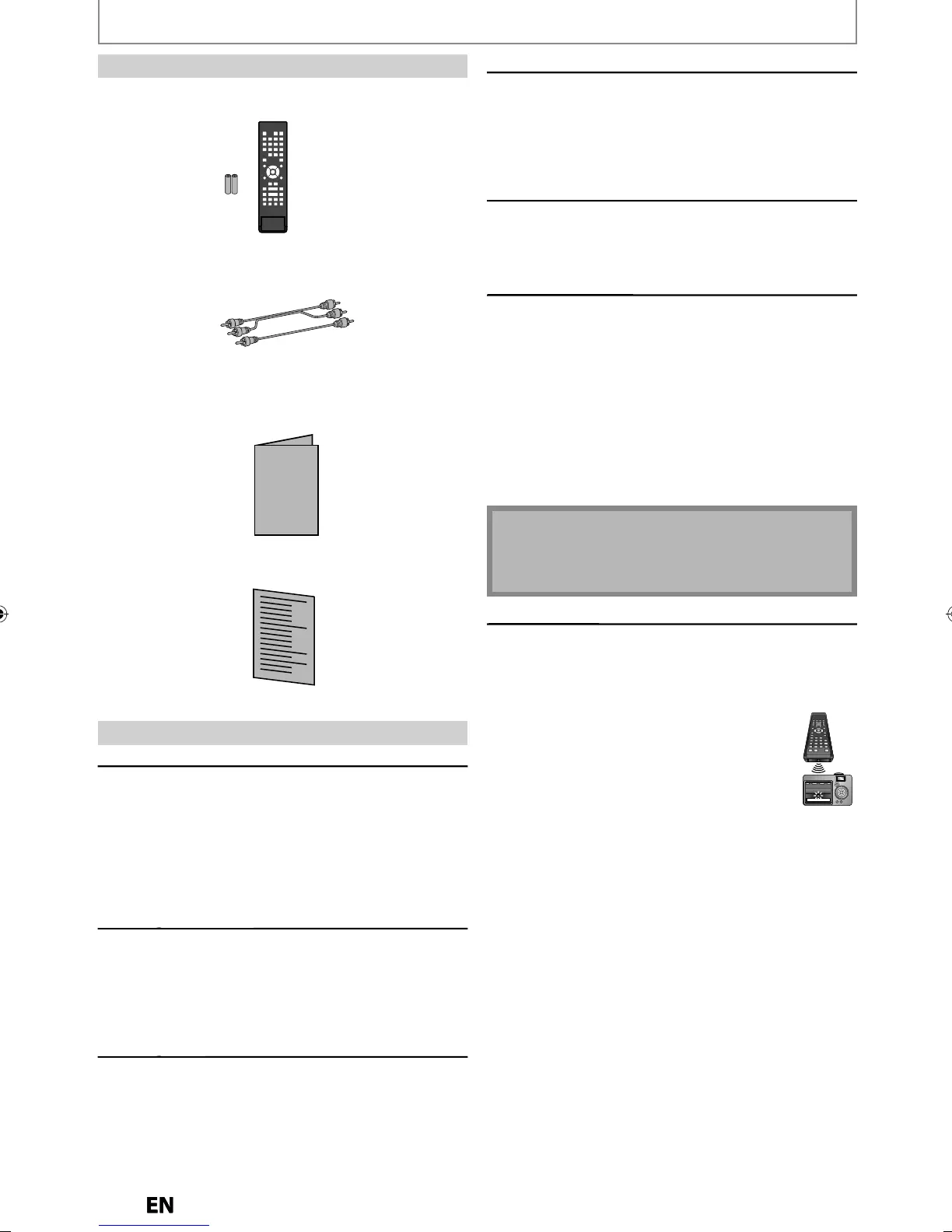
Accessorie
remote contro
NC180UD/NC180UH
wit
atteries (AA
1.5V x 2)
Servicin
• Please re
er to relevant topics on “TROUBLESHOOTING”
on pages 84-87 be
ore returning the product.
• I
this unit becomes inoperative, do not try to correct
the problem by yoursel
. There are no user-serviceable
parts insi
e. Turn t
e unit to t
e stan
y mo
e, unp
ug
t
e power p
ug an
p
ease ca
our
e
p
ine mentione
on the
ront page to locate an Authorized Service
enter
Cleanin
the cabinet
• Wi
e the front
anel and other exterior surfaces of the
ni
wi
h
f
l
h
• Never use a solvent
thinner
benzene or alcohol to
clean the unit. Do not spra
insecticide liquid near
the unit. Such chemicals ma
discolor the surface or
dama
e the unit
C
eanin
isc
•
en a
isc
ecomes
irt
, c
ean it wit
a c
eaning c
ot
.
ipe the disc from the center to out. Do not wipe in a
ir
l
r m
i
n
• Do not use solvents such as benzine, thinner, commerciall
avai
a
e c
eaners,
eter
ent, a
rasive c
eanin
a
ents or
antistatic spra
intended for analog records
RCA audio
video cables
owner's manua
quic
gui
Ma
ntenanc



 To Next Page