1
Recording Playback
Editing
Introduction
Connections Basic Setup Function Setup VCR Functions
Others Español
CREATING/DELETING PLAYLIST
A
ing Tit
es to a P
a
ist
Playlist
wi
You can add up to 99 titles to a pla
list (as long as
the total number of the pla
list does not exceed 999
c
apters)
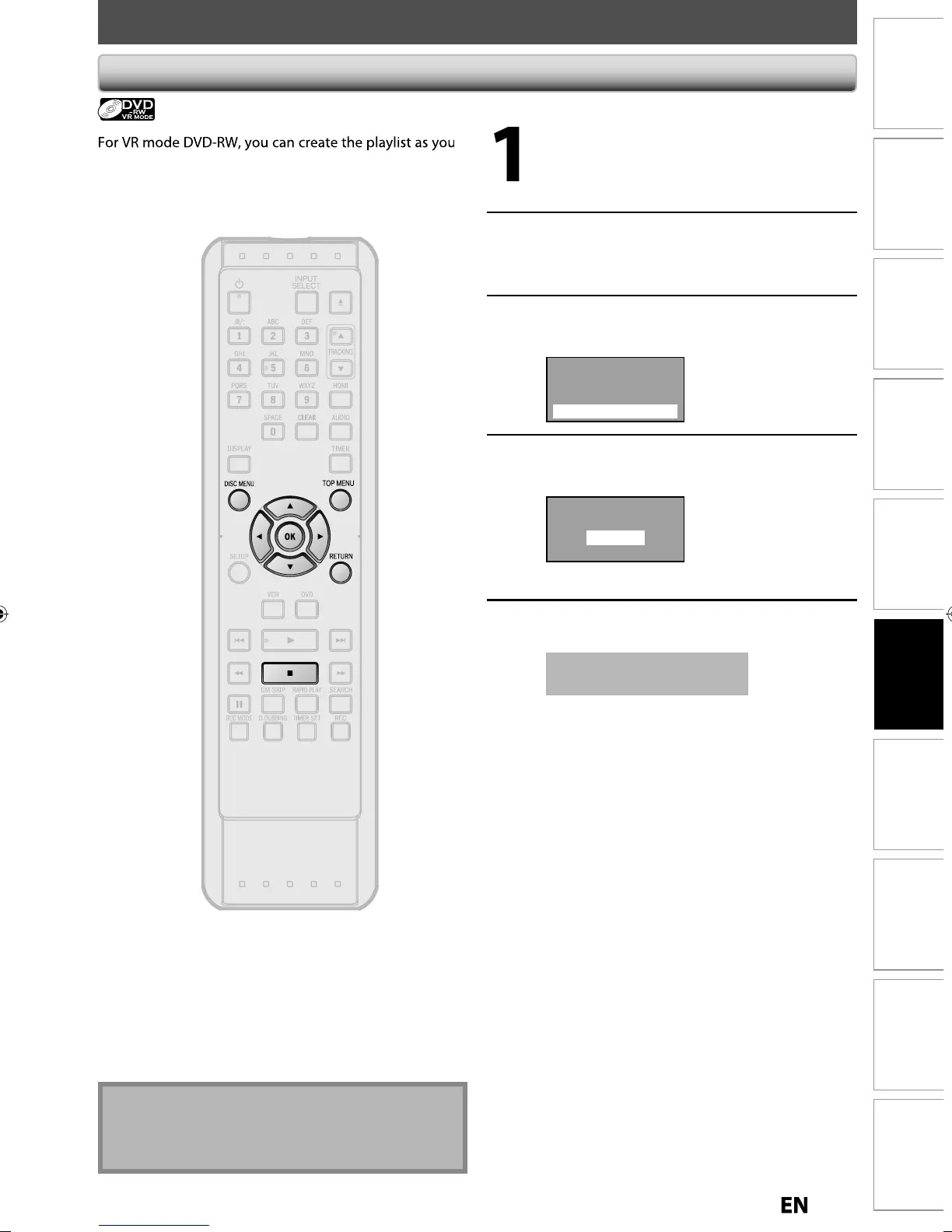
Press
DVD
Press
T
P MENU
• If the “Pla
list” screen appears, press
DISC
ENU
to switch the “Ori
inal” screen.
Use
to se
ect t
e
esire
tit
e, t
en press [OK]
Use
to select “Add To
Pla
list”, then press [OK]
Play From Start
Edit
Title Delete
Add To Playlist
Use
] to select “Yes”, then
ress
K
Create a Playlist ?
Yes
No
T
e tit
e is a
e
to p
a
ist
Press
RETURN
or
] to ex
t
Data will be written onto the disc momentaril
is operation ma
ta
e
aw
i
e to
e comp
ete
W
en a p
a
ist contains 99 tit
es or more or 999
hapters or more, “Add to Pla
list” cannot be



 To Next Page