Recording Playback Editing
Introduction
Connections Basic Setup
Function Setup
VCR Functions
Others Español
SETUPS
r
i
ou are pla
ing back a disc
Press [SETUP] an
use [
to
select “General Settin
”, then press
OK
Use
] to se
ect “Disp
ay”, t
en
press
K
Use
] to se
ect a
esire
item,
t
en press [OK]
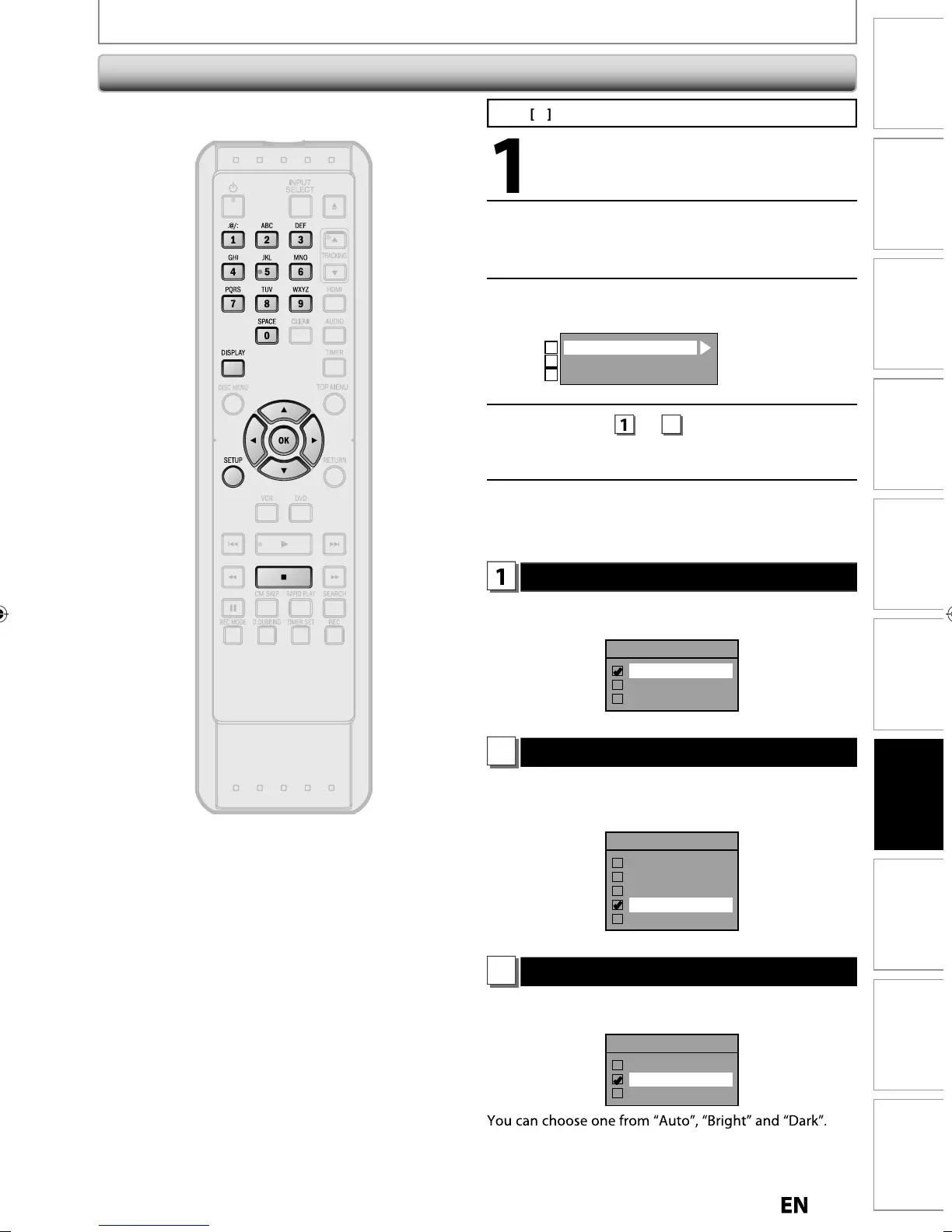
OSD Language
Screen Saver
FL Dimmer
1
2
3
Se
ection menu wi
appear
Re
er to
o
t
e se
ecte
item
When you
inish with setting, press
[SETUP] to ex
t
OSD Language (Default : English)
Set the language for the on-screen displa
Use
] to se
ect a setting, t
en press [OK].
OSD Language
English
Français
Español
our setting wi
e activate
Screen Saver (Default : 10 minutes)
h
im
iv
h
r
n
v
r f
n
i
n
n
h
V
r
n
Use
] to select a settin
, then press [OK].
Screen Saver
OFF
1 minute
5 minutes
10 minutes
15 minutes
our settin
will be activated
FL Dimmer (Default: Bright)
Set the
ront panel display brightness
Use
] to select a settin
, then press [OK].
FL Dimmer
Auto
Bright
Dark
I
“Auto” is selected, the display gets dark when the
power is in t
e stan
y mo
e
Disp
a



 To Next Page