DP-5
D1-12
3.4 Manual Reception (F3-6)
Selects communication mode for reception.
1. Press Function key [F3] and then the [6] key.
2. Select receive mode: “AUTO”. (Default)
3. Press the [Enter] key. The reception mode: AUTO appears on the screen.
Note)
*AUTO mode : Automatic operation in ARQ and FEC.
ARQ mode : ARQ mode only.
FEC mode :FEC mode only
DIRC mode : DIRC mode only
3.5 NAV data format selection (CIF/NMEA)
Jumper wire JP2 on the CONTROL board selects the format of the signal from the
navigator connected to the DP-5.
1. Call up the F6: Terminal menu screen that the format selected invalid.
Then press DP5 in this order to enable NMEA/CIF mode selection.
2. Press the down arrow key to display the NMEA/CIF mode selection screen.
3. To change the mode, move the cursor from “Look” to “Change” by pressing the right
arrow key. Place the cursor at the NMEA/CIF mode position with the down arrow
key, then select a format. Then press the [ENTER] key to return to the normal
display.
Manual Reception
AUTO ARQ FEC DIRC
ROMs
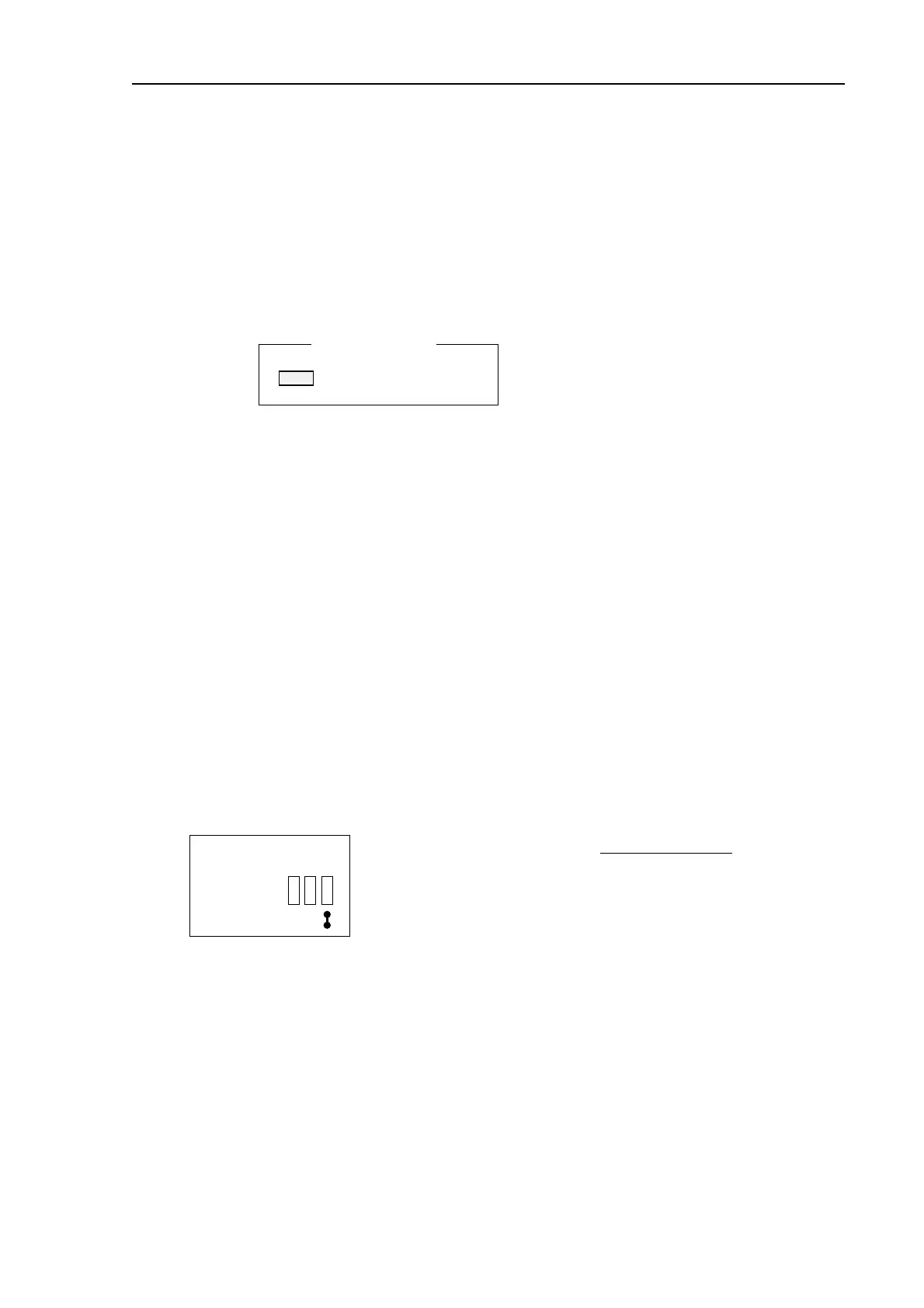
JP2
CONTROL board
CIF :Short
NMEA:Open (Factory setting)
Receiving NAV data;
GLL, RMA, RMC,
VTG, DBT, MTW,
VHW, TRF



 To Next Page
 Loading...







