5. DSC GENERAL MESSAGE CALLING, RECEIVING
5-22
9. Press the CANCEL key to silence the audio alarm and erase the pop-up mes-
sage. There are two types of ACK screens; one with position information and one
with no position information.
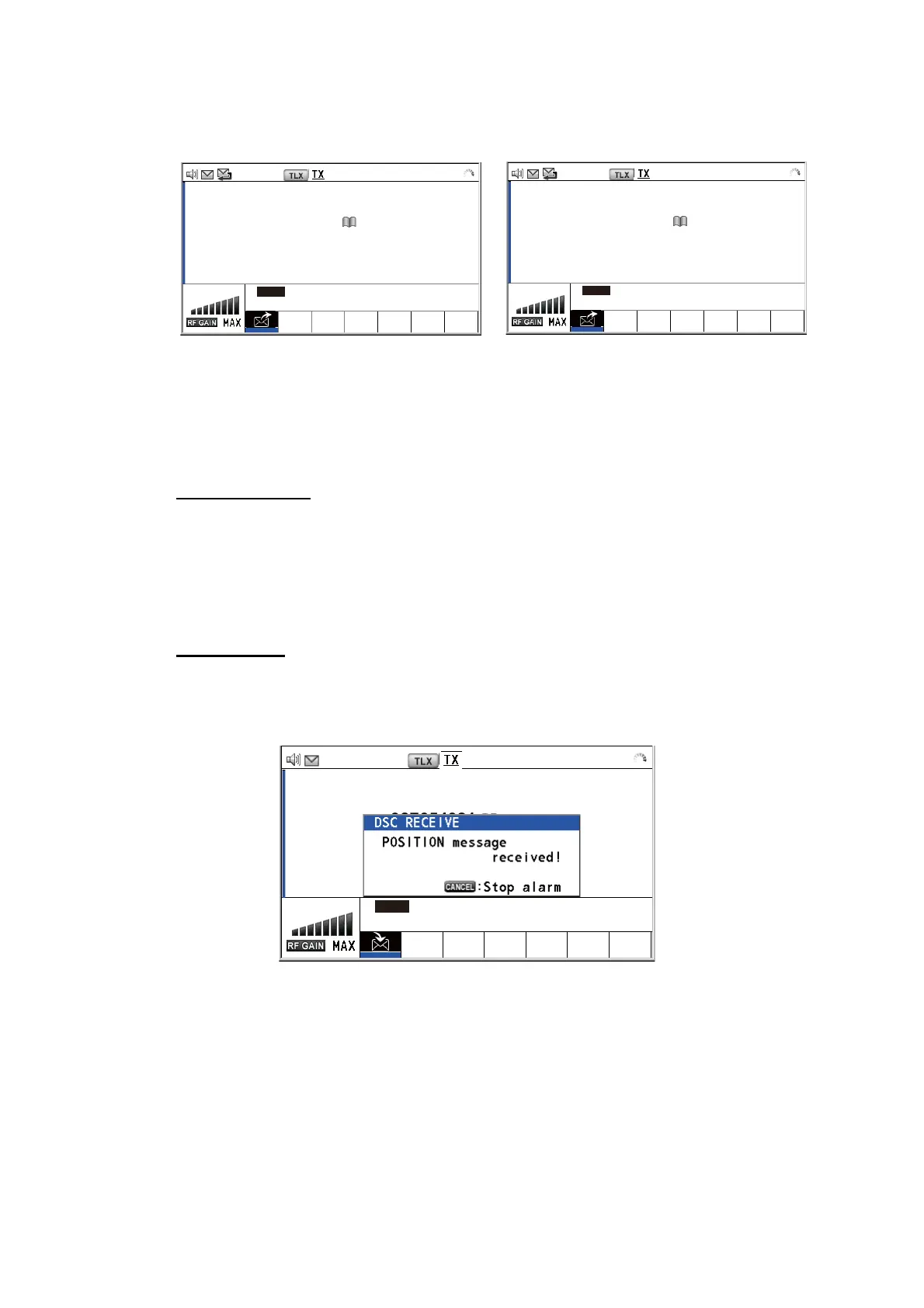
5.7.2 Other ship requests your position
You can turn automatic acknowledge of position request on with [POSITION MSG] on
the [ACK SETTINGS] menu (see section 6.17).
Automatic reply
When another ship requests your position and the setting of [POSITION MSG] on the
[ACK SETTINGS] menu is [AUTO], the equipment automatically transmits a reply.
There are two types of automatic replies; one with position information (the setting is
[AUTO (ABLE)]) and the other with no position information (the setting is [AUTO (UN-
ABLE)]).
Manual reply
When a position request message is received and the setting of [POSITION MSG] on
the [ACK SETTINGS] menu is [MANUAL], send the reply manually.
To silence the audio alarm, press the CANCEL key.
[ACKNOWLEDGED]
ELAPSED TIME:
POSITION ACK 00
H
01
M
16
S
FROM :
123456789
CAPTAIN_5075
LAT :
34
°
42.2800’N
LON/UTC :
135
°
19.5900’E / 11:41
INFO PRINT HOLD QUIT
[ACKNOWLEDGED]
ELAPSED TIME:
POSITION ACK 00
H
01
M
16
S
FROM :
123456789
CAPTAIN_5075
LAT :
--
°
--
’
-
LON/UTC :
---
°
--
’
-
/
--
:
--
INFO PRINT HOLD QUIT
Position information included
No position information
2187.5/
RX
2187.50 k
H
z
2187.5/
RX
2187.50 k
H
z
2187.5/ RX 2187.50 kHz
[SELECT AN ACK] ELAPSED TIME:
POSITION MSG 00H00M04S
FROM :
987654321 CATAIN_5075
INFO PRINT HOLD QUIT
ACCEPT UNABLE



 To Next Page