7. OTHERS MENU
7-2
7.2 Wheel Setting Menu
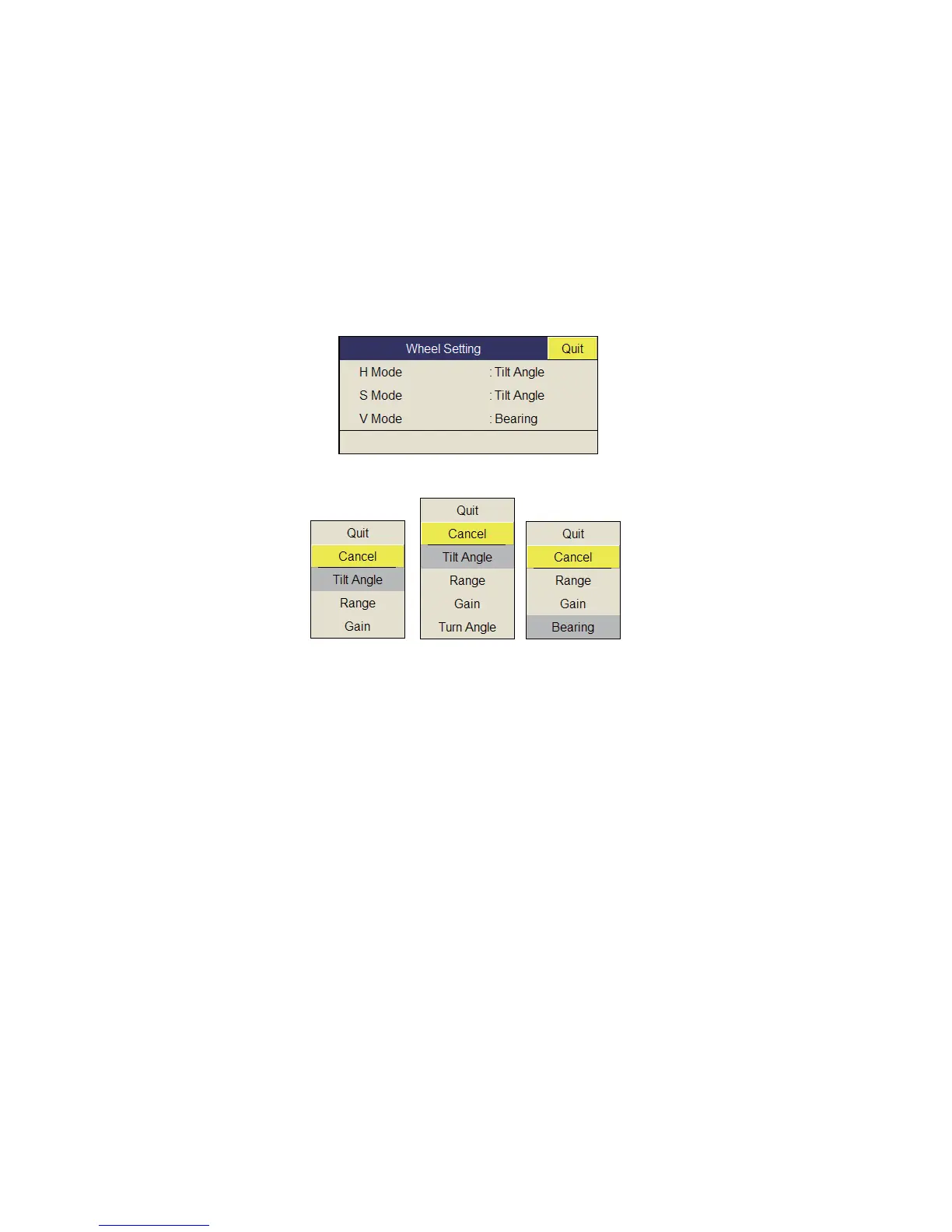
One of the following functions can be assigned to the scrollwheel.
• Tilt angle
• Gain
• Range
• Turn Angle (Slant display only)
• Bearing (Vertical display only)
1. Select [Wheel Setting] on the [Other] menu then push the left-click button.
This menu can be also opened from the pop-up menu.
2. Select [H Mode], [S Mode] or [V Mode] then push the left-click button.
3. Select the function to assign to the scrollwheel then push the left-click button.
4. Select [Quit] on the setting box then push the left-click button to close the box.
5. Long-press the MENU/ESC key to close all menus.
H Mode
S Mode V Mode



 To Next Page