1. OPERATION
1-6
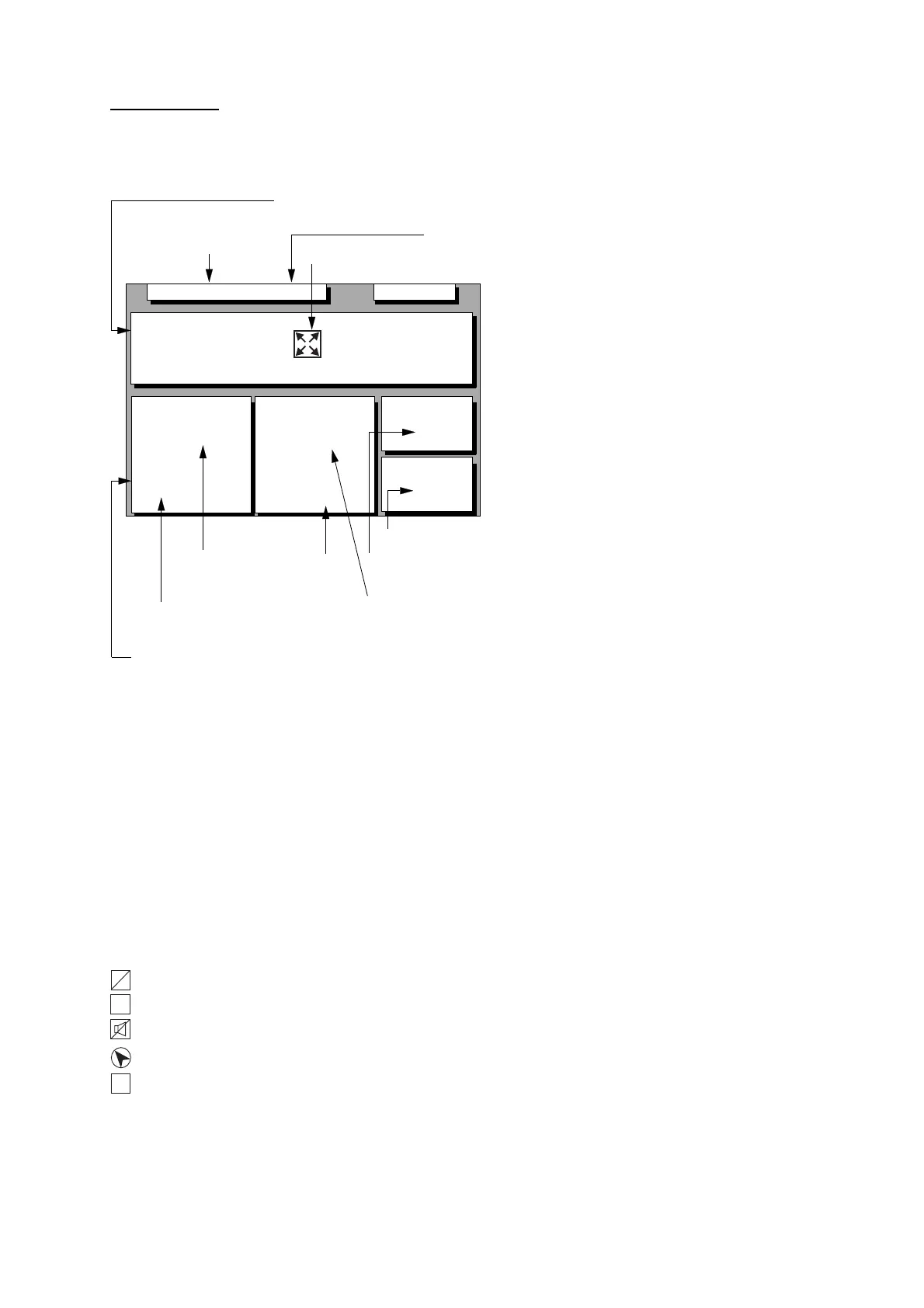
Data display
Refer to Chapter 6 for user-defined window
setting. The ZOOM icon can be displayed by
pressing the CURSOR ON/OFF key.
SEP 12, 2009 23:59'59" U
12˚ 23.456' N
123˚ 23.456' E
Position
RNG
31.23
NM
SOG
12.3
kn
BRG
223.4˚
COG
123.4˚
TO : 001
MARINE
POINT1
NEXT
: 002
MARINE
POINT2
Position in latitude and
U: UTC
J: JST
S: Ship's time
longitude or LOPs
Fixing date and time*
User-defined
display window
User-defined
display data #1
User-defined
display data #4
User-defined
display data #3
User-defined
display data #2
Current destination waypoint
Next destination waypoint
W84
D3D 100m
* SAFE
Zoom icon
Figure 1-11 Data display mode
*: "- -" appears until calculating position after
turning on the power. If fixing error occurs
this indication stops.
1.5 Icons
Various icons appear on the left-hand side of
display to alert you to equipment status.
: L/L position offset applied.
: Track recording is suspended.
: Alarm is violated.
: North mark.
: Demonstration display.
L
L
H
S



 To Next Page
 Loading...







