USER INTERFACE WALKTHROUGH
The basics of EDGE's user interface and its use.
INTRODUCTION
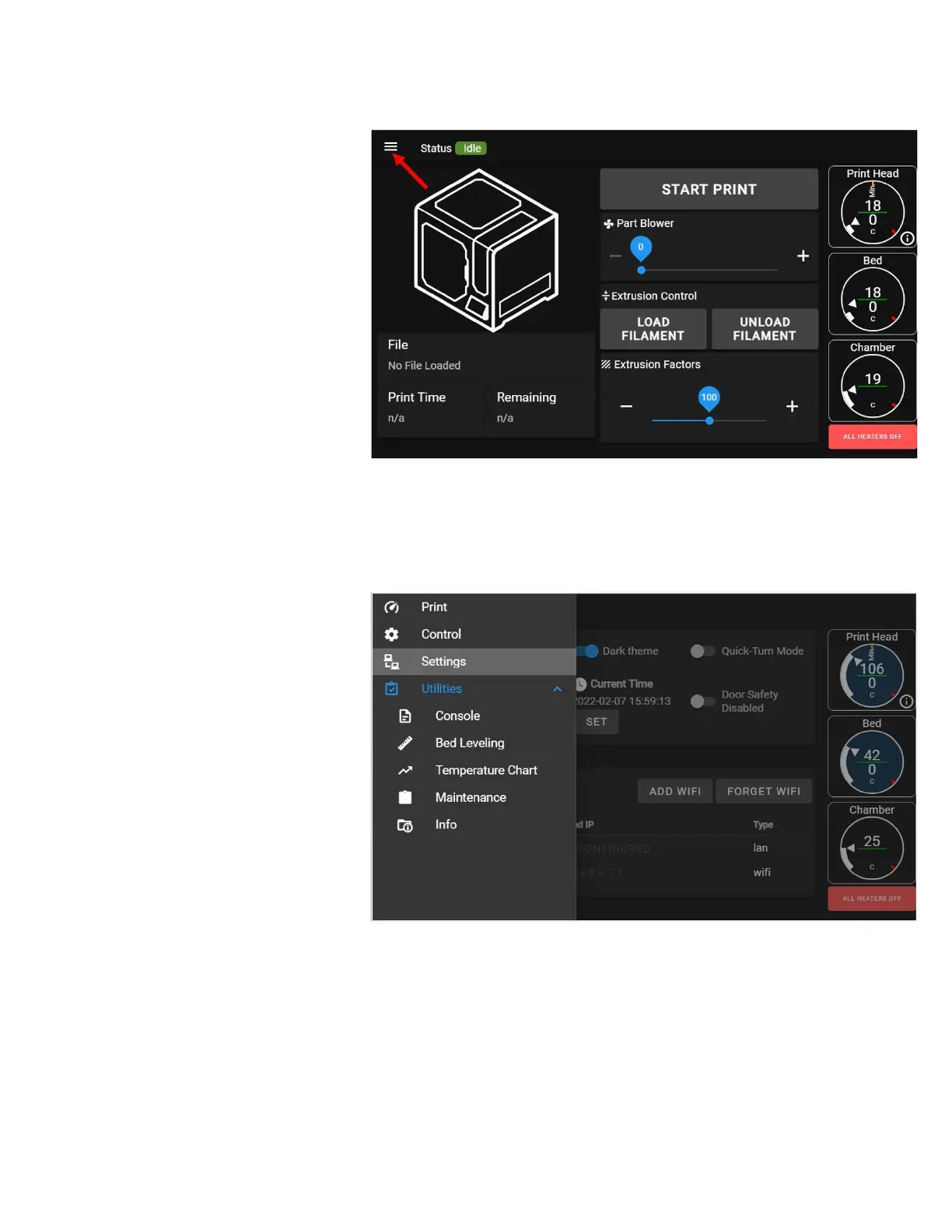
EDGE's user interface is divided into
"pages" or "screens". Each screen has
a specific purpose and gives you
access to various controls and
information about your printer.
The user interface you see on the
built-in LCD is the same as what you'll
see if you connect to the printer over
your local network using a computer or
tablet. On some screens we take
advantage of additional screen size to
show a few more options or more
information, but fundamentally users
are shown the same information at all
times.
To access the different screens, press
the menu icon (3 horizontal lines) in
the top left corner of the screen. On
computers and larger displays, the
menus are shown all the time on the
left side.



 To Next Page