CLEANING & PREPARING THE PRINT BED
How to clean & prepare the print bed on your EDGE 3D printer
BEFORE EACH PRINT
Your print surface must be prepared before each print. Different print surfaces require different
procedures. Here is information on the standard glass print surface, and general pointers for the
interchangeable surfaces.
GLASS PRINT SURFACE (standard)
General Notes:
- The print bed should be cleaned after every print.
- Do not reuse a bed coating for more than 1 print. Doing this can lead to adhesion issues and print
failures.
- All Fusion3-recommended bed coatings are water-soluble to make cleanup easy and safe.
To Clean The Glass Print Surface:
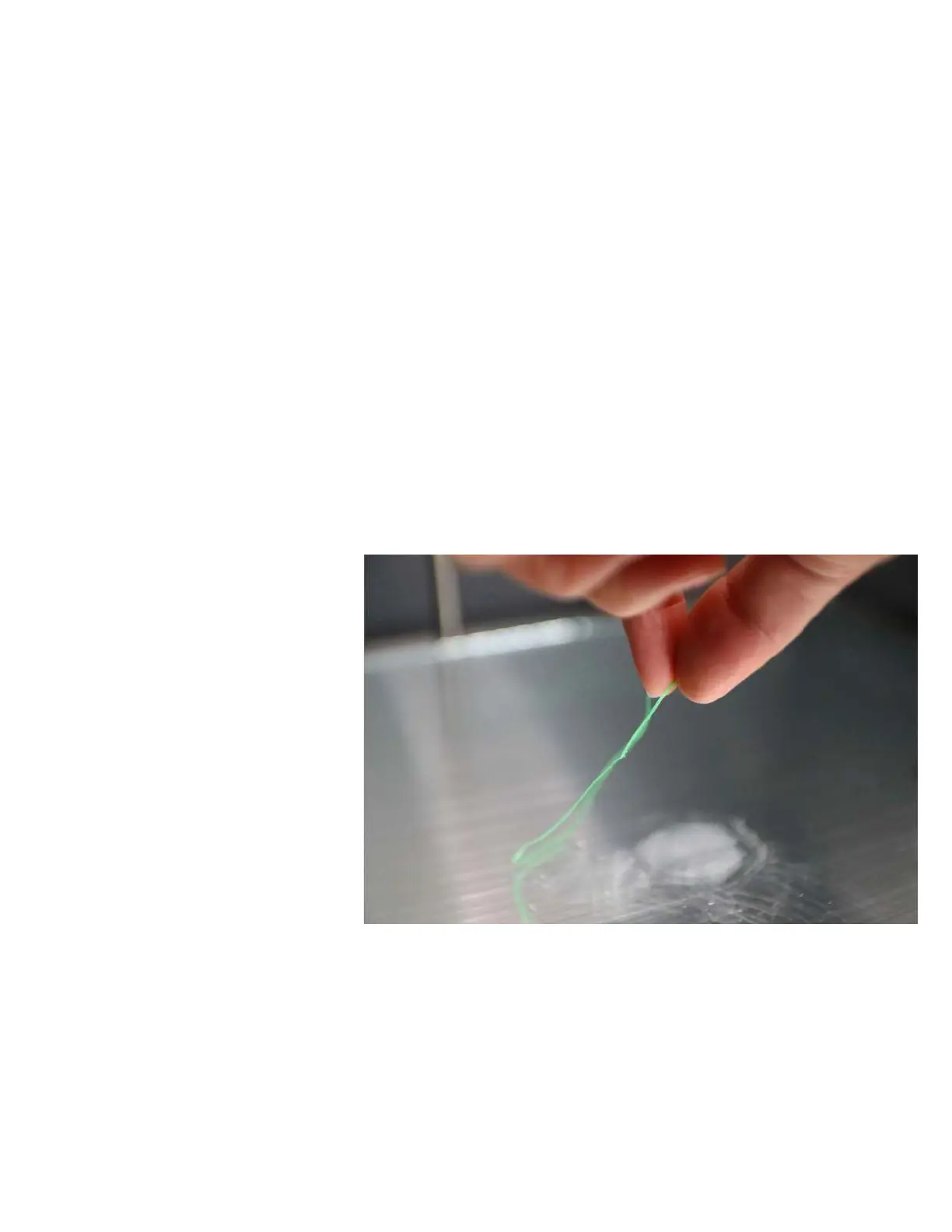
1. Remove the print skirt from
around where the object was
printed.



 To Next Page