1818
1818
18
ASSEMBLY & ADJUSTMENT
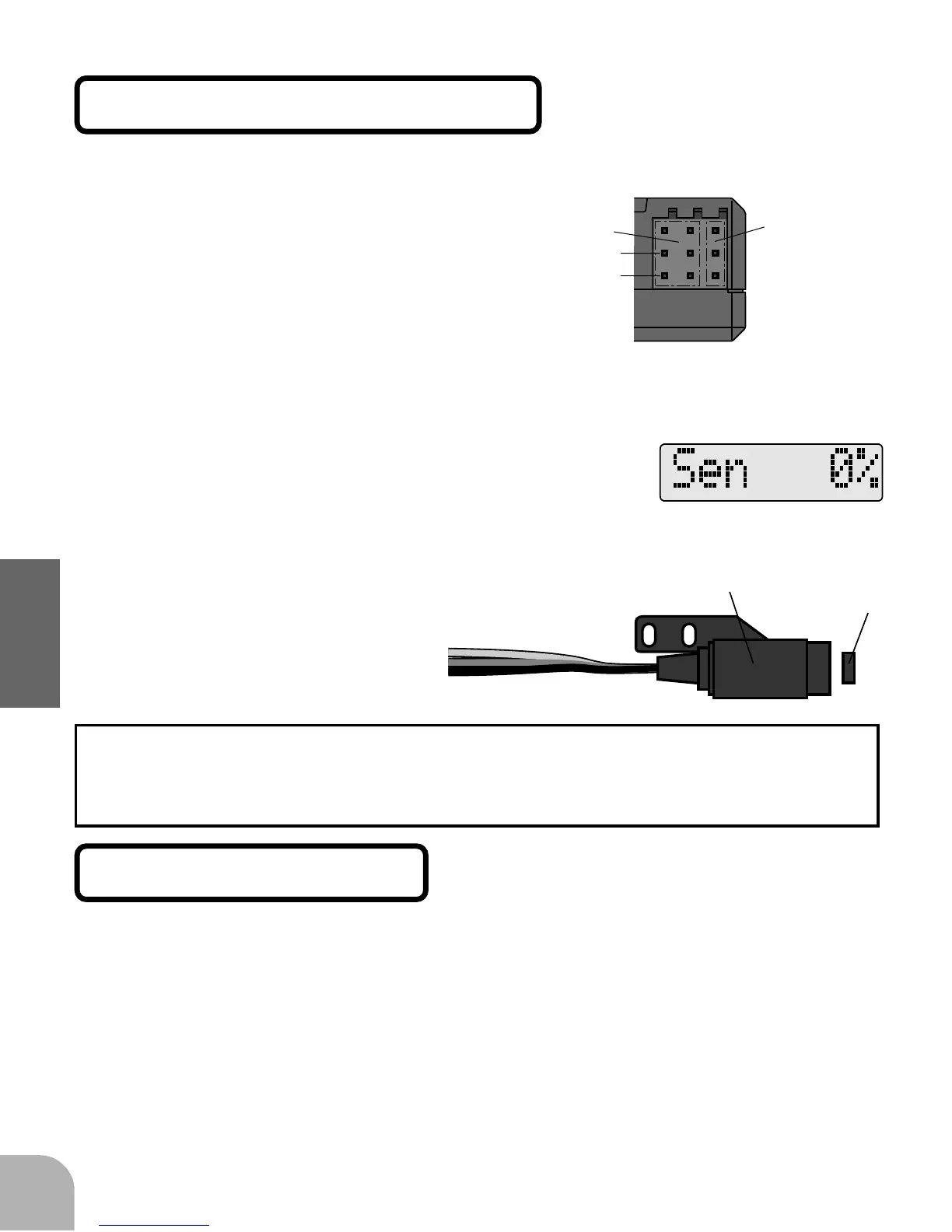
Magnet direction check
(Magnet operating side check)
When a battery is connected to the servo
connectors, the control amp is activated.
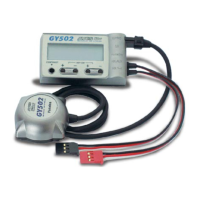
(Control amp)
+
-
Servo
connectors
Sensor
connectors
Sensor
Magnet
1Connect the sensor to
the control amp.
2Connect a battery di-
rectly to one of the servo
connectors.
3Press the FUNC+ or FUNC- key
until the "sensor percentage"
screen is displayed
4Bring the magnet near the end
of the sensor and check the op-
erating side.
This is the side at which the displayed value increases. Install the magnet
with this side facing the sensor. Mark this side of the magnet with a felt tip
pen.
Sensor mounting
The sensor mounting method depends on the helicopter and engine.
1Mount the sensor to the sensor stay. (Temporary
assembly)
2Drill a hole in the fan cover at the part correspond-
ing to the sensor so that the distance between the
sensor and magnet can be made 1 to 2mm.



 To Next Page