8M093X01 R1.0 15
Automated VR Activation (AVRA)
The AVRA option enables automated DVR-LX ON/OFF control triggered by an external
switch – portable charger, door switch etc.
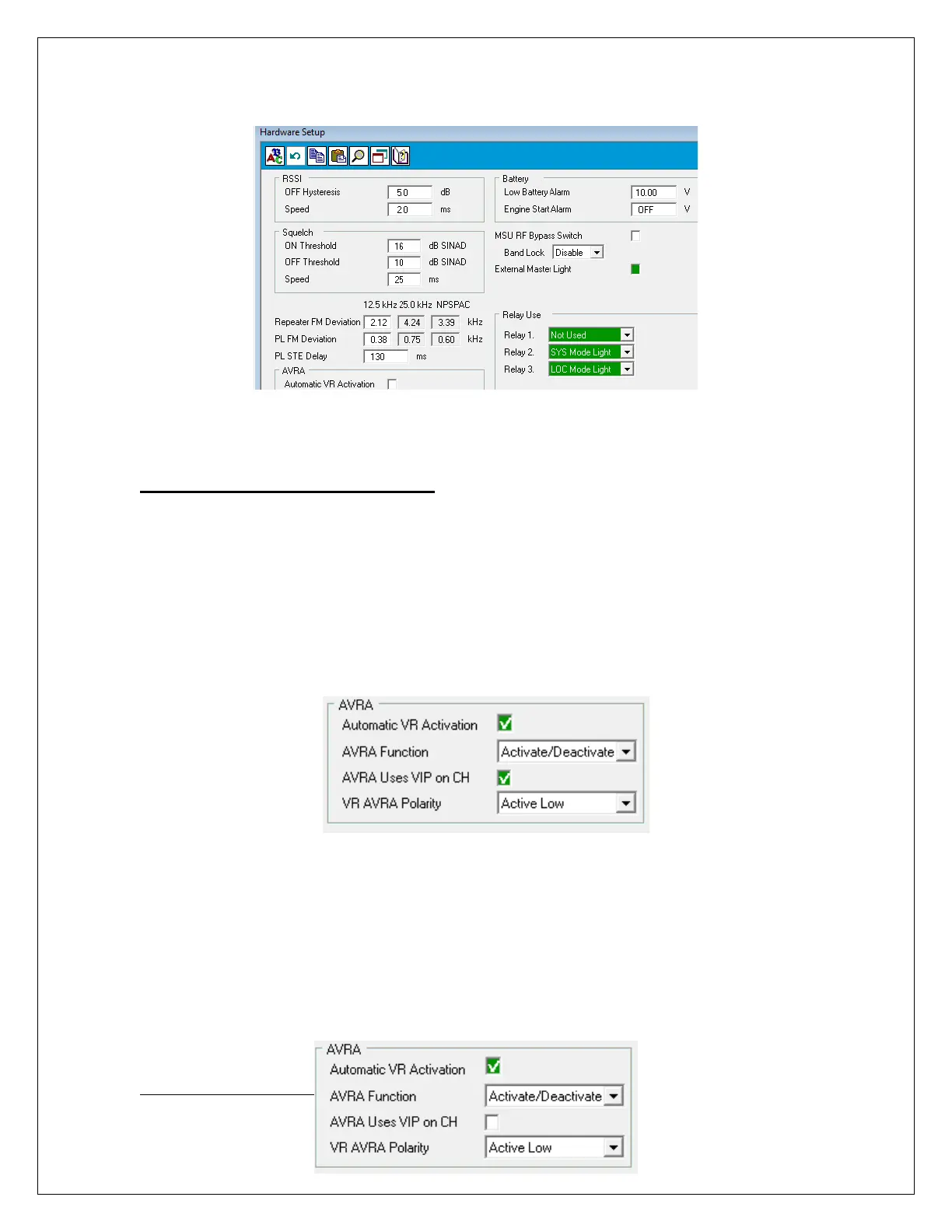
To enable AVRA operation, the following must be configured via FRC in the Hardware
Setup menu:
Option 1: Connected to VIP Input on MSU Control Head or DEK
• Automatic VR Activation = checked
• AVRA Uses VIP on CH = checked
NOTE: Corresponding VIP I/P must be enabled in the MSU
.
Figure 8: AVRA VIP Configuration
Option 2: Connected to DVR-LX Auxiliary Cable
• Automatic VR Activation = checked
• AVRA Uses VIP on CH = unchecked
NOTE: The MSU does not require special programming related to the
enabling of this option.



 To Next Page