Operators and Technicians Manual
© 2006 – 2007 FutureLogic, Incorporated. All Rights Reserved. MNL Page 5 of 29 12/06/2007
MNL-000030 REV.X07
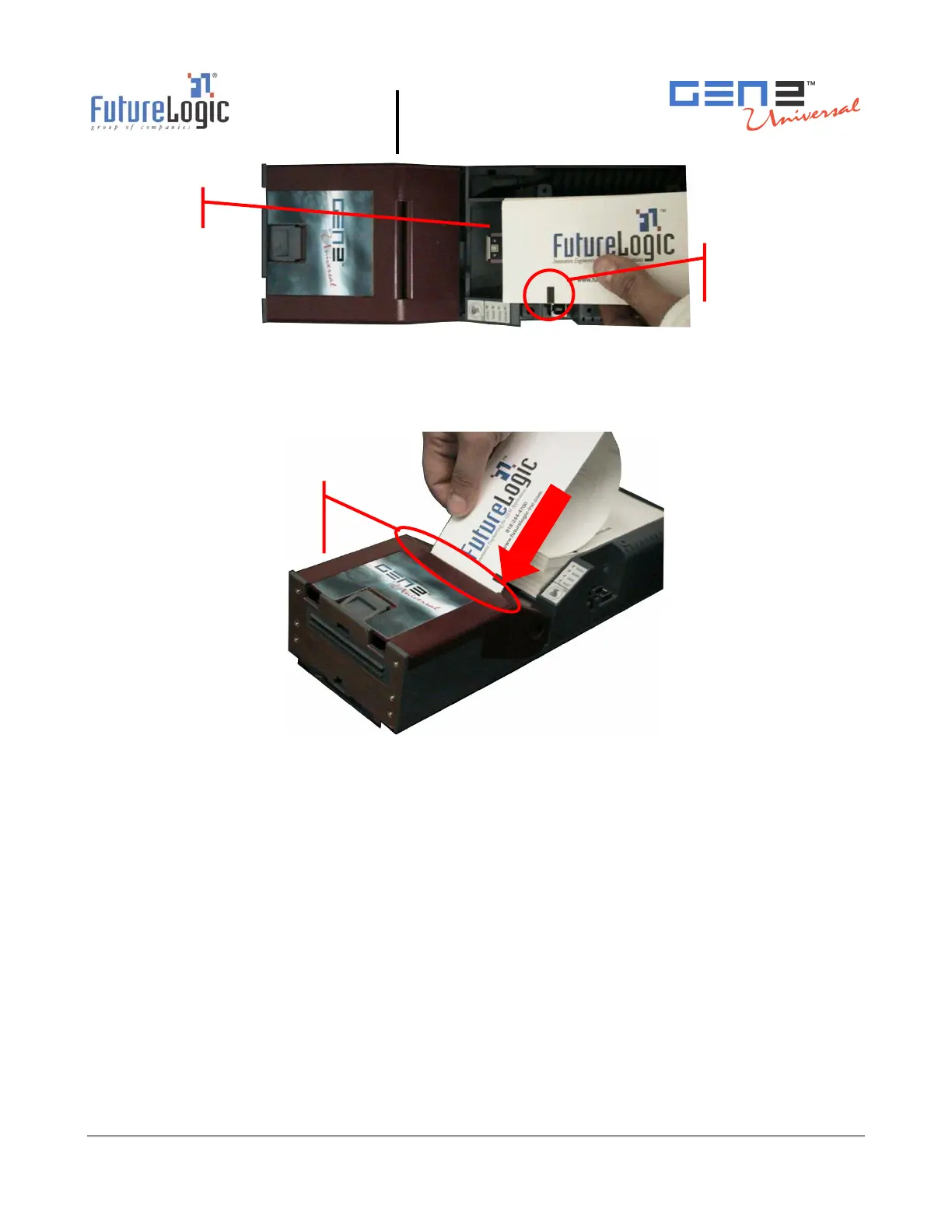
Figure 2-2 Load a Paper Stack
3. Feed the paper into the Paper Loading Slot and release it once the motor engages and the printer
takes hold of the paper.
The printer automatically pulls through a form or two, leaving it registered at the top of a form.
Figure 2-3 Feed Paper into Paper Loading Slot
4. Remove any excess ticket(s) from the printer.
Feeding Paper
The printer is designed to run with black mark indexed paper.
Use the FEED button to feed paper into printer. Press the FEED button to advance the paper to the
top of the next form.
Performing a Self Test
Press the FEED button during power up or reset to run a self test. This self test prints a
configuration ticket if the test passes successfully. The test ticket (illustrated in
Figure 2-4) contains
important information on how the unit is configured.
Pape
Loadin
Slot
Paper Tray
Black Index
Mark



 To Next Page