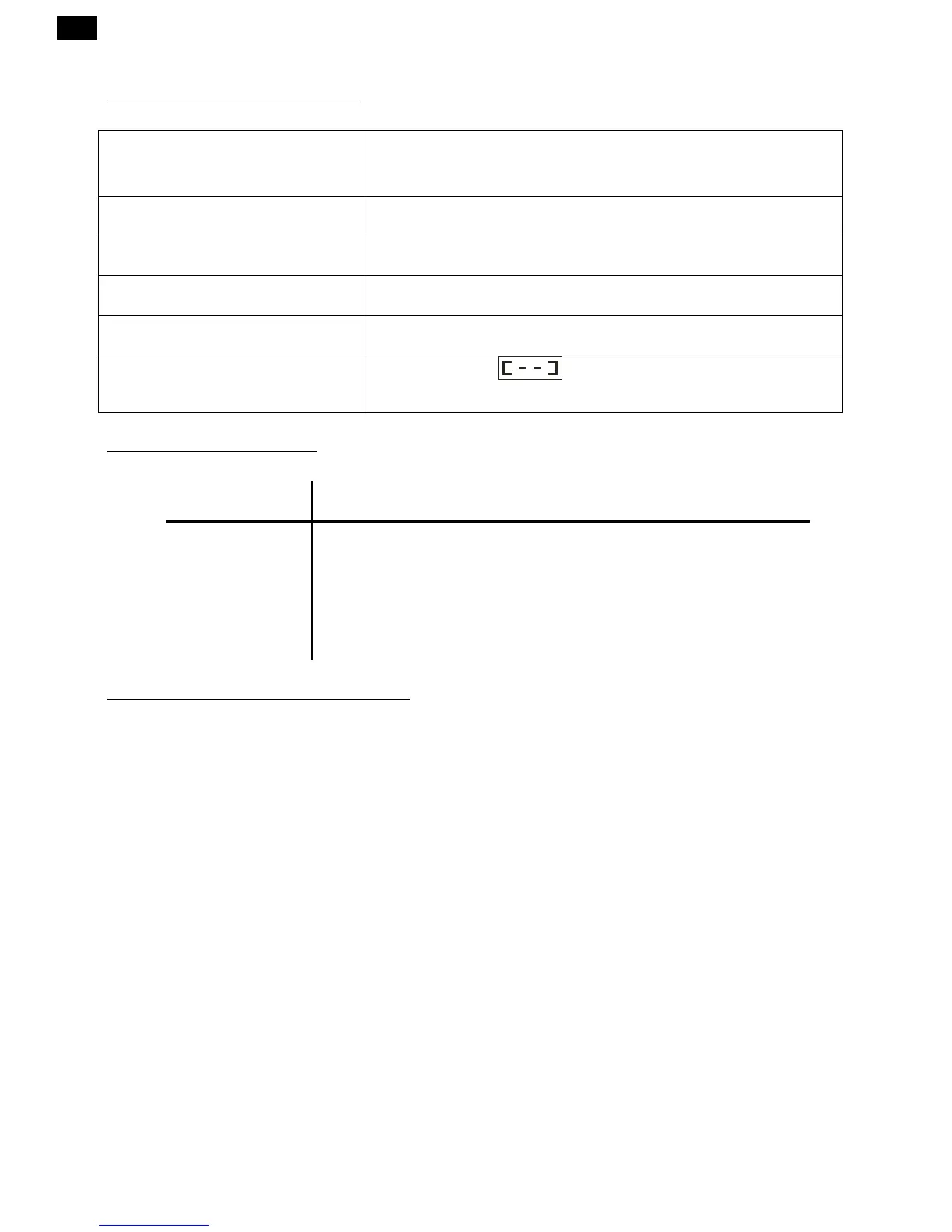
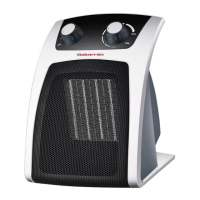
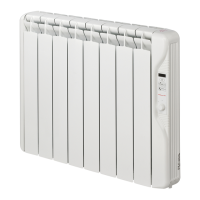
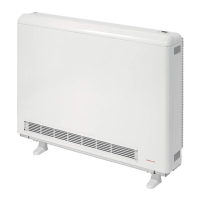
The panel heater radiator does not heat.
Check the heater or the air inlets are not covered.
If the display shows the time, press the key to switch on the heater.
Check that the DAY or NIGHT temperatures are right.
The room does not reach the required
temperature.
Check the selected temperature is in accordance with the desired
temperature. Maybe the room needs more heating power.
DAY and NIGHT luminous indicators are
lit at the same time
Sun Manual Override has been configured.
Hold the Sun key for 4 seconds to return to the programming.
The display shows “Err1” or “Err2”
Contact the after sales service.
The controller is in single 24hr mode (factory default). See WEEKLY
PROGRAMMES section to switch to 24hr/7days mode.
The keyboard does not respond.
If the display shows , the keyboard is locked. To unlock it, press
the key more than six seconds.


 To Next Page