Pilot’s Guide G7490-07
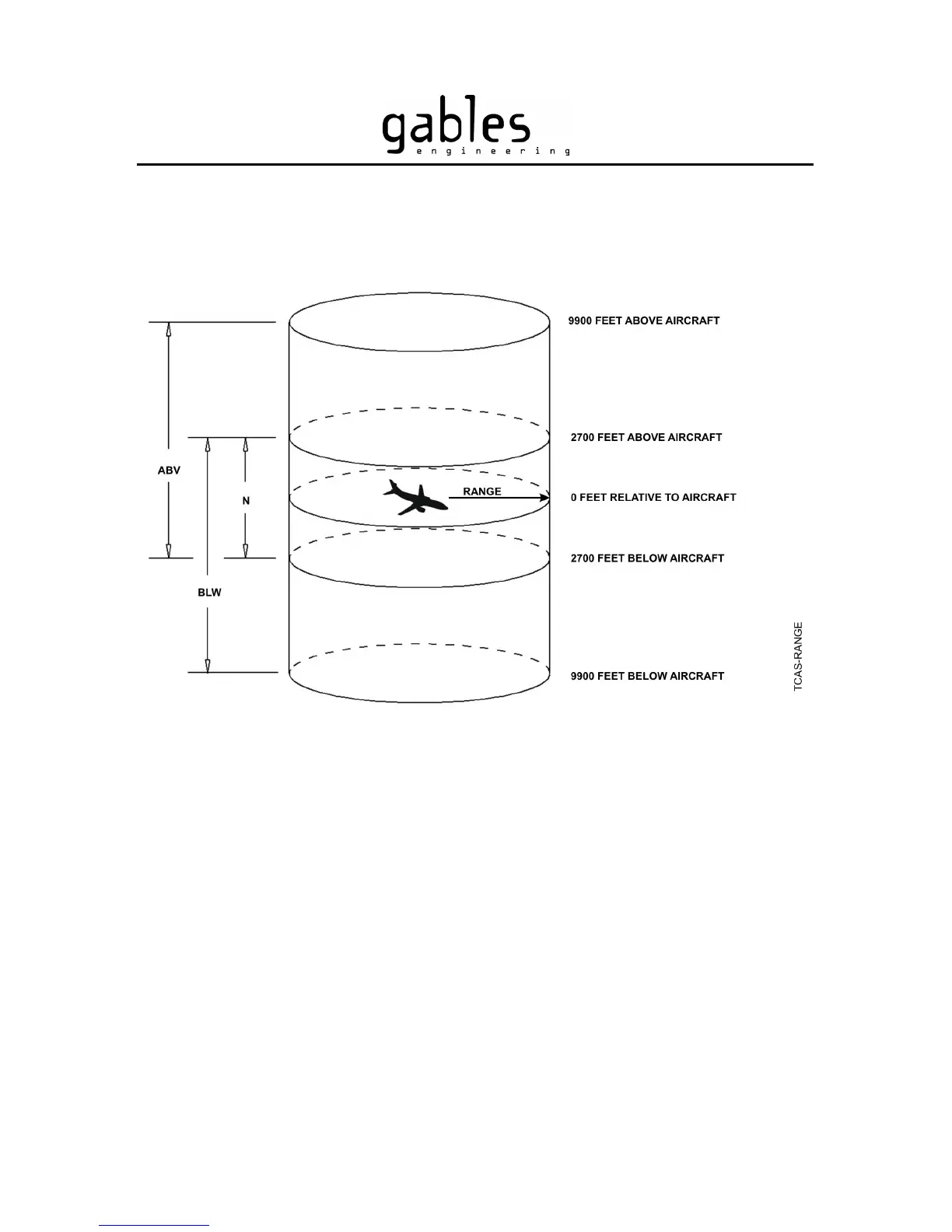
Figure 16 – Altitude Display Modes
Selecting the TCAS Display Range
To increase the TCAS display range, push the RNG+ button. The range can be set to 5,
10, 20 or 40 nautical miles (nm). The RNG+ has no effect once the display shows
“RANGE 40” (there is no wrap around). To decrease the TCAS display range, push the
RNG- button. The RNG- button has no effect once the display shows “RANGE 5”.
Figure 17 shows the sequence when changing the TCAS display range.
G7490-07 Pilot’s Guide Rev 01
COPYRIGHT © Gables Engineering, July 28, 2004
Page 14 of 17


 To Next Page