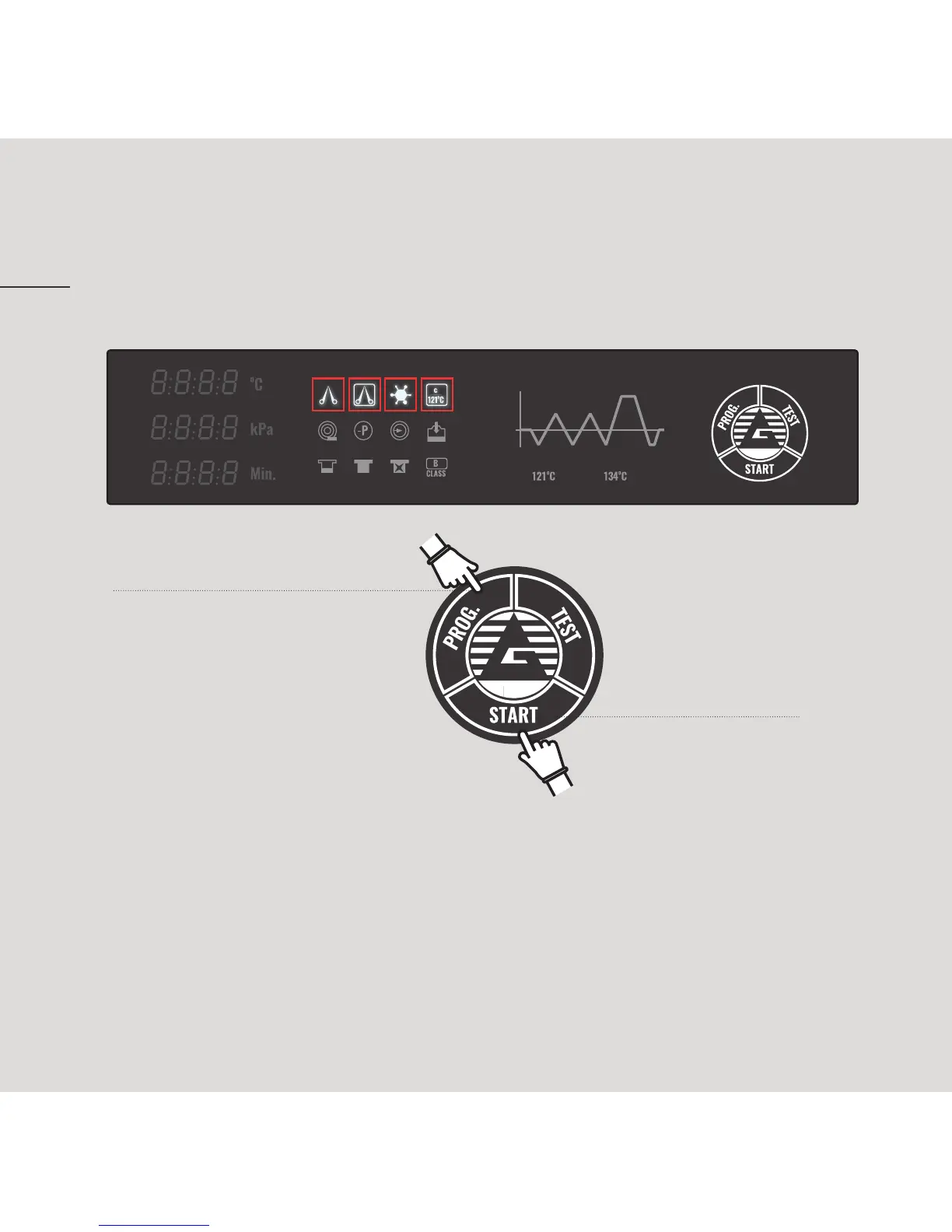
SET UP STERILIZATION PROGRAM
14
1. To set up a sterilization program
press “PROG” button. When a
sterilization program has been set
up by “PROG.” button, its related
signal brightens. To change steri-
lization program go on pressing
“PROG” button until the chosen
signal program brightens.
2. Once the sterilization
program has been
selected, press “START”
button to confirm.
3. Once the program has been selected and started, a sound indicating door
safety closure will be heard and the sterilization program will start.


 To Next Page