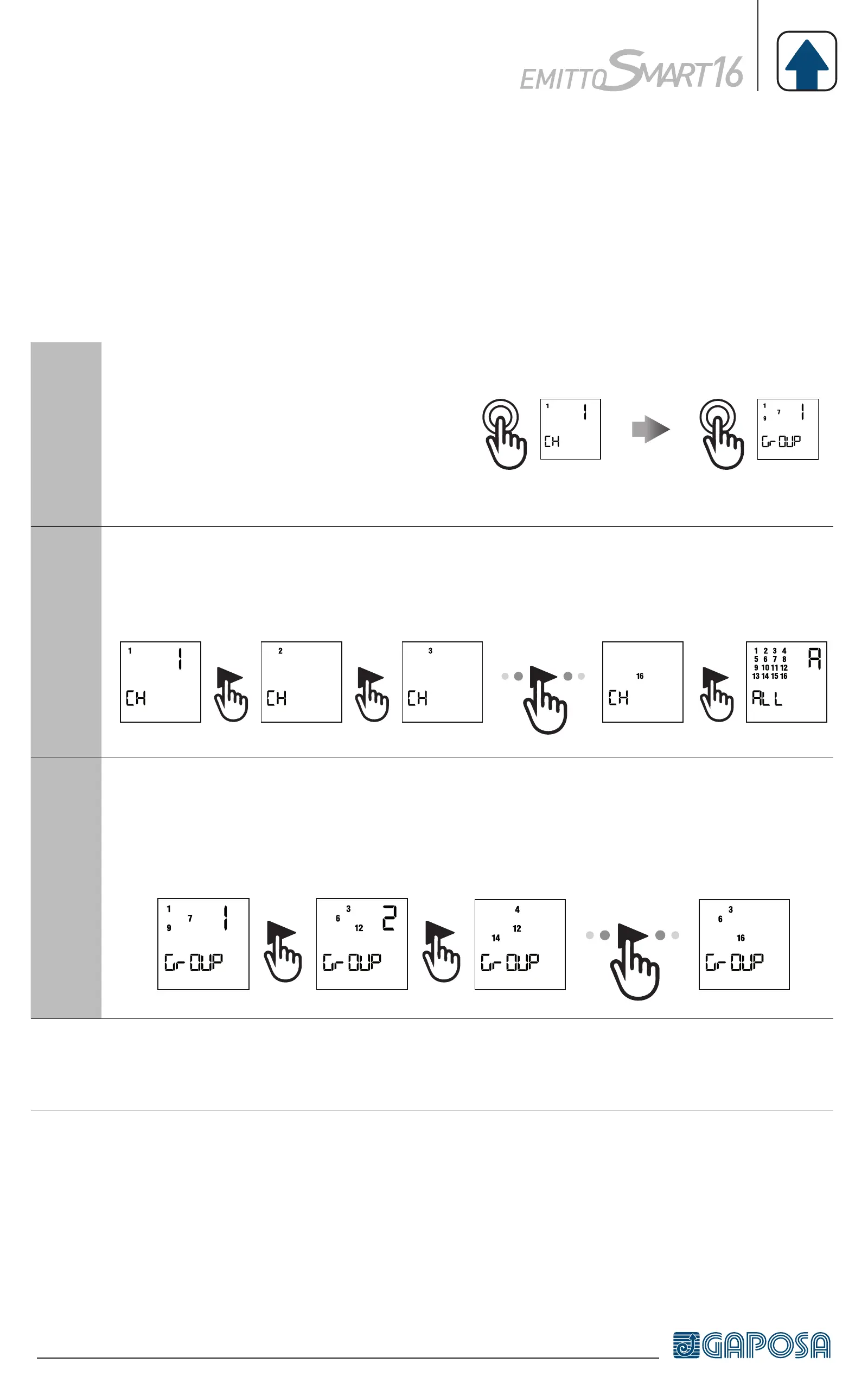
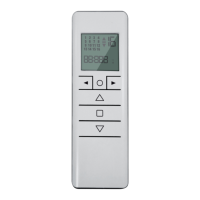
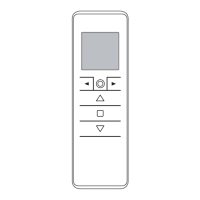
SELECTING A CHANNEL/GROUP
1
When pressing the circle button
sequentially the modes can be
switched from single channel
control mode to group control
mode.
A
Single channel control mode: scroll the channels with the arrow buttons
(◄ / ►). Each channel is identified by a number.
2 3
16
B
Group control mode*: the first group to appear is the all channels group.
Scroll through the pre-made groups with the arrow buttons (◄ / ►).
Each group is identified by a number.
3
8
*Note: Only the groups that have been created previously will appear. No groups
will appear if groups have not been created previously.
PROGRAMMING


 To Next Page