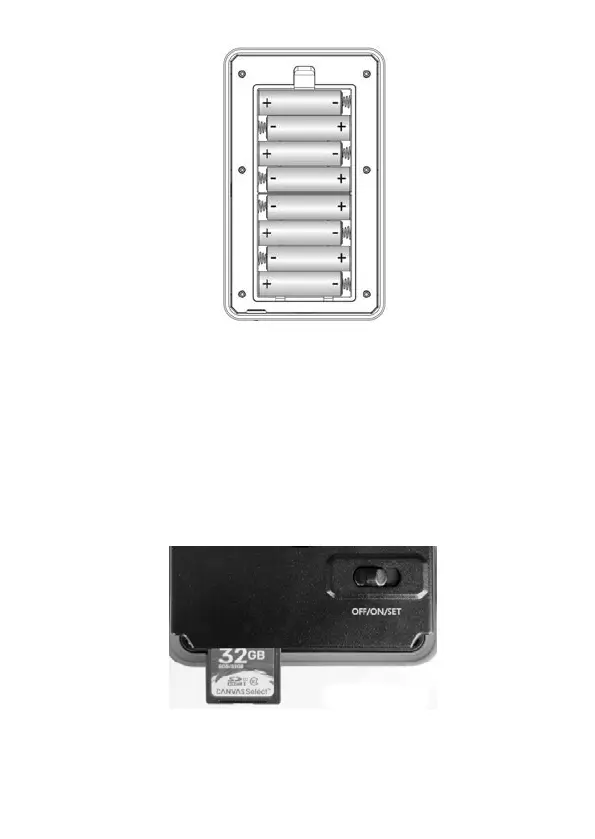
Figure 6: Loading the Batteries
5.2. INSERTING THE SD CARD
Insert the SD card (with the camera's power switch in the OFF
position) before beginning to operate the camera. Don't insert or
remove the SD card when the power switch is in the ON or
SET position. The camera uses a regular memory card to save
photos (in .jpg format) and/or videos (in .mp4 format). SD and
SDHC (High Capacity)/SDXC cards up to a maximum 128GB
capacity are supported (Figure 7).
Figure 7: Inserting the SD Card
The following describes how to insert and remove the SD card:
Insert the SD card into the card slot with its label side
一



 To Next Page