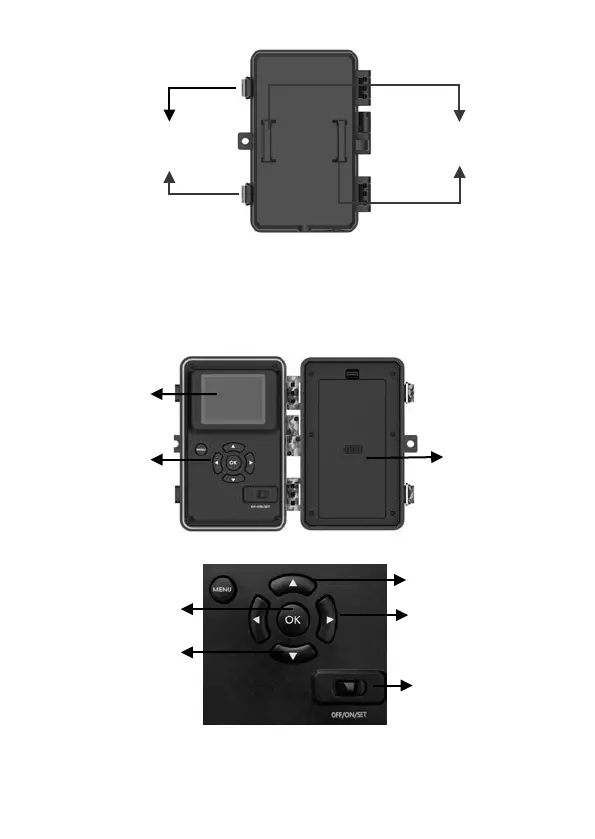
Figure 3: Back View
The camera has a 2.31-inch built-in LCD screen, which can be
used for reviewing pictures or videos and menu displaying, and
unique keypad design for easy program and operation, 8 AA
batteries slot supported (Figure 4).
Figure 4: Inside View
Figure 5: Operation Buttons and Shortcut
A 3-way power switch is used to select the main operating
Manual Shutter
("SHOT")
Video Mode
Camera Mode
Playback Mode
Compartment
and Cover



 To Next Page