EasyManua.ls Logo

Garmin 2515 - User Manual

Garmin 2515
92 pages
Print Icon
To Next Page IconTo Next Page
Loading...
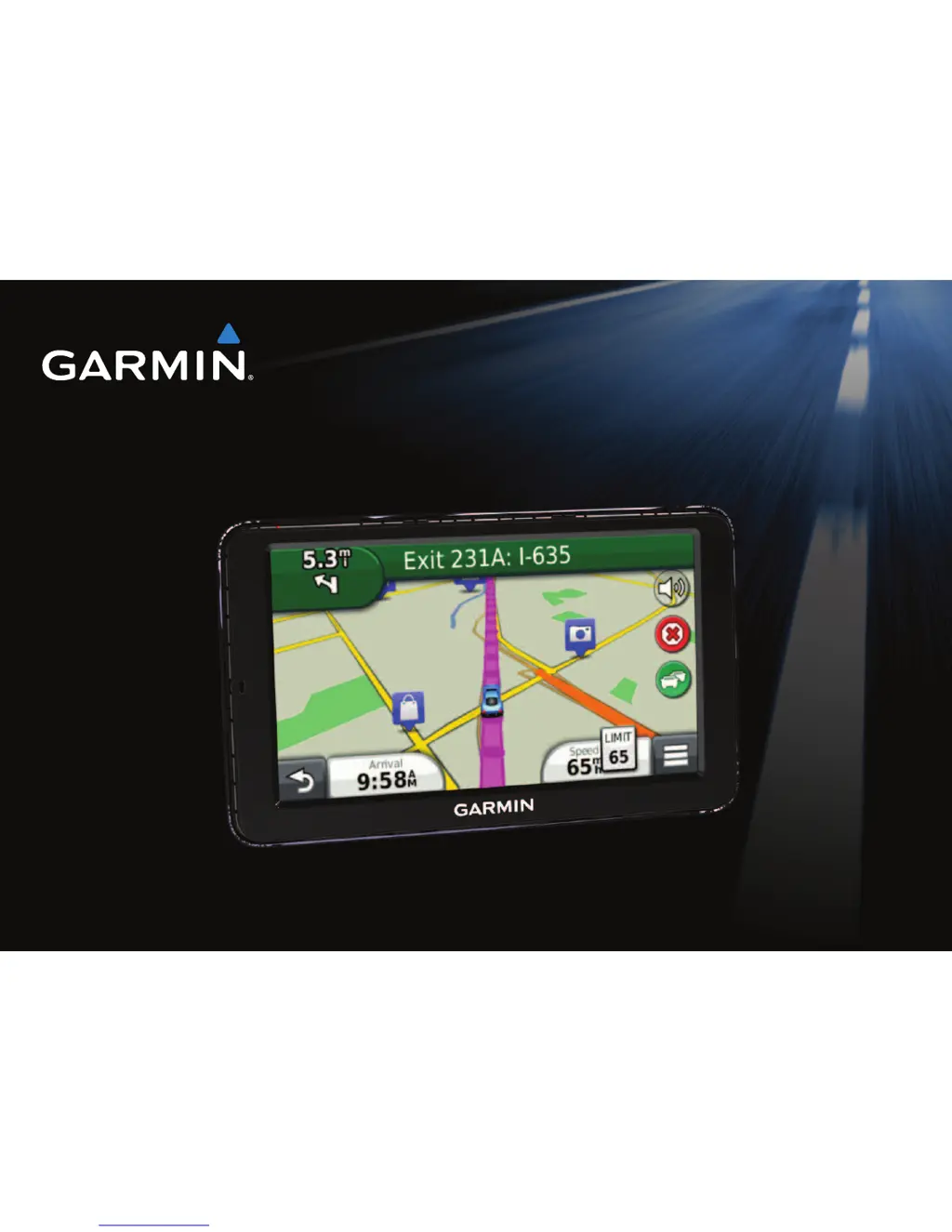
nüvi 2505 Quick Start Manual 1
nüvi
®
2505 series
quick start manual
n
üvi models: 2515, 2545, 2555, 2565, 2595
September 2011 190-01356-01_0B Printed in Taiwan

Table of Contents

Questions and Answers

  • V
    Veronica HillAug 7, 2025
    What to do if my Garmin 2515 device is not acquiring satellite signals?
    • M
      Michael MurrayAug 7, 2025
      First, ensure the GPS simulator is turned off by going to Settings > System > GPS Simulator from the main menu. Then, move your Garmin GPS device out of parking garages and away from tall buildings and trees. Remain stationary for several minutes to allow it to acquire satellite signals.
  • J
    Jason HuertaAug 11, 2025
    Why does my Garmin 2515 device not charge in my vehicle?
    • D
      Derrick WileyAug 12, 2025
      There are several reasons why your Garmin GPS device might not be charging in your vehicle. First, check the fuse in the vehicle power cable. Next, verify that your vehicle is turned on and supplying power to the power outlet. Finally, remember that your device can only charge between 32°F and 113°F (0°C and 45°C). If the device is in direct sunlight or a hot environment, it cannot charge.
  • J
    Jennifer AdkinsAug 16, 2025
    What to do if my Garmin GPS device is connected to the computer, but it will not go into mass storage mode?
    • D
      Dr. Kayla JohnsonAug 16, 2025
      If your Garmin GPS device won't go into mass storage mode, try these steps: 1. Disconnect the USB cable from your computer. 2. Turn off the device. 3. Plug the USB cable into a USB port on your computer and into your device. The device automatically turns on and goes into USB mass storage mode. 4. Verify your device is connected to a USB port and not a USB hub.
  • W
    Whitney LeeAug 20, 2025
    What to do if my Garmin GPS phone will not connect to the device?
    • A
      Ashley TerryAug 20, 2025
      If your phone won't connect to your Garmin GPS device: * From the main menu, select Settings > Bluetooth. Ensure the Bluetooth field is set to Enabled. * Turn on your phone and bring it within 33 feet of the device.
  • L
    Luke GayAug 25, 2025
    Why does my Garmin GPS battery gauge not seem accurate?
    • K
      Kim LawsonAug 25, 2025
      If your Garmin GPS battery gauge seems inaccurate, allow the unit to fully discharge, and then fully charge it without interrupting the charge cycle.
  • F
    frazieranthonyAug 29, 2025
    How to fix Garmin 2515 GPS suction cup that will not stay on my windshield?
    • C
      Christopher JordanAug 29, 2025
      To fix a suction cup that won't stay, clean both the suction cup and your windshield with rubbing alcohol. Dry them with a clean, dry cloth. Then, mount the suction cup.
  • M
    Michael HughesSep 2, 2025
    What to do if I cannot see any new removable drives in my list of drives for Garmin 2515 GPS?
    • G
      gonzalezthomasSep 2, 2025
      If you have several network drives mapped on your computer, Windows can have trouble assigning drive letters to your Garmin GPS device drives. Refer to your operating system Help file to learn how to map or assign drive letters.

Garmin 2515 Specifications

General IconGeneral
Display Resolution480 x 272 pixels
TouchscreenYes
Custom POIsYes
Lane AssistYes
Junction ViewYes
Speed Limit IndicatorYes
Voice PromptsYes
Display Size5.0" (12.7 cm)
Preloaded MapsYes (North America)
Traffic UpdatesYes (via Smartphone Link app)

Videos

How To Replace Your Garmin Nuvi 2515 Battery

Related product manuals