2 Fishnder 350C Owner’s Manual
Getting Started
WARNING
See the Important Safety and Product Information beginning on page 10 for product
warnings and other important information.
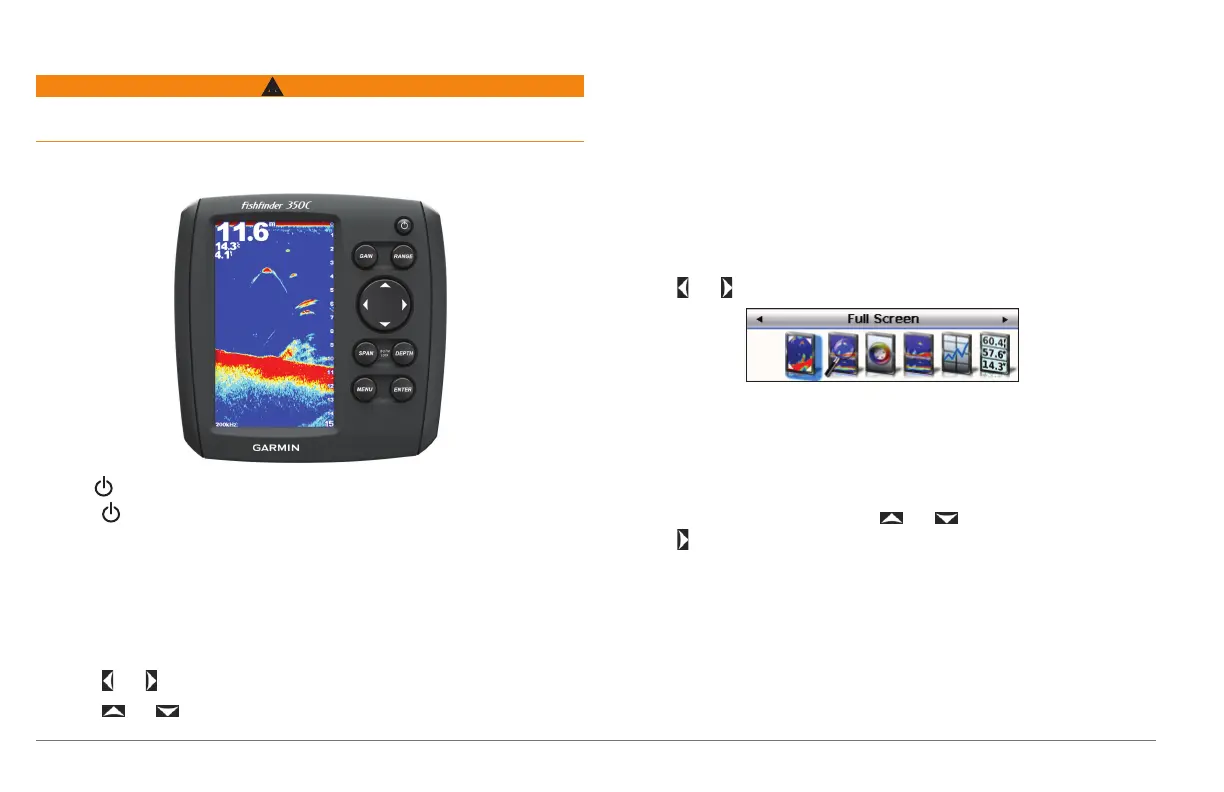
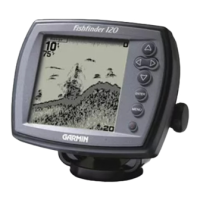
Using the Device Keys
• Hold to turn the device on and off.
• Press to adjust the backlight.
• Press GAIN to control the level of detail shown on the sonar views.
• Press GAIN twice to open the gain menu, which allows you to automatically
adjust the gain.
• Press RANGE to adjust the depth of water shown on the sonar view.
• Press RANGE twice to open the range menu, which allows you to automatically
adjust the range.
• Press and to scroll left and right and to highlight options.
• Press and to scroll up and down and to highlight options.
• Press SPAN to adjust the height of the water shown on the sonar view when
you zoom.
• Press SPAN twice to open the zoom menu, which allows you to automatically
adjust the zoom and bottom lock.
• Hold SPAN and DEPTH to enable bottom lock, which locks the sonar view to
the bottom of the water.
• Press DEPTH to select the depth shown when you zoom.
• Press MENU to show or hide lists of options.
• Press ENTER to select an item or make a selection.
Opening the Pages
1
Select and from any page.
TIP: You can also select MENU > Pages.
2
Select the page to open.
Entering Numerical Values
You can enter numerical values when setting alarms or setting an offset.
1
Select the value of the rst digit using and .
2
Select to advance to the next digit.
3
Repeat steps 1 and 2 to adjust the value of all digits.
190-01440-00_0B.indd 2 3/21/2012 1:00:05 PM









 To Next Page