6
Viewing the Main Pages
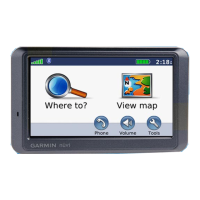
Touch View map to open the Map page. The vehicle icon shows your current
location. Touch the map and drag to view different parts of the map. Touch anywhere on the
map; an arrow appears pointing at the object.
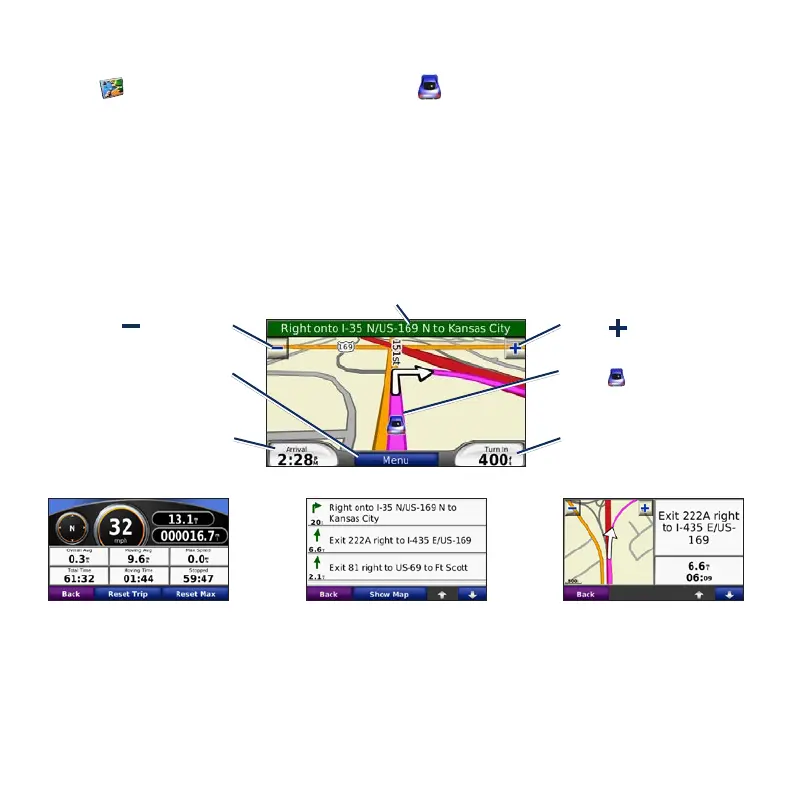
After you touch Go, the Map page opens. Your route is marked with a magenta line. As you
travel, your nüvi guides you to your destination with voice prompts, arrows on the map, and
directions at the top of the Map page. A checkered ag marks your destination. If you depart
from the original route, your nüvi recalculates the route and provides new directions.
Touch to save your
current location.
Map Page while Navigating a Route
Touch Arrival or Speed to
open the Trip Information.
Touch Turn In to view the
Next Turn.
Touch the text bar to open the Turn List.
Touch to zoom out.
Touch to zoom in.
Touch Menu to return to
the Menu page.
Turn List Next TurnTrip Information









 To Next Page