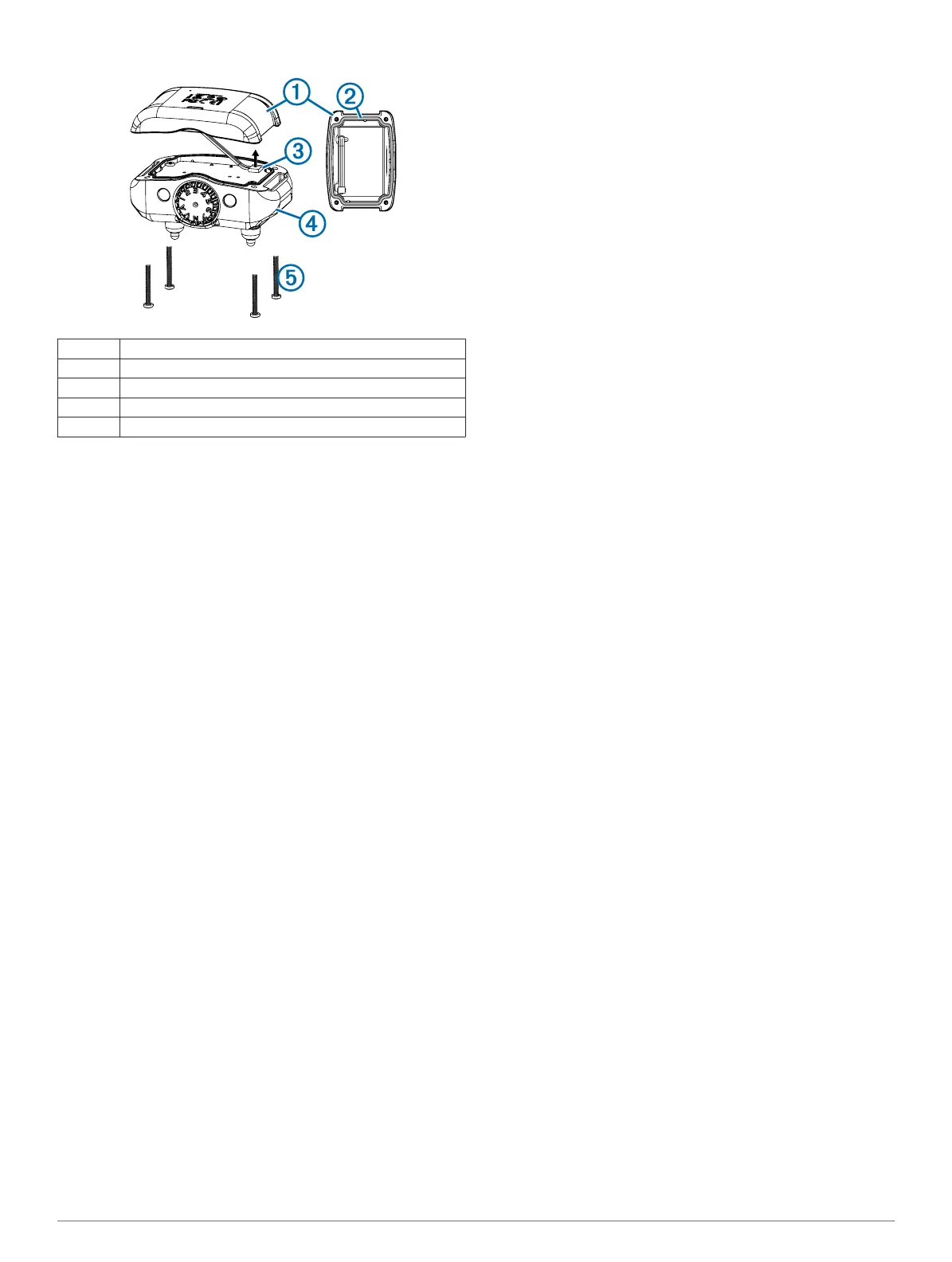
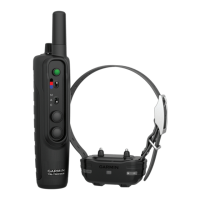
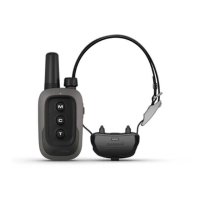
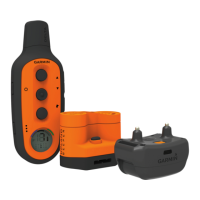
BarkLimiter Deluxe Components
À
Battery assembly
Á
Gasket
Â
Battery connector
Ã
Device
Ä
Security screws
Replacing the BarkLimiter Deluxe Battery Assembly
Before you replace the battery, you must remove all dirt, water,
and debris from the device. You also need the security
screwdriver included with the new battery assembly.
You can purchase a replacement battery assembly at
http://buy.garmin.com or from your Garmin dealer. The battery
assembly includes a pre-assembled back plate with a gasket,
battery, and battery connector.
1
Remove the four security screws from the corners of the
device.
2
Lift up the battery assembly.
3
Disconnect the battery connector from the device.
TIP: You should grip the wires close to the connector and
pull the connector outward from the circuit board.
4
With the new battery assembly, connect the battery
connector to the device.
When properly installed, the connector plug snaps into the
port and the top face of the connector plug is flush with the
edges of the port.
5
Verify that the gasket is not damaged and that it is
completely seated in the groove.
6
Hold the battery assembly and the device firmly together,
and replace all four security screws without tightening.
7
Verify that the battery assembly and the device are aligned
with no gaps.
8
Tighten the screws evenly.
Getting More Information
You can find more information about this product on the
Garmin
®
website.
• Go to www.garmin.com/outdoor.
• Go to www.garmin.com/learningcenter.
• Go to http://buy.garmin.com, or contact your Garmin dealer
for information about optional accessories and replacement
parts.
Registering Your Device
Help us better support you by completing our online registration
today.
• Go to http://my.garmin.com.
• Keep the original sales receipt, or a photocopy, in a safe
place.
4 Device Information


 To Next Page