Forerunner210QuickStartManual 3
2. Plug the AC adapter into a standard
wall outlet.
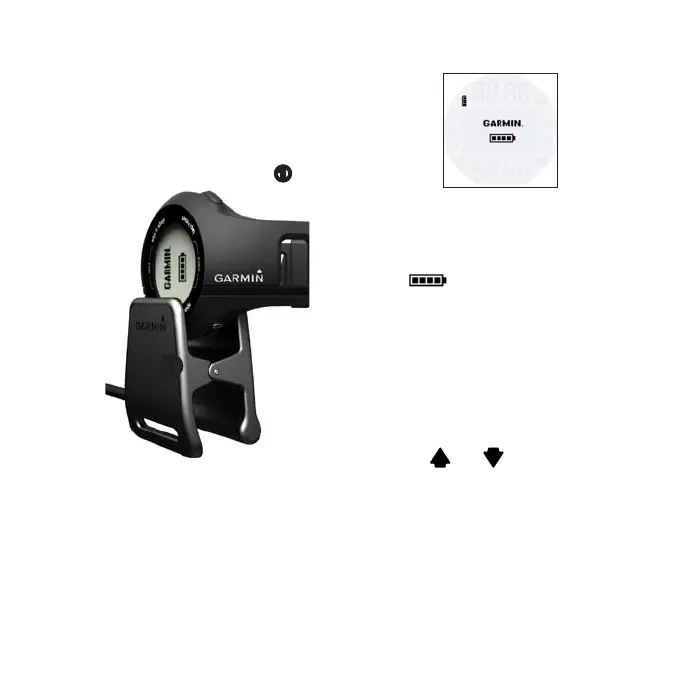
3. Align all four contacts on the back
of the Forerunner with the four
posts on the charging clip
➊
.
➊
When you connect the Forerunner
to a power source, the Forerunner
turns on, and the charging screen
appears.
4. Charge the Forerunner completely.
When the Forerunner is fully charged,
the animated battery on the screen is
solid ( ).
The rst time you use the Forerunner,
you are prompted to choose your
system settings.
• Press and to view choices
and change the default selection.
• Press to make a selection.















 To Next Page